- 83 -
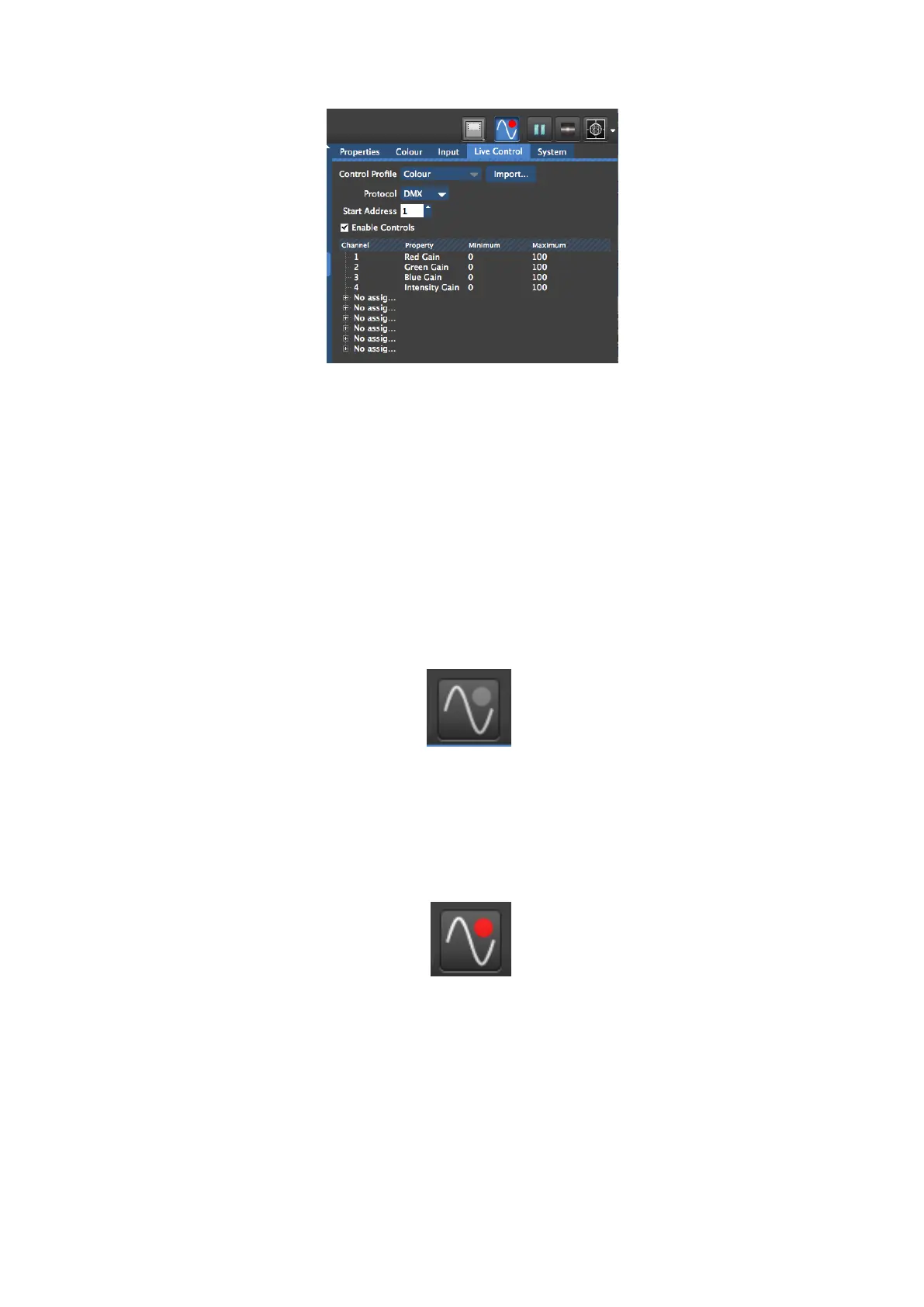
Figure 9-4. Live Control Tab and icon
Live control can be enabled by checking the box marked Enable Controls or by clicking on
the live control icon. The icon will appear blue when Live Control is enabled. Once Live
Control is enabled any parameters included in a selected Control Profile will go to the value
defined by the incoming DMX or Art-Net signal. When Live control is disabled the parameters
will return to the value set by the GUI before DMX was enabled.
The Live Control icon indicates the live control status. This can present in 5 different states.
Figure 9-5. Unconfigured
The grey circle indicates no control profile has been chosen and Live Control is disabled. This
is the default setting for a new Project File.
Figure 9-6. Configured but disabled and not receiving Signal
A Control Protocol has been chosen and the red circle tells us that no data of the selected
protocol is being received. The grey background tells is Live Control is not enabled.



 To Next Page