- 108 -
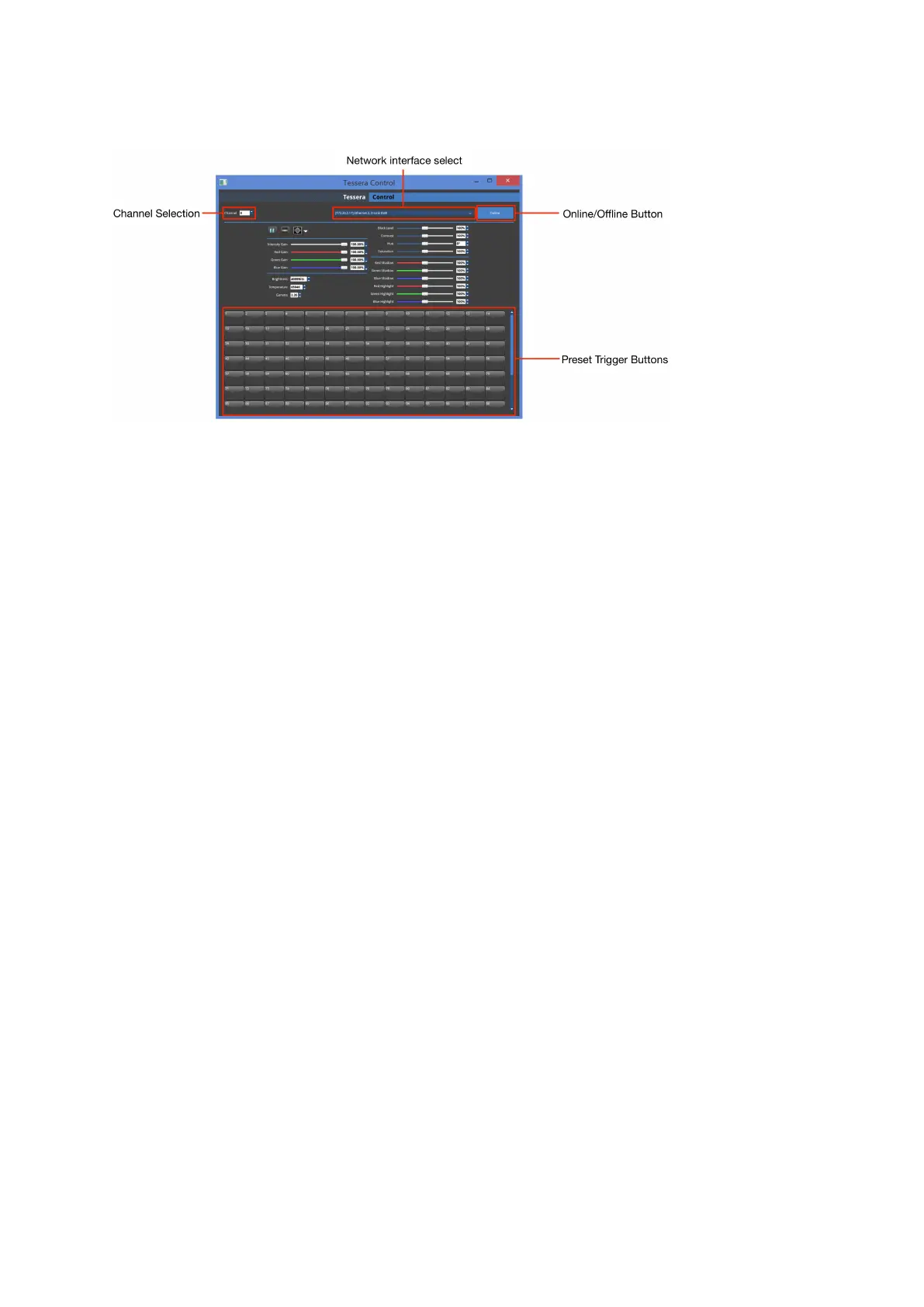
Tessera Control
Figure 11-4. Control application GUI
The Tessera Control application is used to control commonly used parameters such as:
screen brightness, contrast and black level and RGBgain; source selection, test patterns,
freeze and blackout across a number of processors
Processors can be grouped into 'channels' to allow different groups of processors to be
controlled from within one application.
The Tessera Control is installed with the Tessera Remote and can be found in the directory
folder containing the Remote Application.
To use a processor with Tessera Control a control channel must be set and the Tessera
Control protocol must be selected in the Live Control tab.



 To Next Page