- 109 -
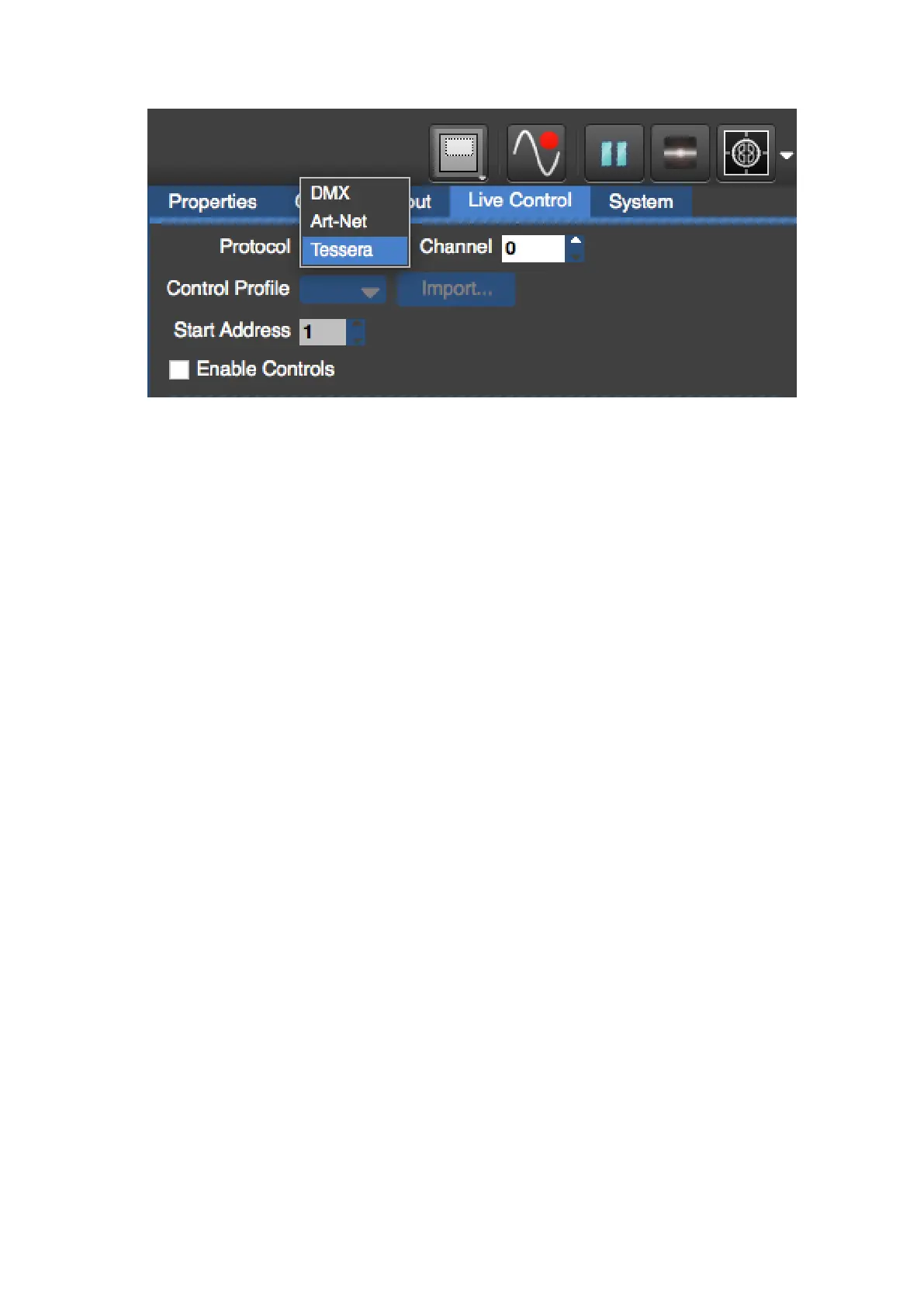
Figure 11-5. Selecting the Tessera control protocol
The Enable Controls check box or the Live Control button must be selected.
To configure the Control Application, the relevant Network Interface should be selected
from the drop down menu on the user interface. Then select the relevant control channel
group you wish to control. Finally, to enable the application the Online button needs to be
selected.



 To Next Page