- 51 -
Beacon
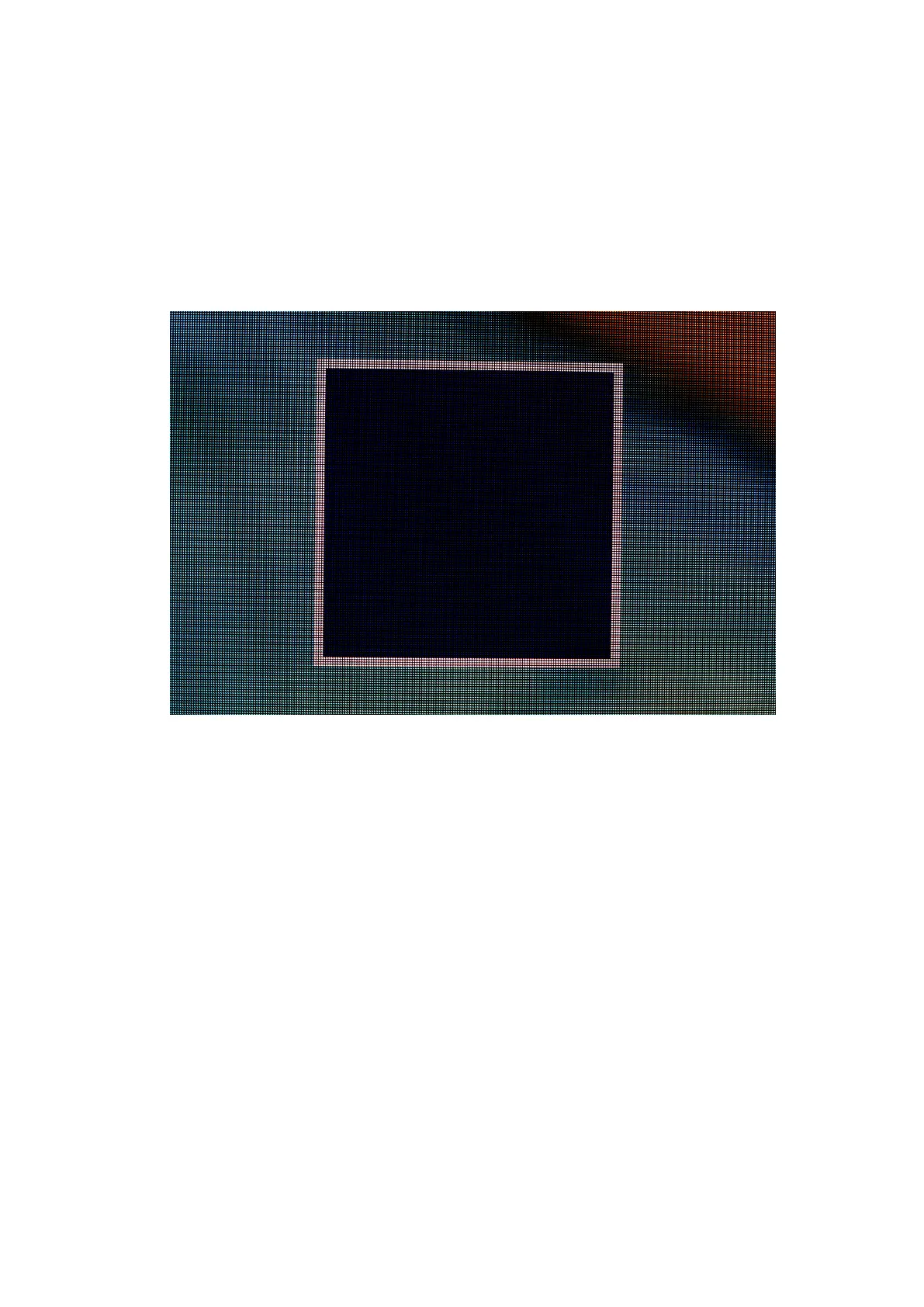
The Beacon button highlights selected fixtures by using the Identify test pattern which
features a white border with a dark blue on each of the selected fixtures. The status LEDs will
also flash on the back of the selected fixtures.
Figure 5-20. ABeaconed panel showing the Identify internal test pattern.
Reset
Reset allows the selected fixtures to be reset
Reload Firmware for Selected Panels
This allows firmware to be uploaded for selected fixtures.



 To Next Page