- 80 -
Chapter 9 - Live Control
Introduction
Live Control allows users to control and modify the colour, video and position parameters of
the processor remotely using DMX or the DMX over Ethernet protocol Art-Net.
These are parameters which would normally be controlled either by adjusting sliders,
selecting options from drop down menus, or in the case of panel position by dragging icons
in the graphic user interface (GUI) of the processor or its remote software.
Live Control can provide flexible control of the Tessera system, ranging from using a DMX
fader desk controlling a single parameter, to controlling multiple groups across several
processors. Live Control can be used to integrate processors into larger control systems and
provide reactive control to external factors such as adjusting panel brightness in outdoor
environments.
Parameters can be controlled either directly, so their values correspond to a DMX channel(s)
or values can be stored into presets and recalled using Live Control.
The following terms defined below will help us to navigate the systems live control
functions.
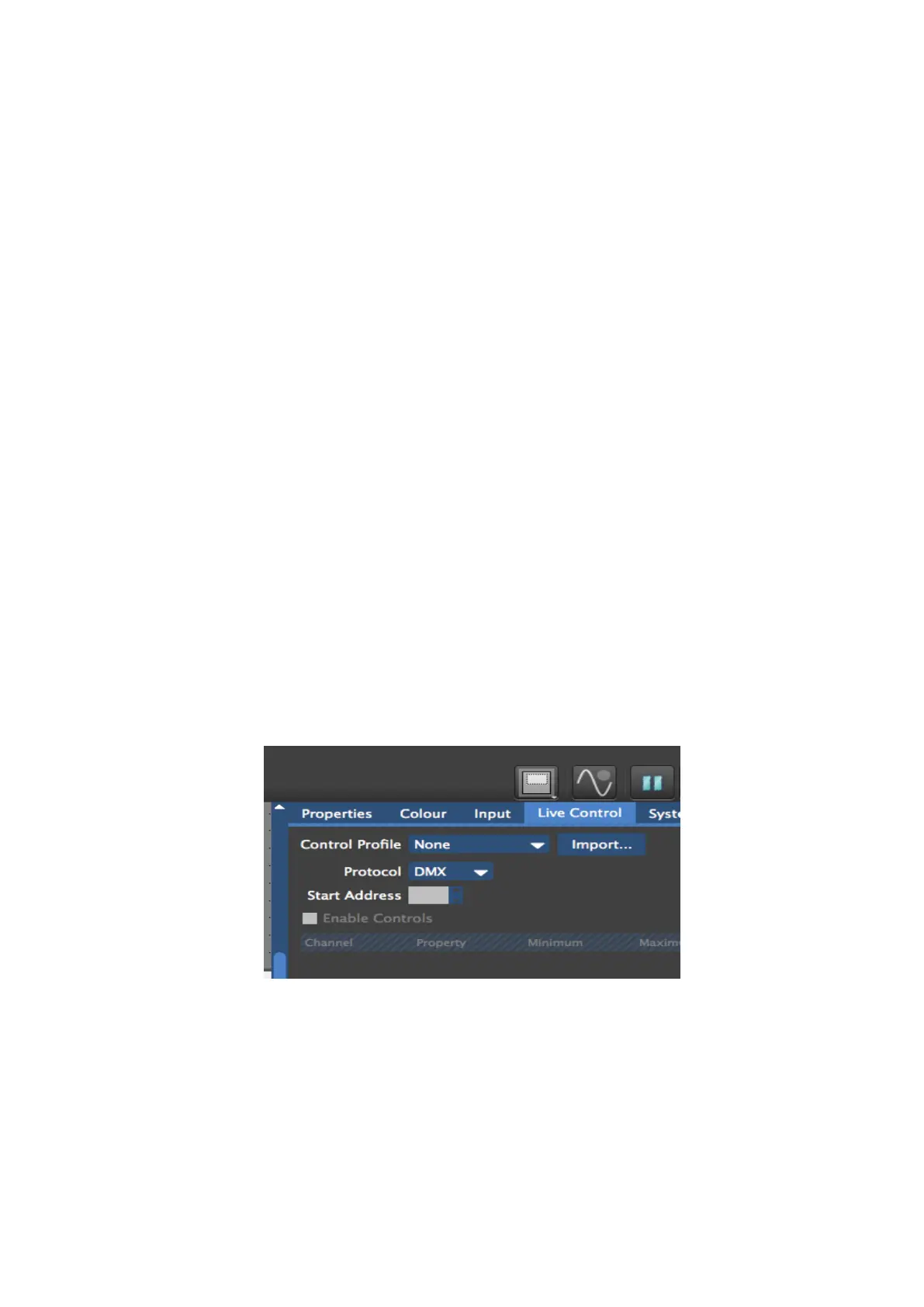
Live Control Tab – Located in the tab bar, the Live Control Tab contains the options used to
configure the processor for Live Control.
Figure 9-1. Live Control Tab
Processor Parameter – Is any parameter on the processor that can be controlled with Live
Control.



 To Next Page