- 78 -
Recording Presets
Before storing a Position preset it is necessary to combine the panels you want to be
controlled into a group (see "Fixture Layout" on page49).
Note: A group can consist of a single panel.
To record a preset:
1. Set the parameters of colour, position or video that you wish to store as a preset and
select or deselect the masking controls: C, P and V.
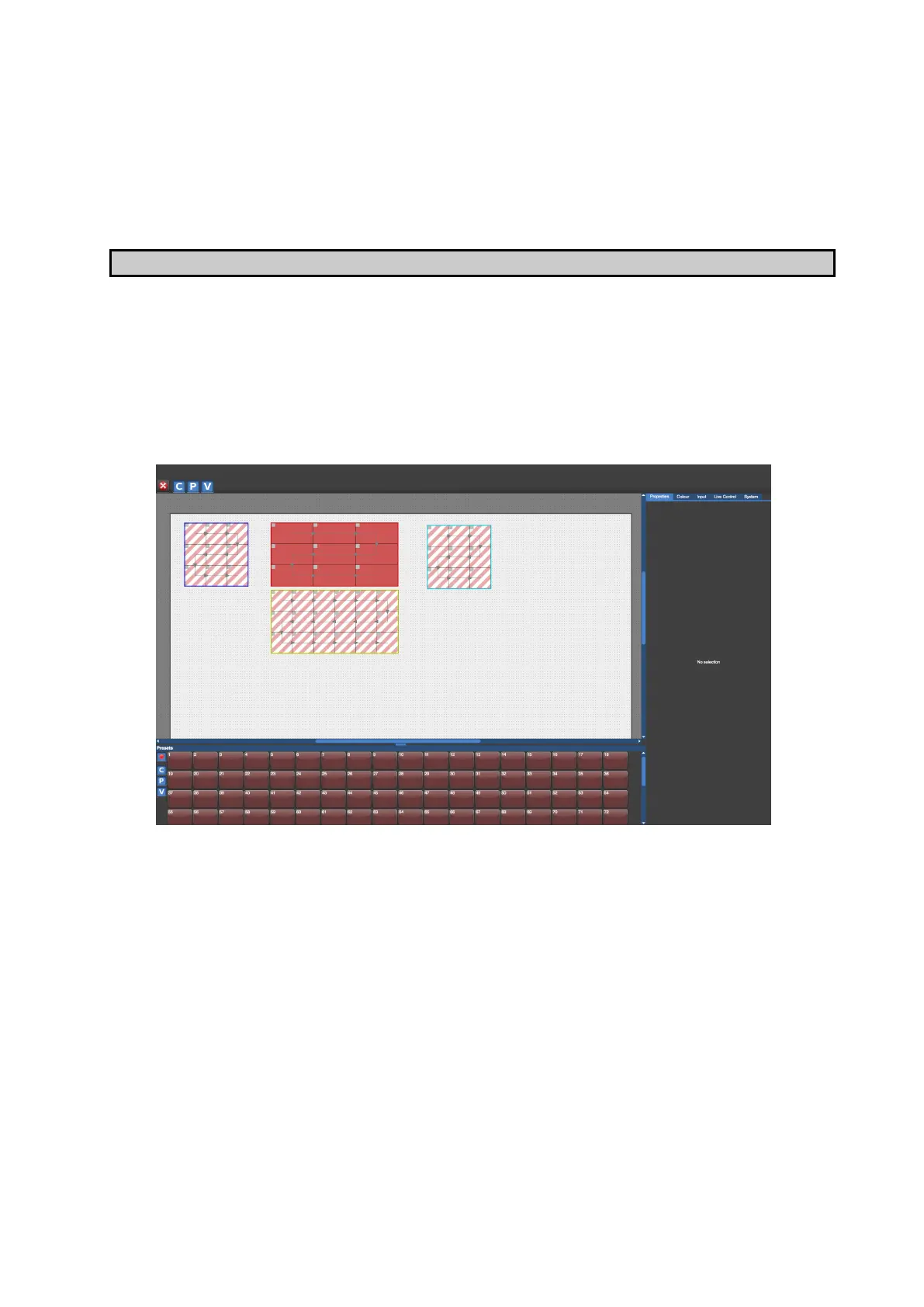
2. Click the red preset record button. The tiles of the available groups will appear with
striped diagonal lines.
3. Click on the group or groups you wish to select for the preset. Once the group or
groups are selected the diagonal lines will change to solid colour. Only the group or
groups which are selected will be stored into a Position preset.
4. Click the preset button on which you want the new preset to be stored. The preset can
now be recalled whenever needed by clicking on the preset recall button.
Editing Presets
To change any parameters of a stored preset, recall the preset by clicking on the preset
recall button, make the alterations and re-record it.



 To Next Page