- 30 -
operations are undertaken. It provides keyboard shortcut information and tips to aid the
user. If you wish to turn this off you can uncheck this option.
Canvas
This section contains settings to help with selecting and aligning fixtures on the canvas.
These features are explained in "Using the Grid" on page52 and "Fixture Layout" on
page49.
Crash Management
It is possible to set the processor to report crashes. If this option is enabled the processor
will pause after a crash before rebooting to allow time for the user to enter information
about what actions were performed before the crash. The time duration of this pause can be
set between 0 and 3600 seconds. The saved crash reports can then be exported to a USB
flash drive or similar. The crash reporter is to set to on by default.
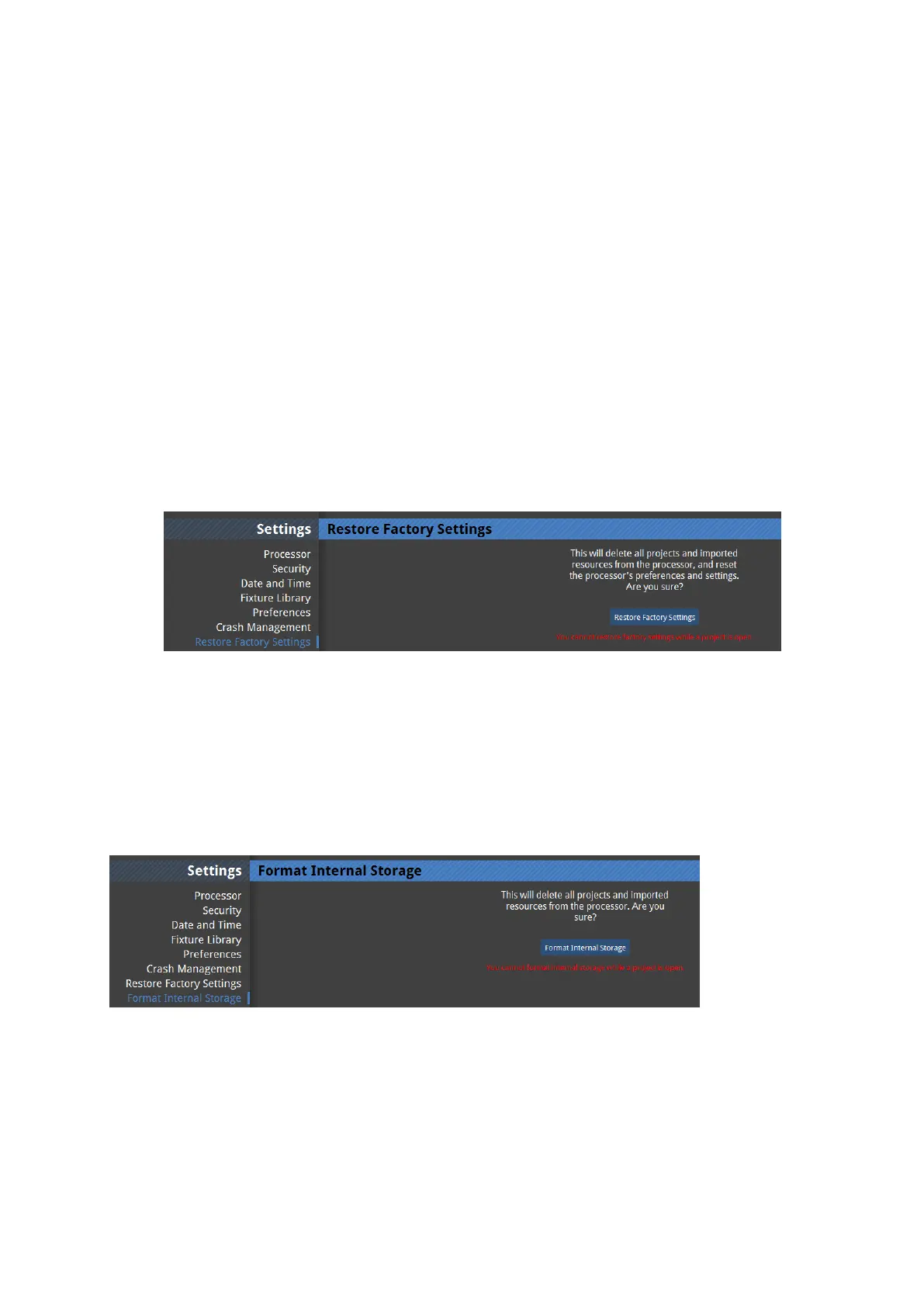
Restore factory settings
Figure 4-9. Restore factory settings
Restoring the factory settings will set all user definable characteristics of the processor back
to defaults. This will wipe all project files from the memory of the processor and also any
imported fixture definition files and fixture firmware not included in the current software
release.
Format internal storage
Figure 4-10. Format internal storage



 To Next Page