- 89 -
Chapter 10 - System Management
Network Load
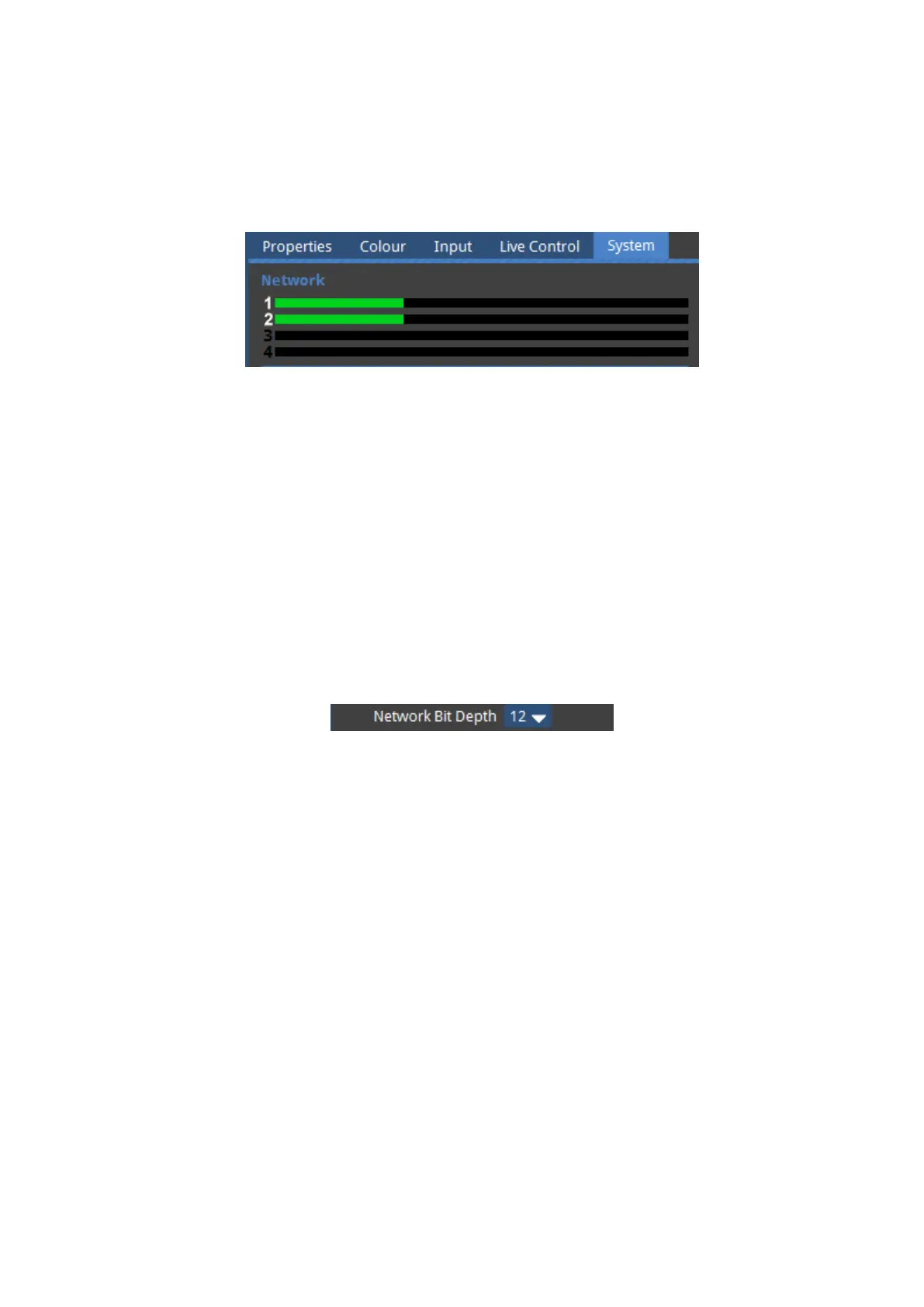
Figure 10-1. The Network Load bars
The network section of the Systems Tab is a graphical representation of the network load on
each Tessera Protocol output. The greater the network load on an output, the further to the
right the green bar will be. The processor will warn you if an output is becoming too heavily
loaded. If this happens then you should consider moving some fixtures to another output or
decreasing the network bit depth. When there is an Ethernet link the appropriate output
number next to each bar will be highlighted in white, as in the above picture.
Network Bit Depth
Figure 10-2. The Network Bit Depth drop-down menu
Network bit depth refers to the bit depth at which video data is encapsulated and packetized
and sent to connected fixtures. This does not refer to the bit depth at which the front-side
processing occurs at, which is always 12 bit, and does not refer to the bit depth at which
processing occurs in , which always happens at 16 bit.
By default, the network bit depth is 12 bit, but can be altered to 8 bit or 10 bit. Lowering the
network bit depth can allow more panels to be attached to the processor, however this
should used with care. The network bit depth should always be equal or better than the bit
depth of the input source. For example, DVI is 8 bit and SDI is 10 bit. Reducing the bit depth
can reduce the overall visible image quality, depending on the source, and adjustment of
parameters such as RGB gain or brightness and contrast.



 To Next Page