- 62 -
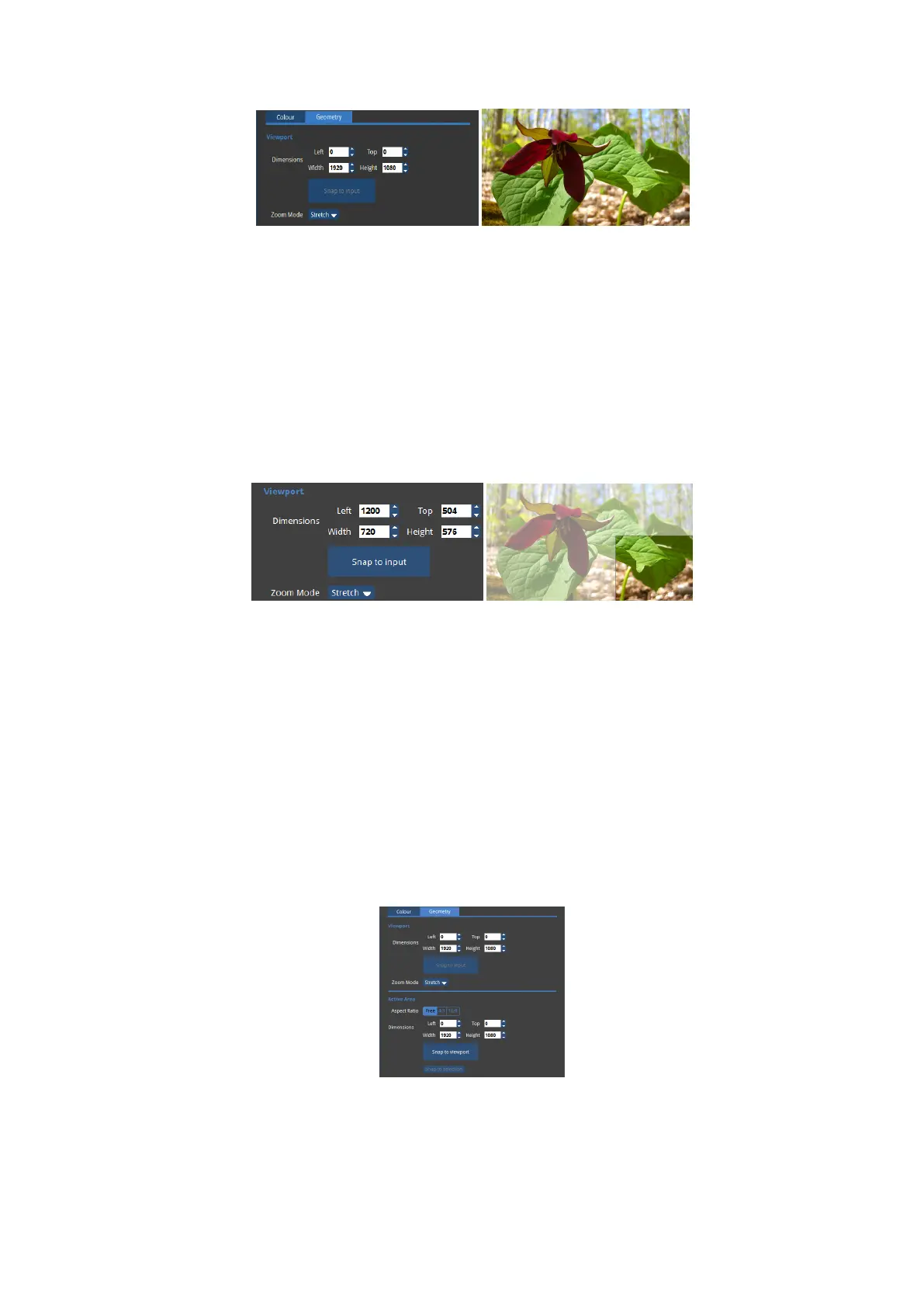
Figure 6-2. Incoming 1920x1080 video at its original size.
If however you wish to capture only part of that incoming feed (perhaps because you then
wish to expand the image to fill the canvas) you can set these values accordingly.
For example, if you wished to capture a window of PAL content being displayed towards the
bottom right corner of an HD feed you might set the Viewport to:
Figure 6-3. Viewport set to bottom right corner
In addition to the left, top, width and height parameters there is also a Snap to Input button.
This automatically sets the width and height to match the full size of the incoming video
feed.
Active Area
On the canvas, the Active Area is indicated by the pale grey area with a dashed border ("The
canvas with the Active Area shown by a dashed border." on the next page). Settings are
found on the Geometry section of the Input tab.



 To Next Page