- 77 -
l Video information - the parameters contained in the inputs tab including the selected
input source, the colour and brightness information for each input and the geometry
information (Viewport and Active Area).
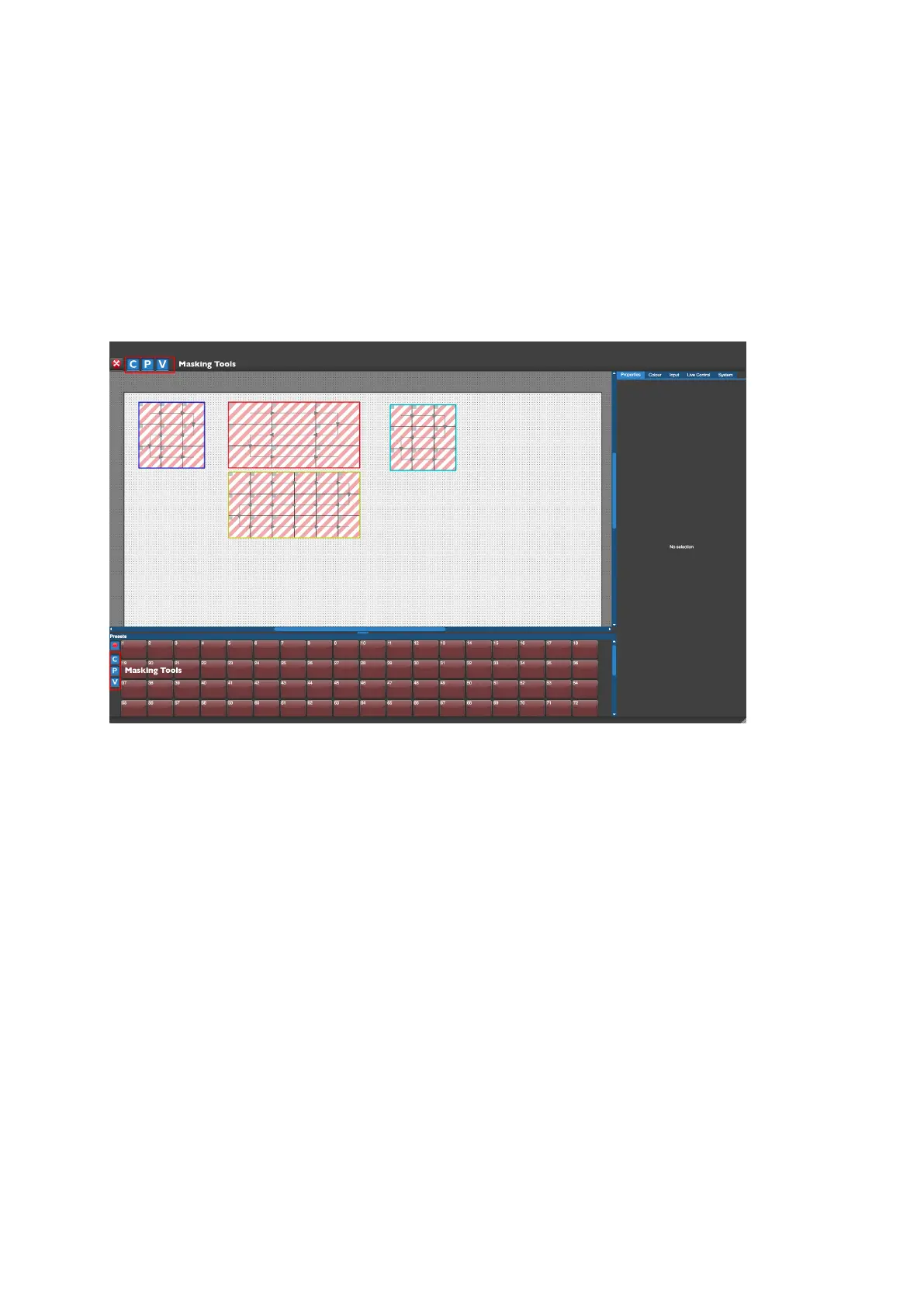
Pressing one of the Record Preset buttons opens the Preset Recording view.
Using Masking
Figure 8-2. Preset Recording view
Sometimes it may be desirable to load positional information without changing the colour
information of a group of panels or perhaps change the input source without affecting the
global colour. This can be achieved by using masking.
When you store a preset the three letter icons C, P and V that appear after pressing the
Record button are all lit in blue (default). This indicates that, in this preset state, information
will be stored for all the values of colour, position and video that are currently set for those
panels. If you click on any one of these icons at this point it will be deselected and turn grey.
So it is then possible to store just the colour, position or video settings or a combination of
the three.



 To Next Page