- 52 -
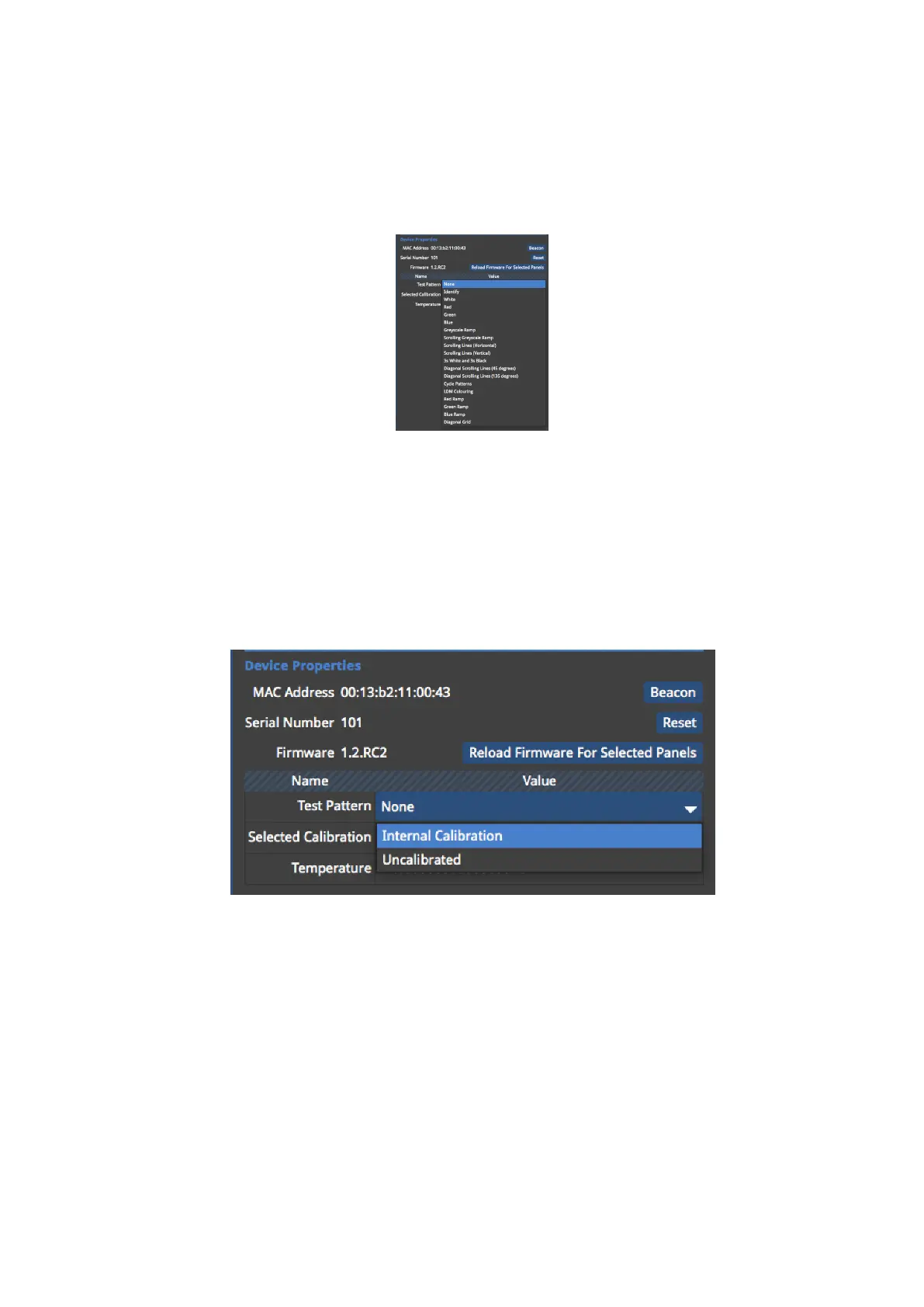
Test Pattern
The Test Pattern drop-down menu allows you to select a range of internal test patterns that
are generated on the fixtures themselves. These patterns are particularly useful for testing a
range of fixture and fixture module based issues.
Figure 5-21. Internal Test Pattern drop-down menu.
Selected Calibration
The Selected Calibration drop-down menu allows the selection of different colour calibration
profiles that might be stored in a fixture. The amount of different colour calibrations
available is dependent on how much flash memory available for calibrations on the fixture.
Figure 5-22. Selecting between the internal calibration and uncalibrated.
Using the Grid
The grid is a useful tool to help align or space fixtures evenly on the canvas. Enabling Snap to
Grid will pull fixtures into perfect alignment at all times.



 To Next Page