- 25 -
Chapter 4 - Processor Settings
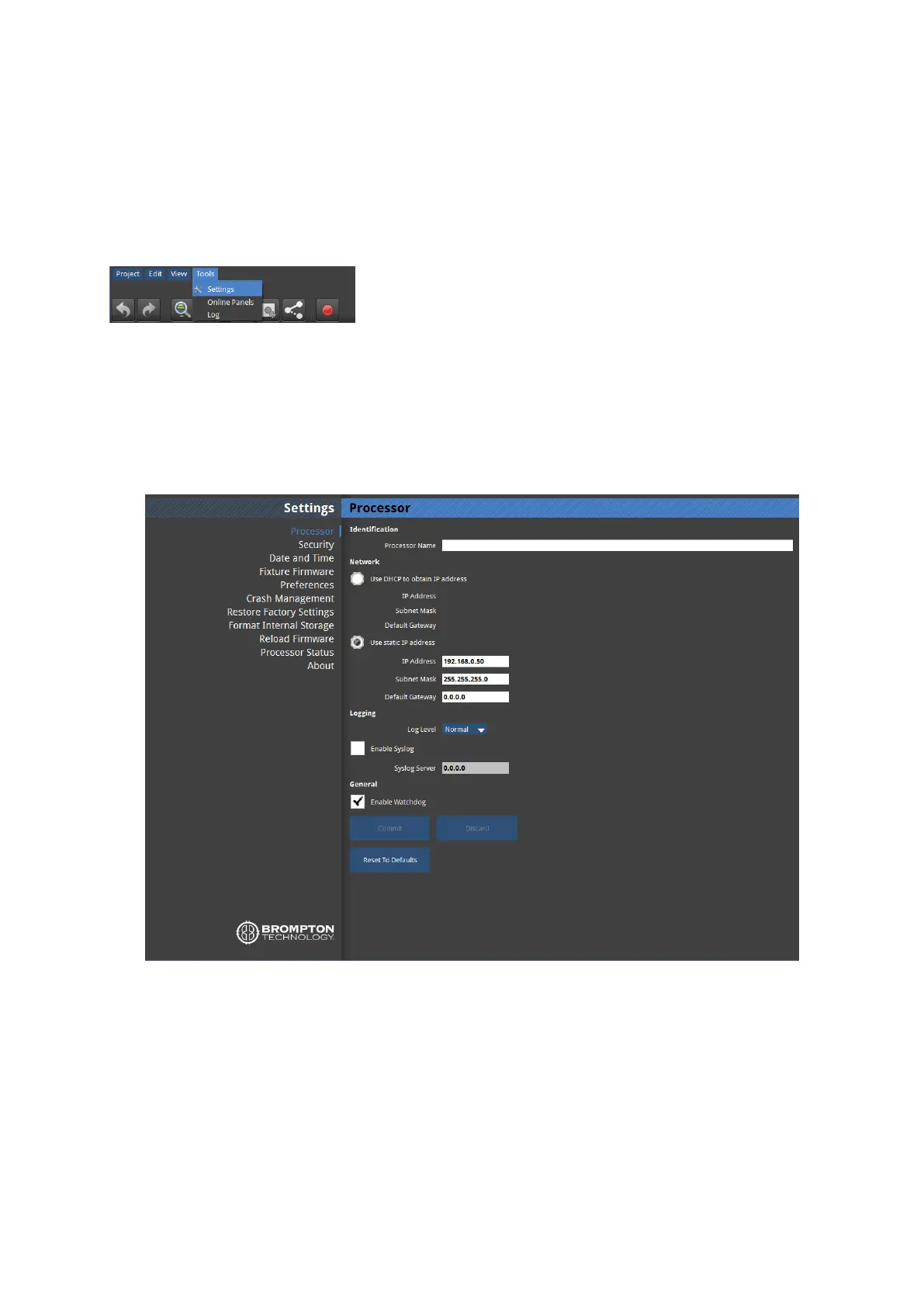
From the Main Project Screen it is possible to set a number of user definable settings for the
processor. In the Main Project Screen choose Settings from the Tools menu.
Figure 4-1. Tools dropdown menu
Processor Settings
Figure 4-2. Processor Settings
Identification
It is possible to change the name of the processor as it appears when you connect to it
remotely. This can be particularly useful when building a system that uses multiple



 To Next Page