- 76 -
Chapter 8 - Presets
Presets
Presets are a way of storing the settings that you make on the processor so that they can be
recalled quickly and easily. These presets can be made to affect all the panels or a small
selection of them depending on how they are grouped. This information may be brightness,
colour input or perhaps positional information. Video and Colour Presets affect all groups,
Position presets affect the particular Group of fixtures they were recorded for.
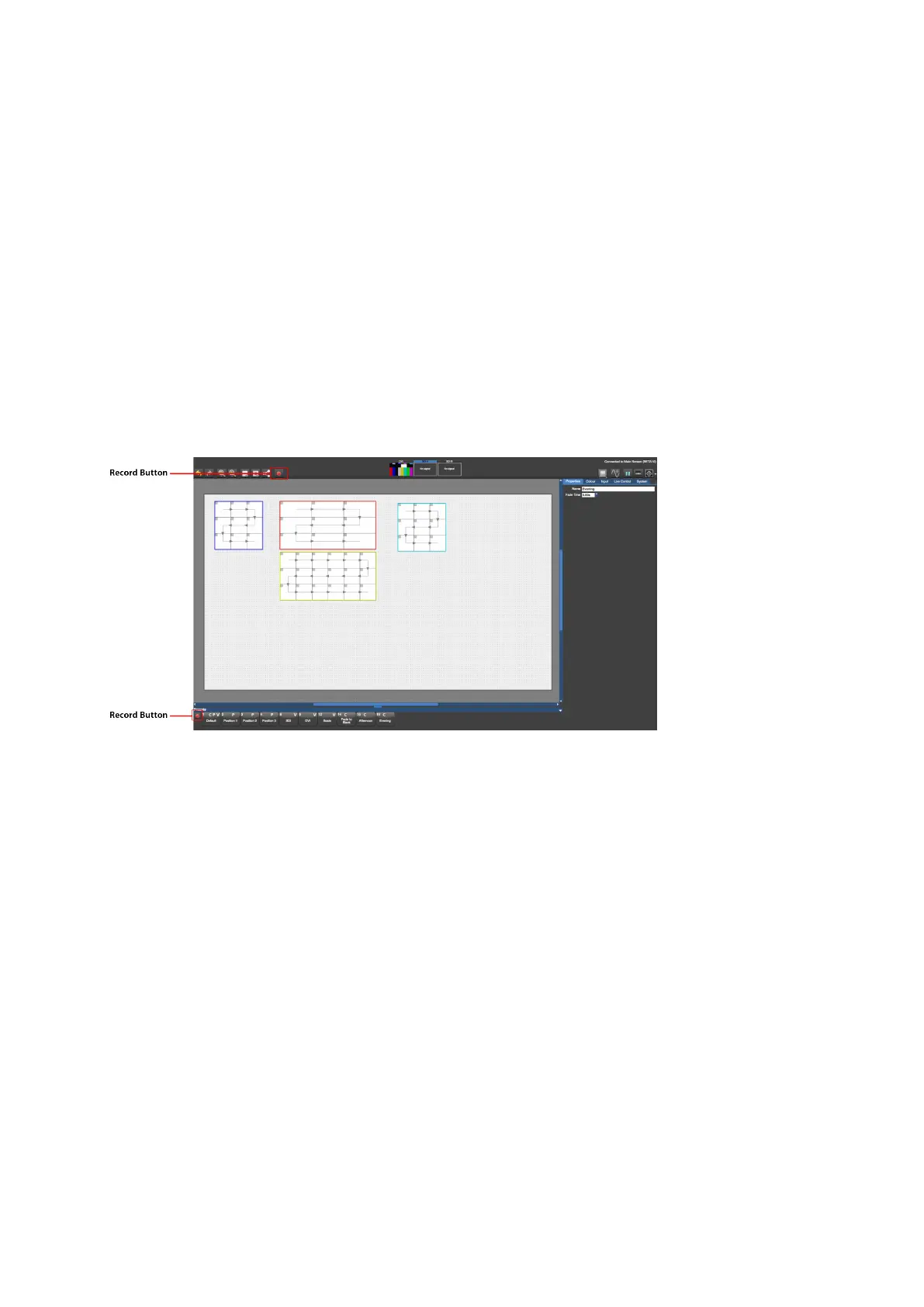
The preset buttons can be seen at the bottom of the Main Project Screen.
Figure 8-1. Main Project Screen with record buttons highlighted.
Presets are a powerful tool for recalling parameters and fixture positions. For example, if a
screen is in place for an outdoor festival it may be useful to set different colour and
brightness settings during the day to compensate for changes from day to night-time or
cloudy versus sunny conditions. Storing these changes as presets means they can be
recalled quickly the next day when conditions change again.
Types of information can include:
l Positional information - the placement of Groups of fixtures on the canvas.
l Colour information - the colour parameters in the colour tab (global colour) and also
the per panel and per group colour values in the Properties tab.



 To Next Page