- 75 -
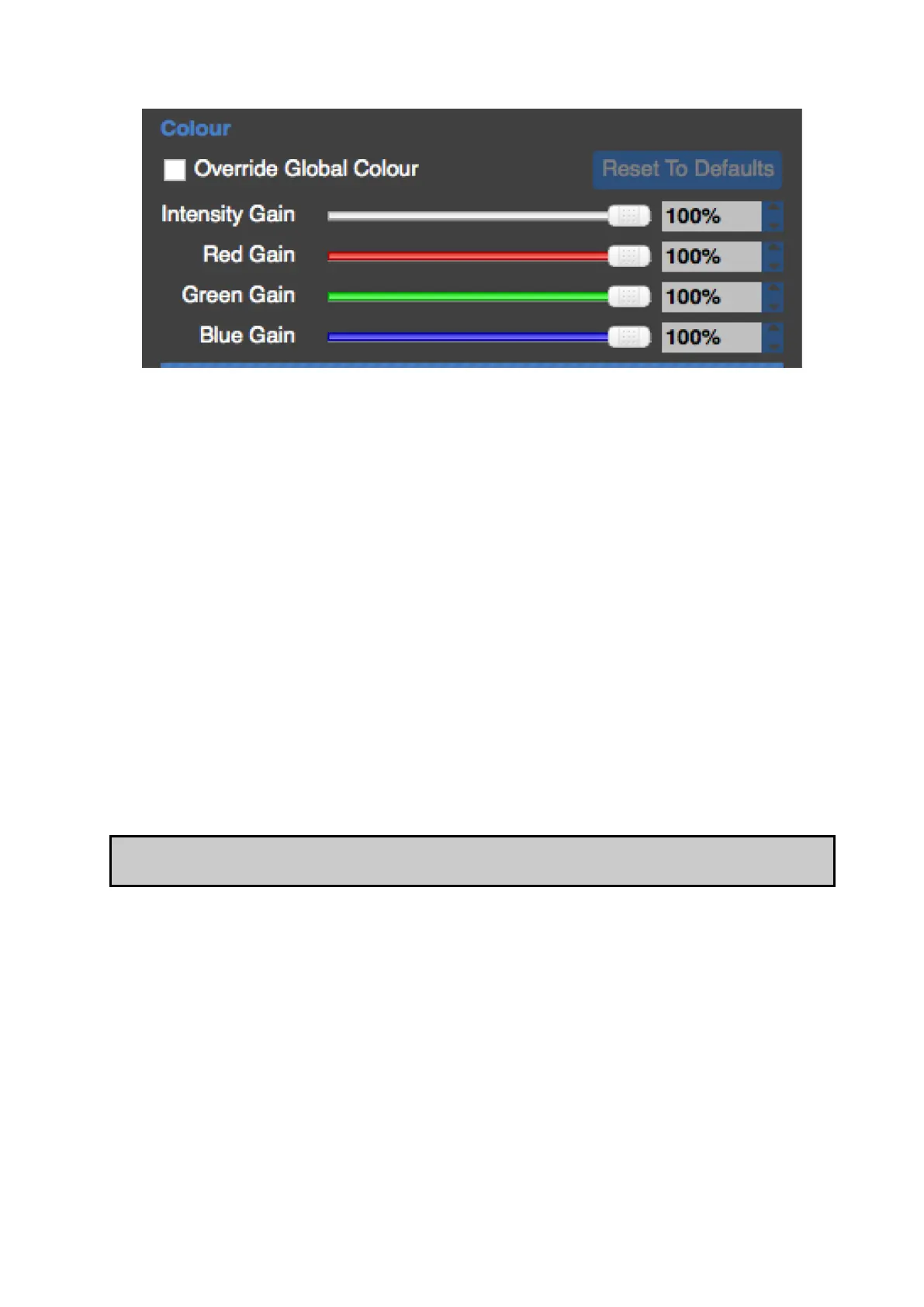
Figure 7-1. Global Colour Override
It is possible to remove single fixtures or groups of fixtures from the control of the Global
Colour sliders and assign values to them separately. This functionality may be useful if you
wish to maintain one whole screen at a constant brightness when there are fixtures grouped
into separate screens on a processor.
Alternatively you may have individual fixtures whose native colour values have drifted. Using
the override controls it may be possible to match their colour more closely to the rest of the
system.
The option to Override Global Colour is found on the Properties tab. To do this first select
the fixture or group you wish to override. If you wish to override a number of fixtures
simultaneously with the same values then first select them and make them into a group.
If the selection is a single panel you have the option to adjust Intensity, Red, Green and Blue
gain sliders for the selection.
If the selection is a group there is also the option to control Brightness, (Colour)
Temperature and Gamma.
Note Once a selection has been overridden on the Properties tab the global colour controls
will have no effect on it until the Override Global Colour box is unchecked.



 To Next Page