- 65 -
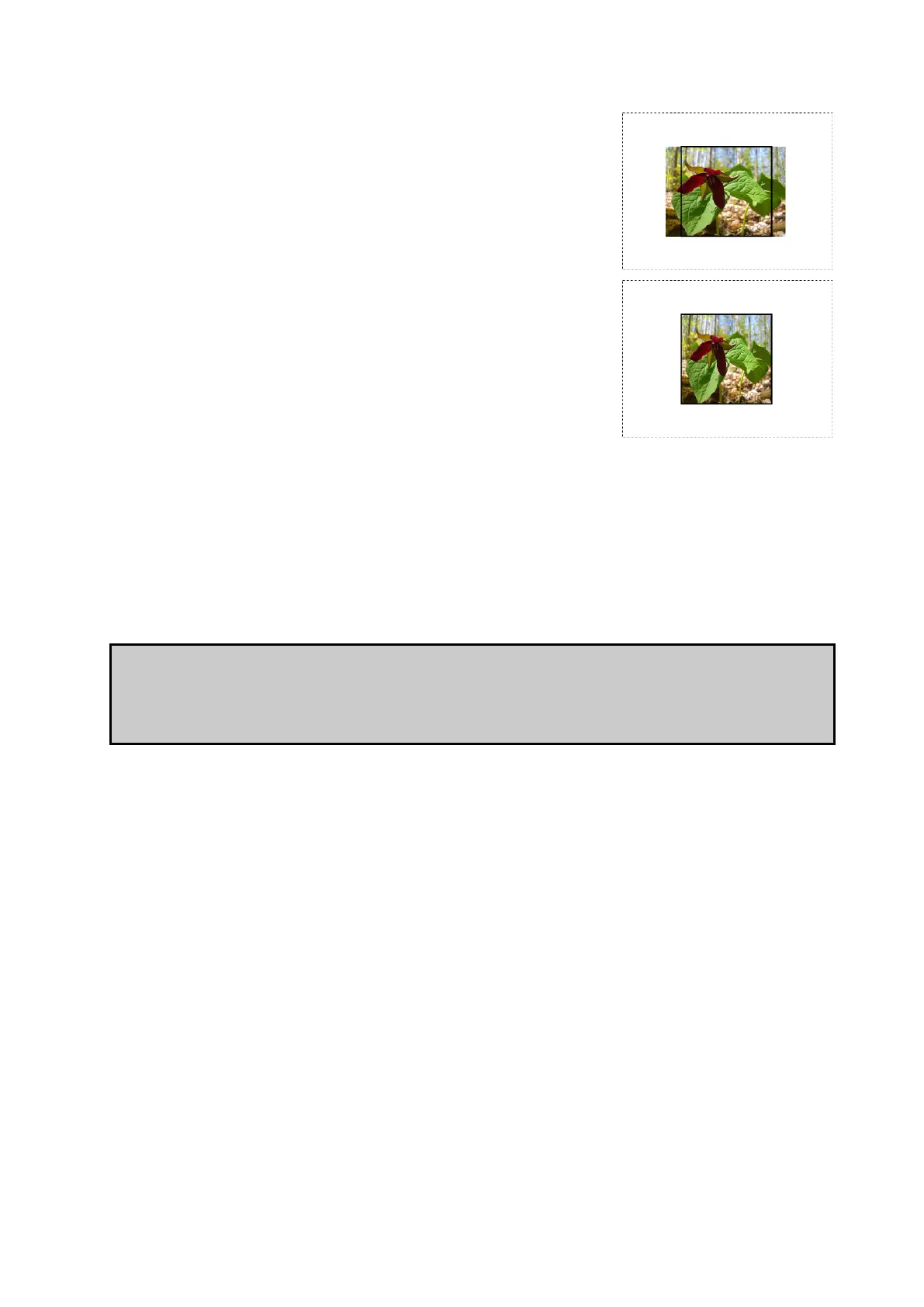
Fill
The aspect ratio of the Viewport is maintained with the
image scaled to fill the active area.
Stretch
The image is scaled to the exact dimensions of the active
area without maintaining aspect ratio.
Input Colour Control
Black Level
The black level control affects the base level of brightness of the darkest content in the
incoming feed. Lowering this value will make all parts of the image look darker (except for
white)but will be most pronounced at the lower end of the video signal nearest black. For
optimum adjustment of the black level a PLUGE or greyscale line-up pattern can be useful.
What is PLUGE? Picture line-up generation equipment (PLUGE or pluge) is equipment used to
generate greyscale test patterns in order to adjust the black level and contrast of a picture
monitor. Images generated from these tools can be saved and stored as bitmaps and these
images are sometimes referred to as PLUGE themselves.
Contrast
Just as the black level control sets the threshold of the base level of dark content, the
contrast slider sets the threshold level of bright content. Boosting this level will increase the
differential in luminance between the darkest content and the brightest content.
Hue
The hue parameter of the input controls allows the user to adjust the spectrum of the
incoming video feed. At the extreme this will reverse the colours assigned to each area of a
given hue.
Saturation
The saturation parameter determines the level of colour in the image and can be used to
increase or reduce this. At the extremes this would make the image monochrome with only



 To Next Page