- 68 -
The fact that the peaks corresponding to the black and white areas of the input image are
located at the very start and end of each histogram indicates that this content source is well
balanced and the full spectrum is being used.
Setting Colour Controls with the Aid of Histograms
The histograms can be useful in determining if a particular incoming signal is filling the entire
spectrum of colour and brightness.
When choosing an image to balance, it is wise to either use an image which is similar to the
content you plan to show throughout your project, an image with a wide variety of colours and
hues, or a suitable test pattern.
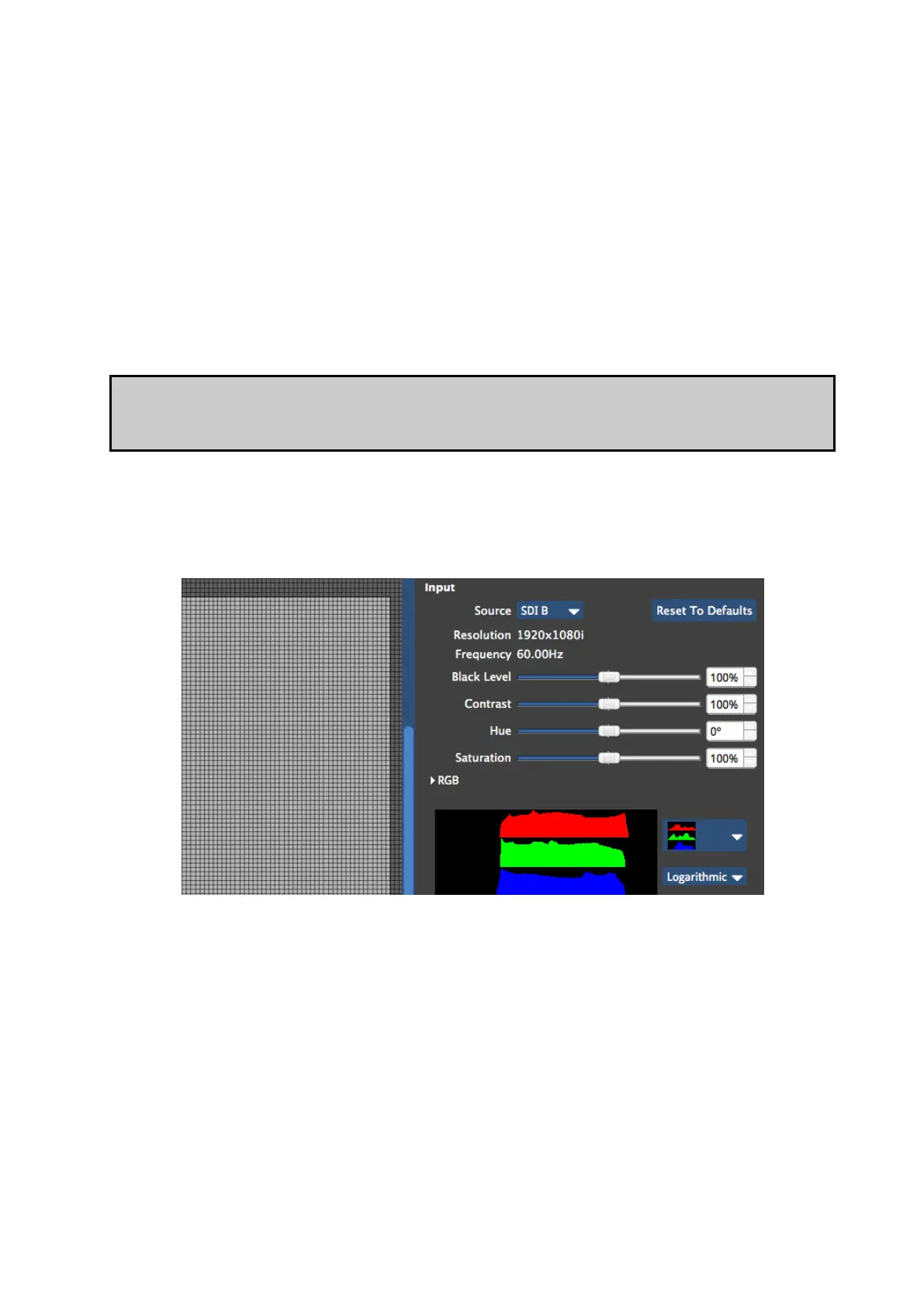
Figure 6-8. A fairly washed out incoming signal on SDI-B (see thumbnail top left) with the
corresponding histogram for red, green and blue when the Input Colour Controls are set to
default.
Figure 6-9. Adjusting the black level control will make the blacks look darker and the
concentrations of colour now reach down to 0% on the scale.



 To Next Page