- 69 -
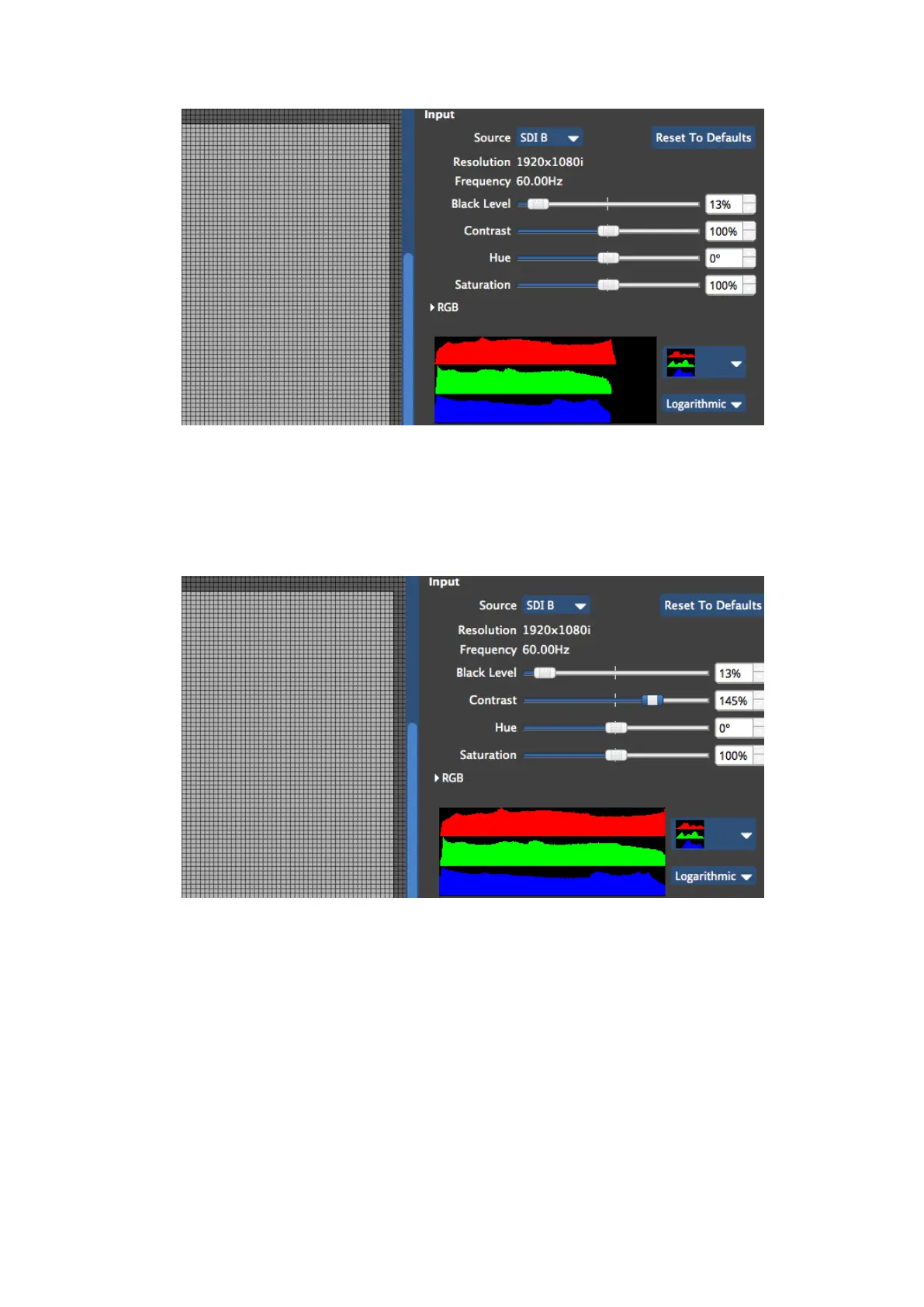
Figure 6-10. Adjusting the contrast control will make brighter areas appear closer to the 100%
threshold, assuming you have some areas of white content in your image and this is desirable.
If specific colours do not appear to be rendering correctly you may wish to adjust the RGB
Highlight and Shadow controls to work on that specific colour without affecting the other
two primaries. At this point it may be helpful to look at the histogram for each colour
individually.



 To Next Page