- 91 -
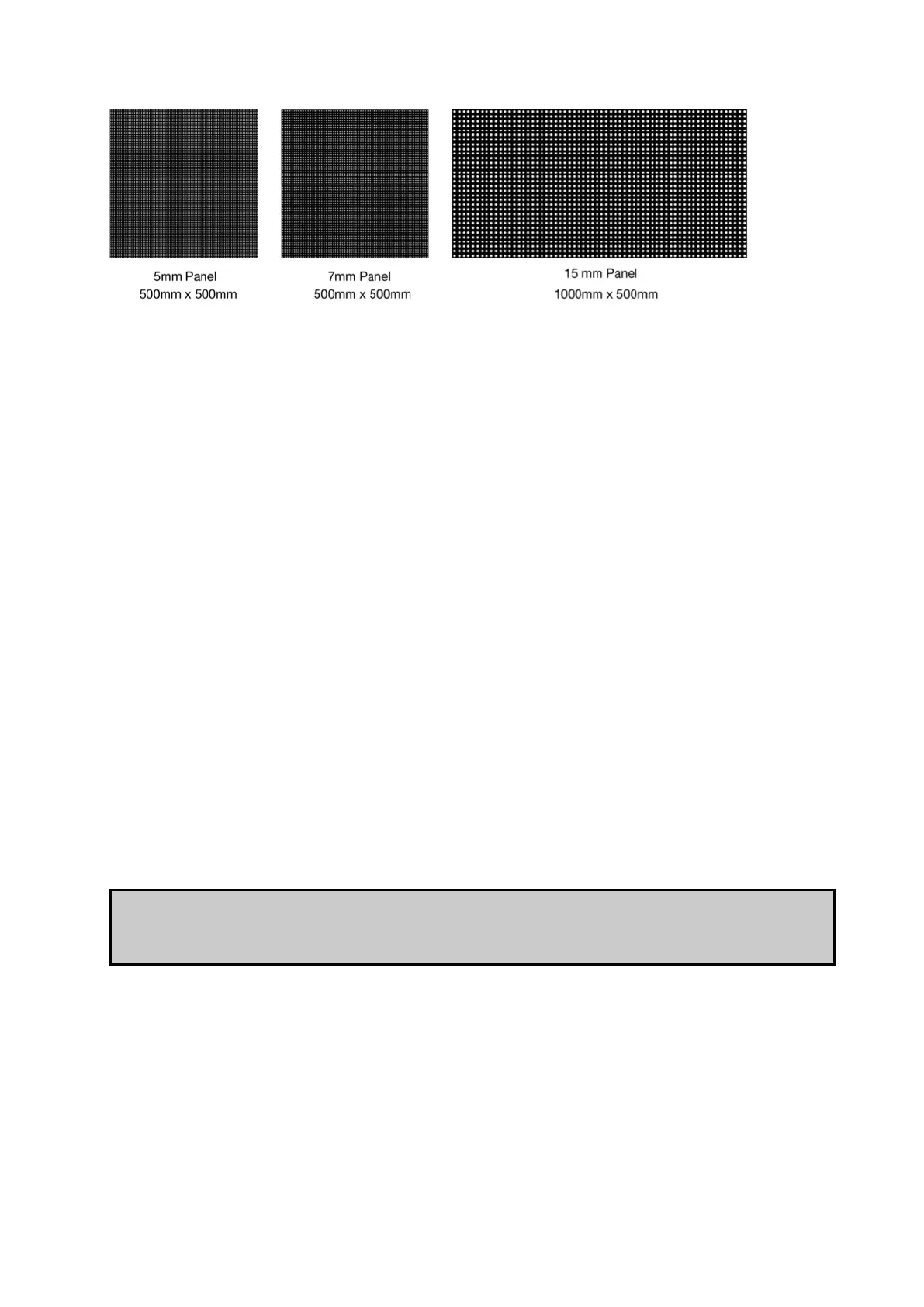
Figure 10-3. Different pixel pitch panels
In fixture interpolation the 5mm panel, which is the fixture with the highest pixel pitch, is
mapped 1:1. The 7mm panel uses up the same number of pixels for the purposes of as the
5mm panel, as it is the same physical size, even though it has a lower pixel pitch. The 15mm
panel uses twice as many pixels as the 5mm and 7mm panels as it is twice the size of both
panels.
Importing Fixtures
You may find from time to time that it is necessary to import a fixture that is not included in
the library. To import a fixture you will need the Fixture Definition File, which is a .xml file.
1. Insert a USB flash drive containing the Fixture Definition File in the processor.
2. Open the New Project Wizard by clicking New... and go to the Advanced view.
3. Click Import Types...
4. Using the browser, locate the Fixture Definition File on the USB flash drive and import
it by clicking Confirm.
All imported fixtures are marked with an asterisk in the fixture list in the New Project Wizard.
Note When importing new fixture types it is important to ensure that they are compatible with
the installed version of firmware if not included. Please contact Brompton Technology if you
are unsure or experience trouble importing new fixture types to a processor.



 To Next Page