- 54 -
Edit Mode:
(keyboard shortcut F1)
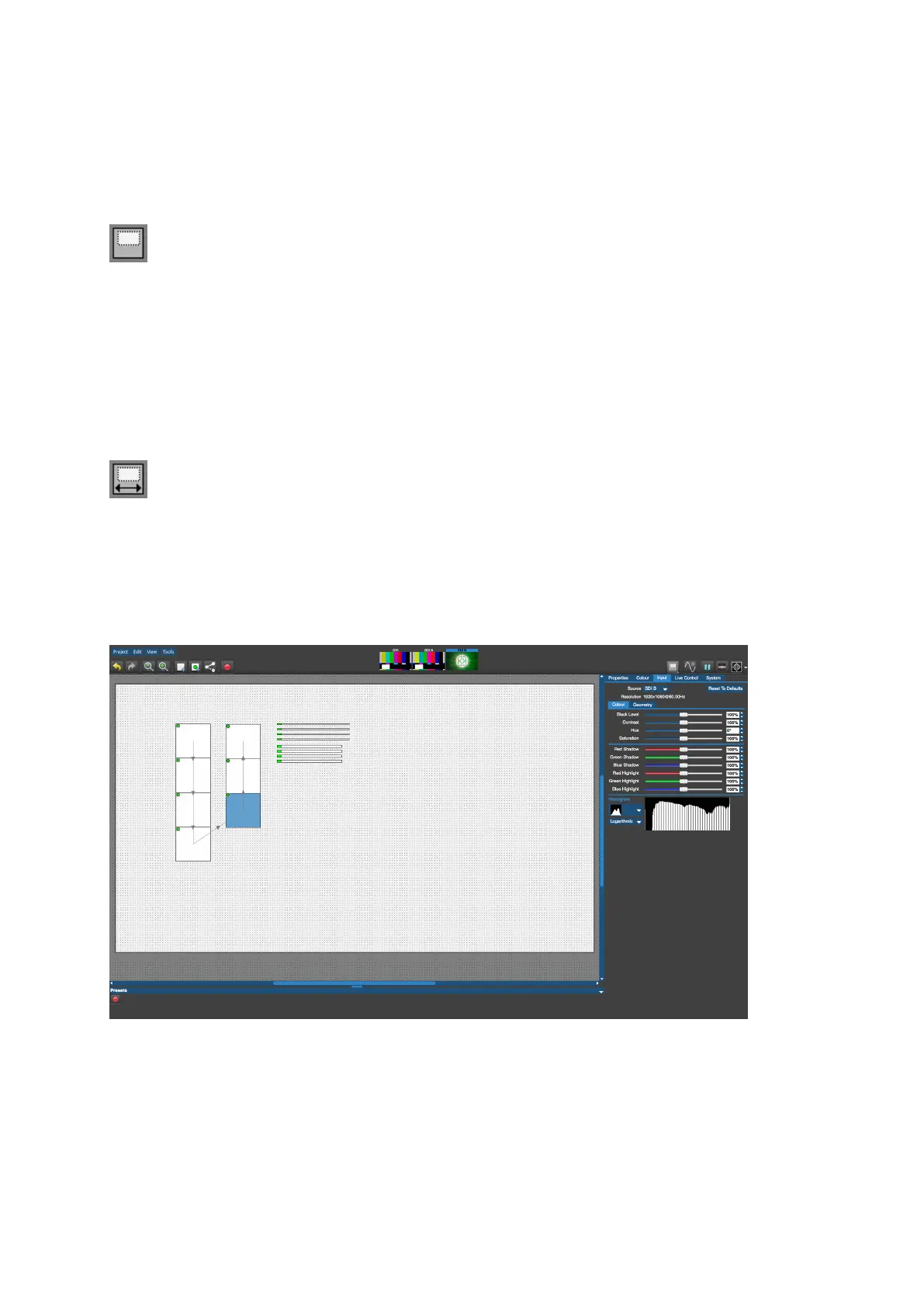
Edit Mode is the default mode for the canvas and allows fixture positioning. In Edit mode the
fixtures are displayed as viewed from the front.
Rear Edit Mode:
(keyboard shortcut F2)
Fixtures are commonly cabled up from behind and Rear Edit allows fixtures on the canvas to
be horizontally flipped, as if viewed from behind. This is particularly helpful for figuring out
and fault-finding topologies.
Figure 5-23. Edit Mode



 To Next Page