- 115 -
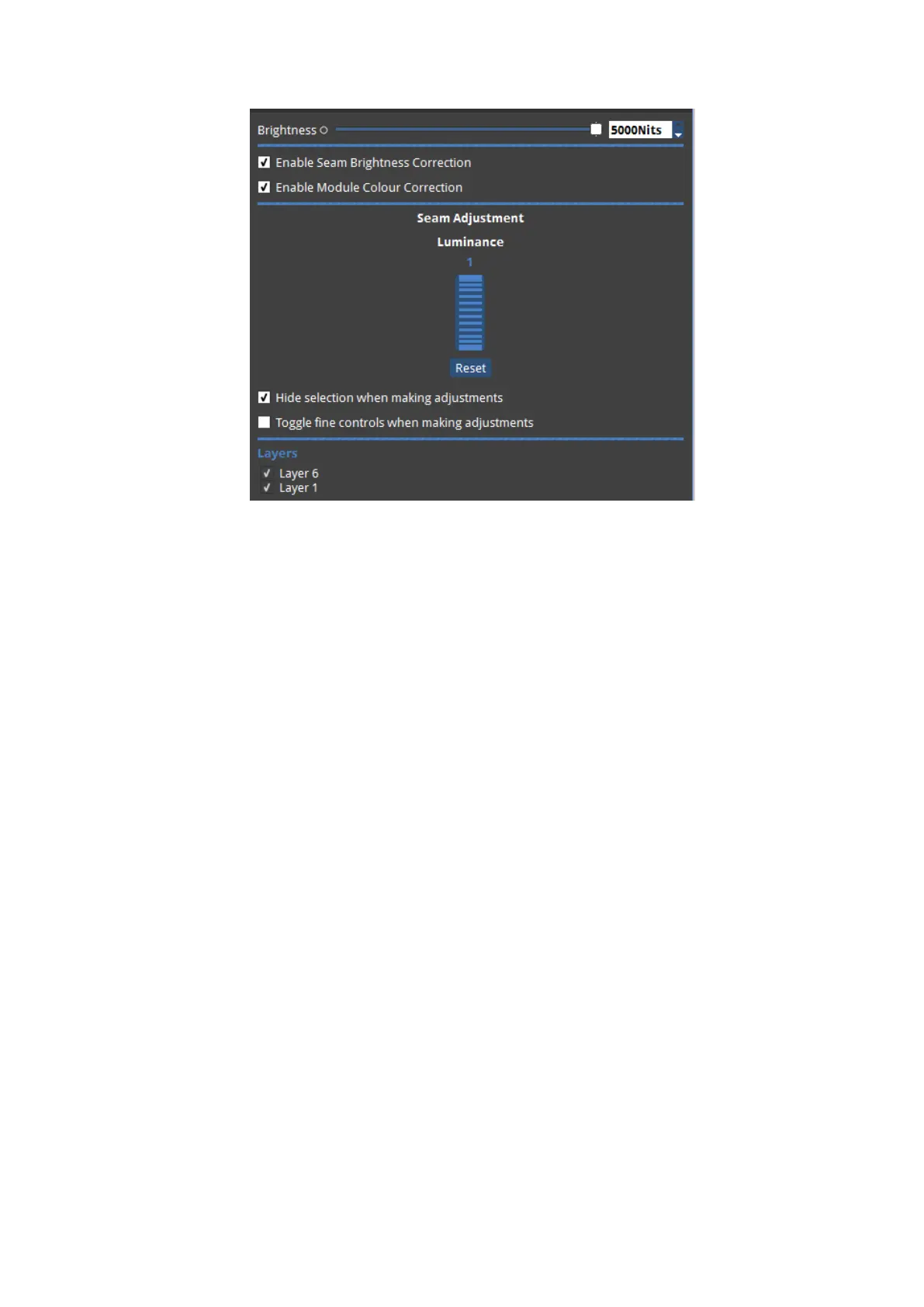
Figure 11-13. Seam Brightness Correction panel.
The Seam Brightness Control panel features Layer selection. See "Layers" on page59 for
more information on Layers. Displayed Layers have a tick along side them. To 'hide' layers
then click on the tickbox to untick the box on layers you wish to hide. Hidden layers do not
output OSCAMode.
There is a Brightness slider and spin-box to allow the overall selected fixture or module
brightness to be adjusted. Toggling fine controls allows the fine control of luminance to be
used in preference to the default course control. This means the Ctrl key does not have to be
held down to use fine mode.
The Reset button under the Luminance thumbwheel allows the original luminance value to
be restored.
The Enable Seam Brightness Correction and Module Colour Correction tickboxes allow these
features to be switched on or off.



 To Next Page