106
6. SYMBOLOGIES
Not to Transmit
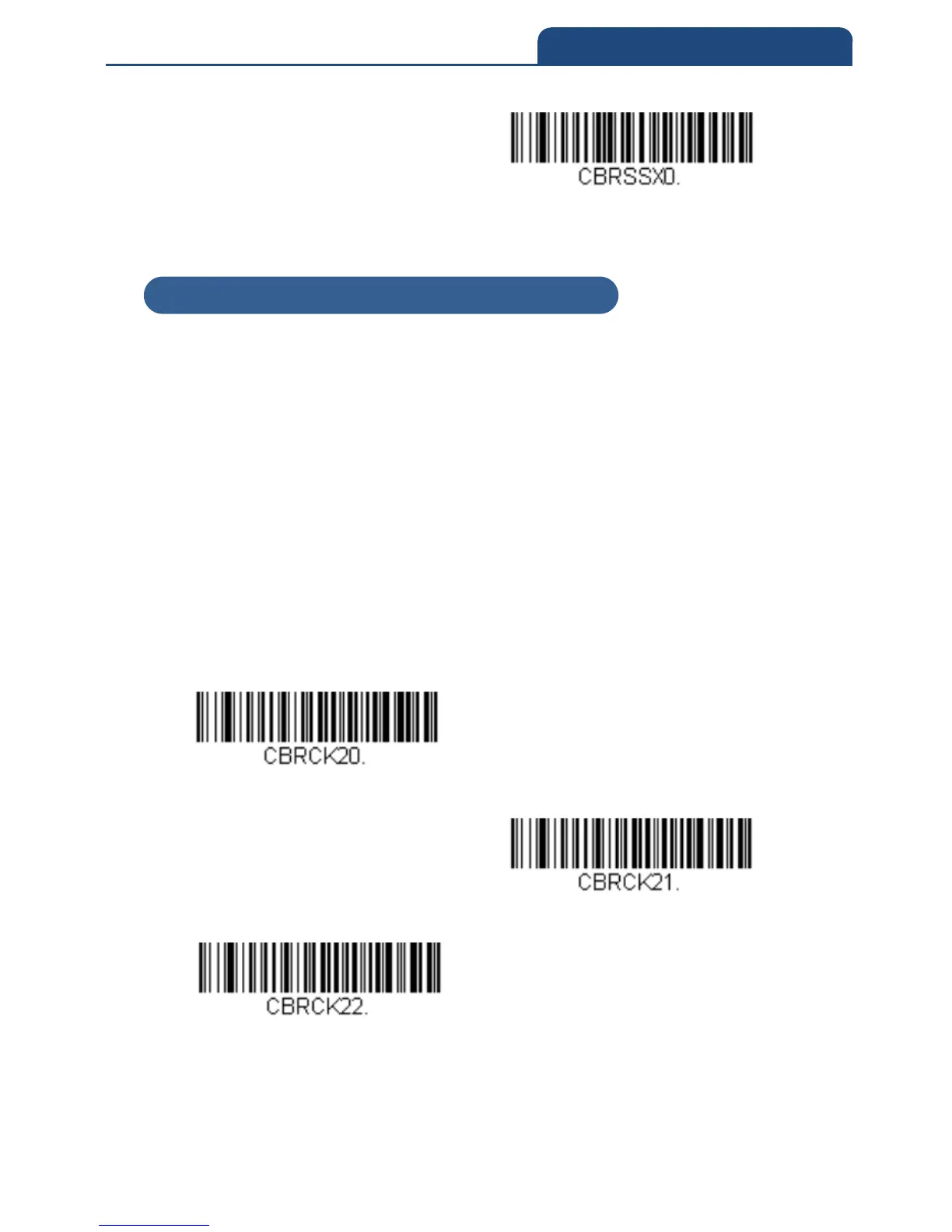
6-3-3 Codabar Check Character
Codabar check characters are created using different “modulos.” You can
program the scanner to read only Codabar barcodes with Modulo 16 check
characters.
Default = No Check Character
No Check Character indicates that the scanner reads and transmits barcode
data with or without a check character.
When Check Character is set to Validate and Transmit, the scanner will only
read Codabar barcodes with a check character, and will transmit this character
at the end of the scanned data.
When Check Character is set to Validate, but Not to Transmit, the unit will
only read Codabar barcodes with a check character, but will not transmit the
check character with the scanned data.
No Check Character
Validate Modulo 16, but Not to Transmit
Validate Modulo 16 and Transmit
6-3-3 Codabar Check Character



 To Next Page