79
4. DATA EDITING
Example) When setting the prefix of all code symbols (99 hex) to standard
code ID, scan in the following order.
「Add Prefix」→「9」「9」「5」「C」「8」「0」→「Save」
Example) To clear all Suffixes of Code 39 (62 hex), scan in the following order.
「Clear all suffix」→「6」「2」
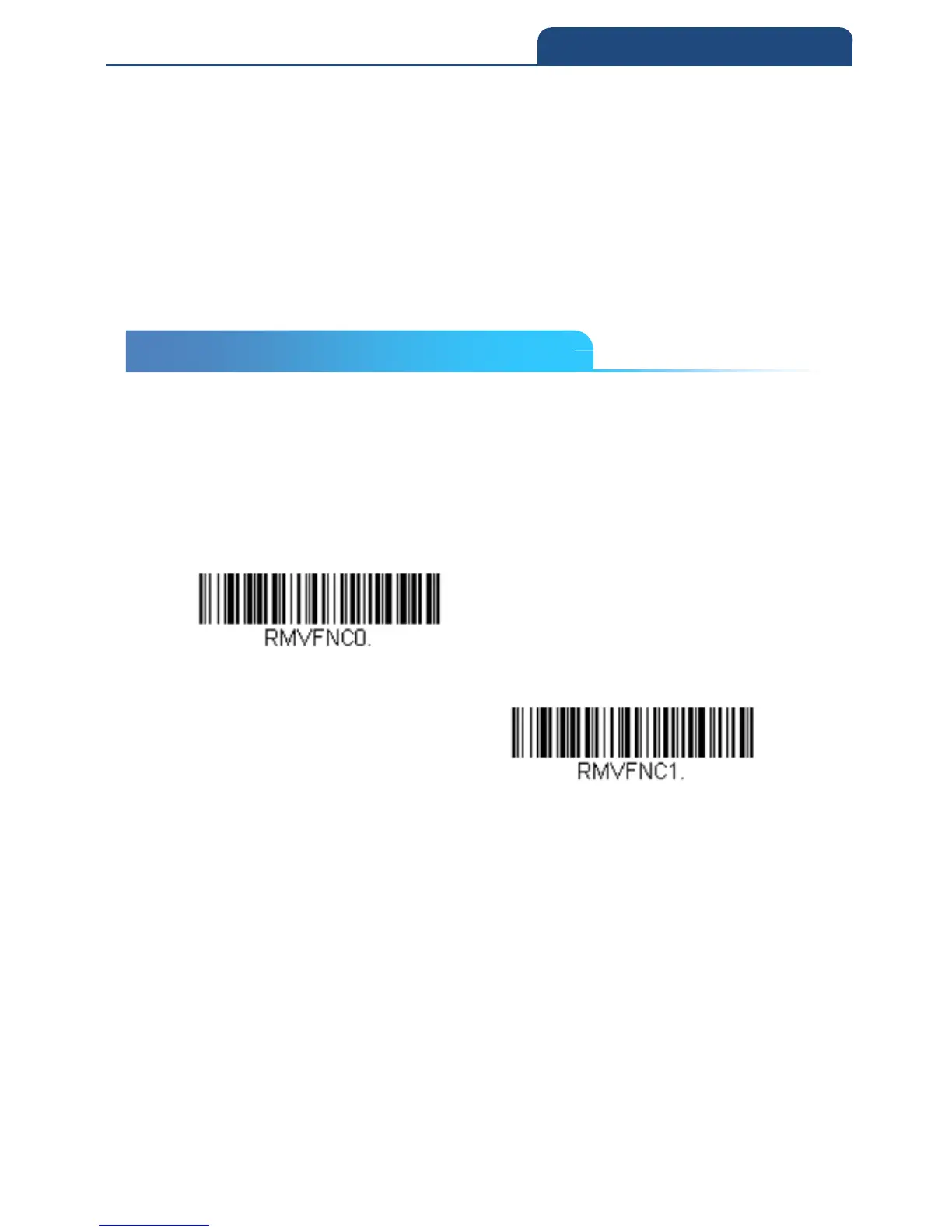
4-4 Function Code Transmit
When this selection is enabled and function codes are contained within the
scanned data, the scan engine transmits the function code to the terminal.
Charts of these function codes are provided in ASCII Conversion Chart (Code
Page 1252) When the scanner is in keyboard wedge mode, the scan code is
converted to a key code before it is transmitted.
Default = Enable
Enable
Disable
4-4 Function Code Transmit



 To Next Page