71
3. INPUT/OUTPUT SETTINGS
3-22 No Read
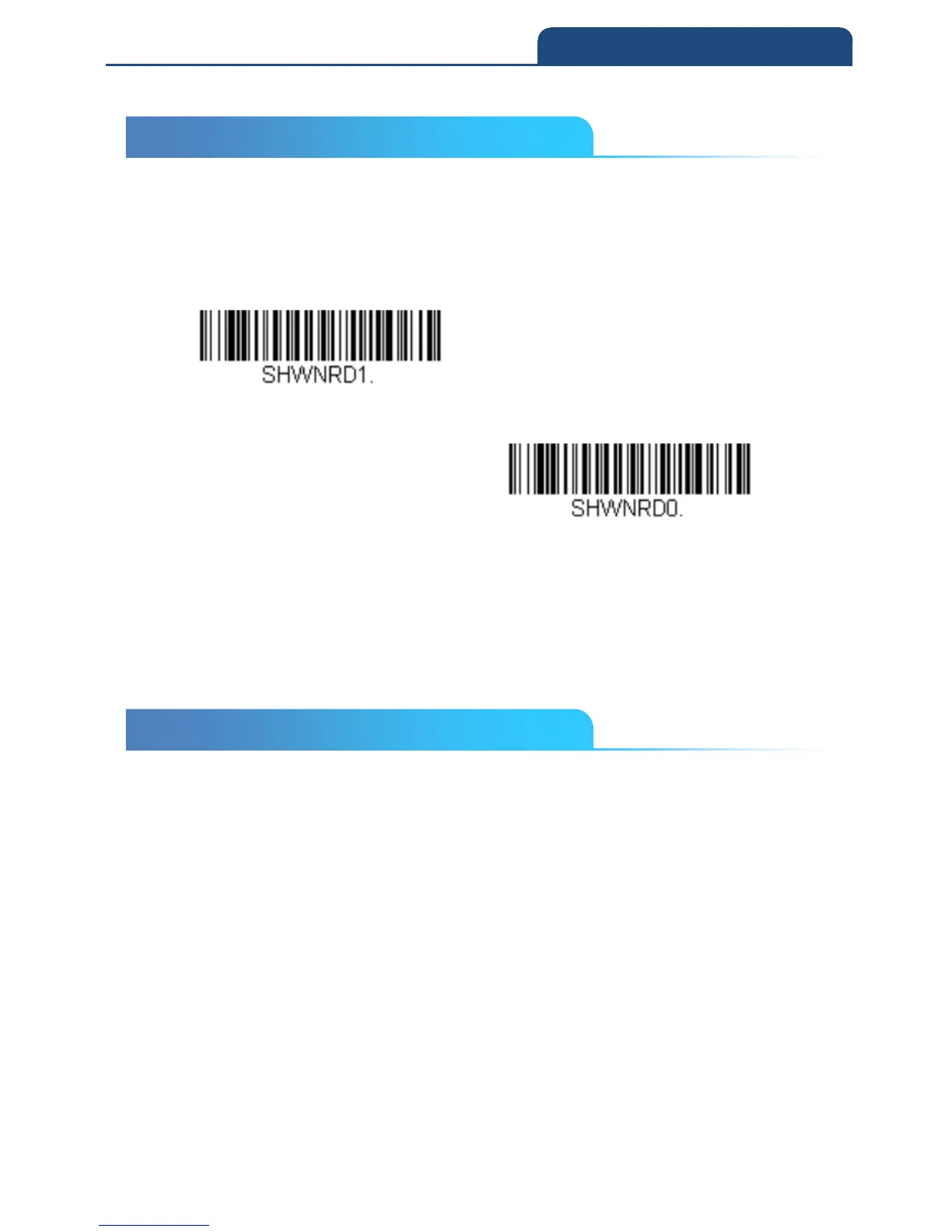
With No Read turned On, the scan engine notifies you if a code cannot be read.
If using an EZConfig-Scanning Tool Scan Data Window, an “NR” appears
when a code cannot be read. If No Read is turned Off, the “NR” will not appear.
Default = Off
On
Off
If you want a different notation than “NR,” for example, “Error,” or “Bad Code,”
you can edit the output message (see Data Formatting). The hex code for the
No Read symbol is 9C.
3-23 Video Reverse
Video Reverse is used to allow the scan engine to read barcodes that are
inverted. The Video Reverse Off barcode below is an example of this type of
barcode. Scan Video Reverse Only to read only inverted barcodes. Scan
Video Reverse and Standard Barcodes to read both types of codes.
Note: After scanning Video Reverse Only, menu barcodes cannot be read. You
must scan Video Reverse Off or Video Reverse and Standard Barcodes in
order to read menu barcodes.
Note: Images downloaded from the unit are not reversed. This is a setting for
decoding only.
3-22 No Read
3-23 Video Reverse



 To Next Page