45
3. INPUT/OUTPUT SETTINGS
3-3 Trigger Click
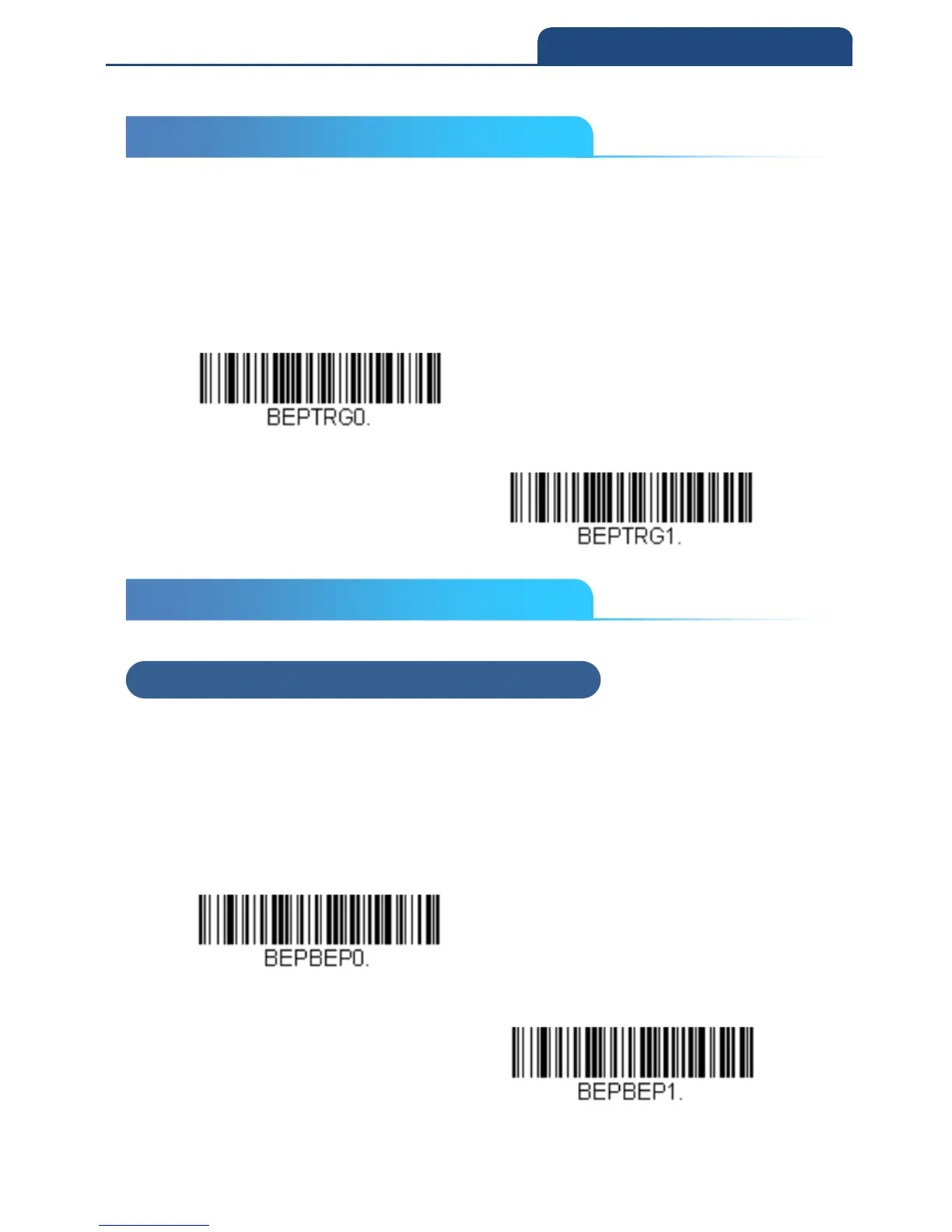
To hear an audible click every time the scanner trigger is pressed, scan the
Trigger Click On bar code below. Scan the Trigger Click Off code if you don’t
wish to hear the click. (This feature has no effect on serial or automatic
triggering.) Default = Trigger Click Off
Trigger Click Off
Trigger Click on
3-4 Good Read and Error Indicators
3-4-1 Beeper – Good Read
The beeper may be programmed On or Off in response to a good read.
Turning this option off only turns off the beeper response to a good read
indication. All error and menu beeps are still audible.
Default = Beeper - Good Read On
Beeper - Good Read Off
Beeper - Good Read On
3-3 Trigger Click
3-4 Good Read and Error Indicators
3-4-1 Beeper – Good Read



 To Next Page