67
3. INPUT/OUTPUT SETTINGS
Off(No display)
3-18-1 User-Specified Aimer Delay
If you want to set your own length for the duration of the delay, scan the bar
code below, then set the time-out by scanning digits (0 - 4,000 ms) from the
Programming Chart inside the back cover of this manual, then scan Save.
Delay Duration
3-19 Aimer Mode
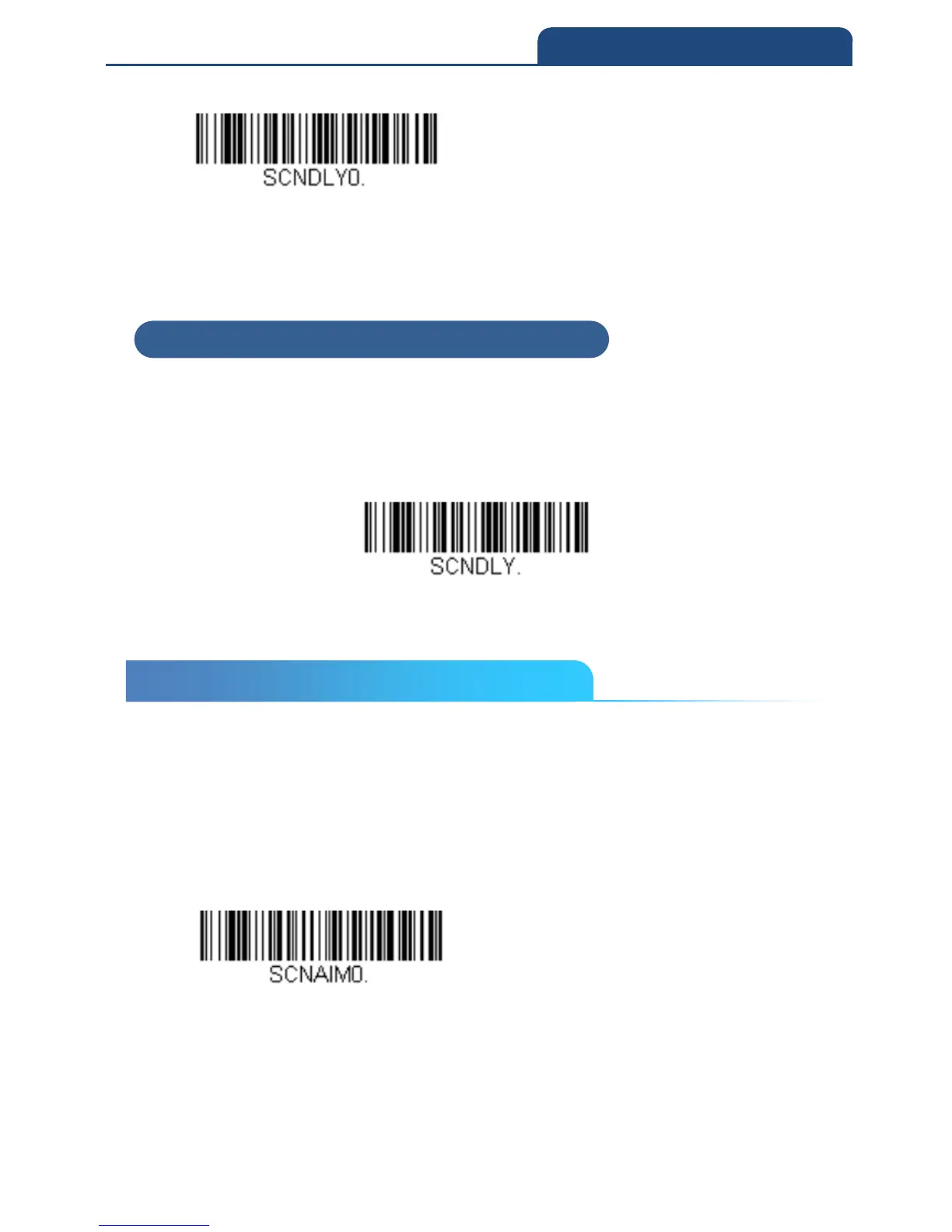
This feature allows you to turn the aimer on and off. When turning the aimer on,
there are 2 options: Interlaced (the aimer is interlaced with the illumination
LEDs) and Interlace Optimized for Decode (same as Interlaced except the
aimer flashes so that it is not captured in the image).
Note: If you are having a hard time decoding using Interlaced, use Interlaced
Optimized for Decode.
Off
3-18-1 User-Specified Aimer Delay
3-19 Aimer Mode



 To Next Page