92
5. DATA FORMATTING
cursor back to the beginning of the data and send 6 characters followed by a
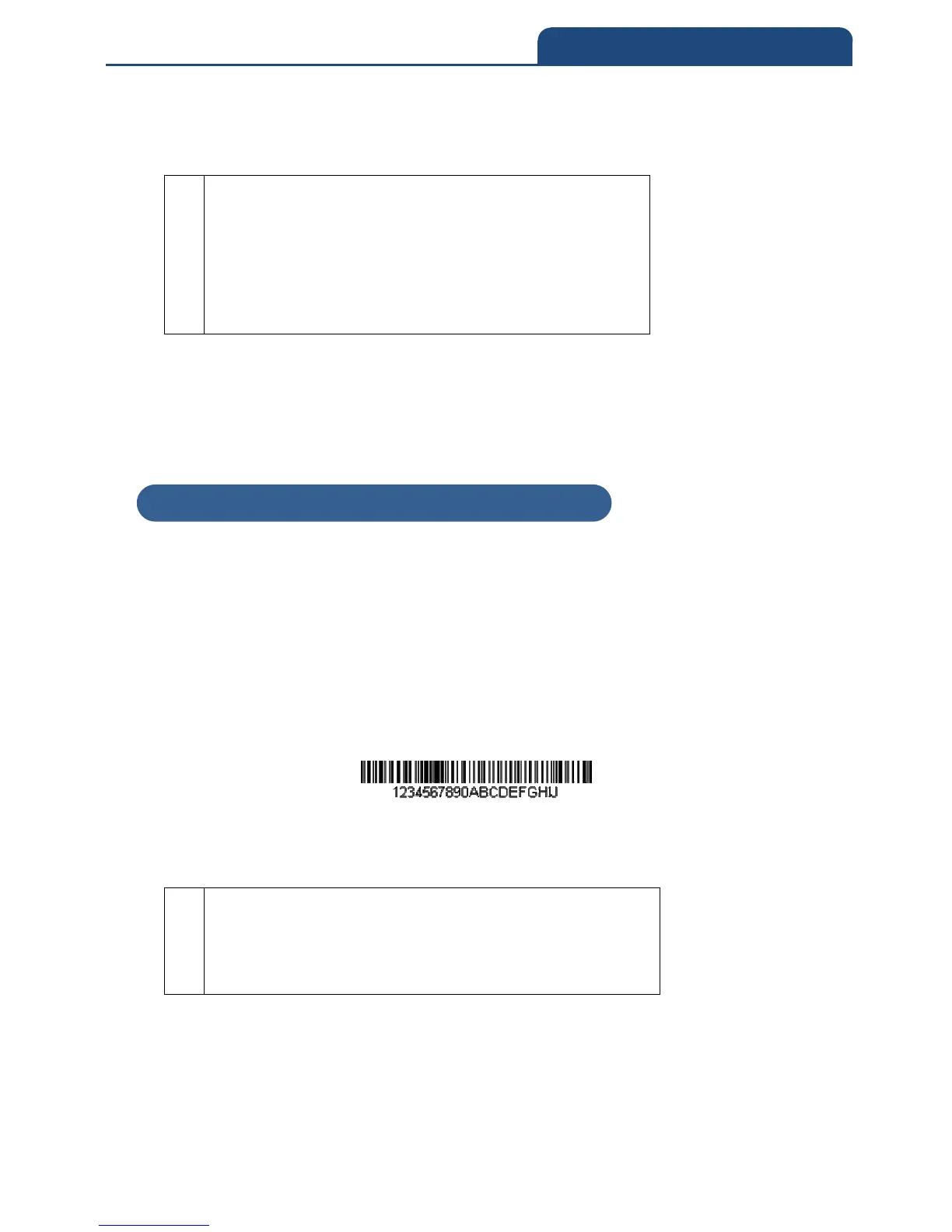
carriage return. Using the bar code above:
Command string: FE31F7F2060D
FE
0D
“Compare characters” command
Hex value for 1
“Move the cursor to the beginning” command
“Send a number of characters” command
Number of characters to send
Hex value for a CR
The data is output as:
123456
<CR>
5-4-3 Search Commands
F8—Search forward for a character
Search the input message forward for “xx” character from the current cursor
position, leaving the cursor pointing to the “xx” character. Syntax = F8xx where
xx stands for the search character’s hex value for its ASCII code. Refer to the
ASCII Conversion Chart (Code Page 1252), for decimal, hex and character
codes.
Example: Send bar code data that starts after a particular character
Search for the letter “D” in bar codes and send all the data that follows,
including the “D.” Using the bar code above:
Command string: F844F10D
F8



 To Next Page