93
5. DATA FORMATTING
F9—Search backward for a character
Search the input message backward for “xx” character from the current cursor
position, leaving the cursor pointing to the “xx” character. Syntax = F9xx where
xx stands for the search character’s hex value for its ASCII code. Refer to the
ASCII Conversion Chart (Code Page 1252), for decimal, hex and character
codes.
E6—Search forward for a non-matching character
Search the input message forward for the first non-“xx” character from the
current cursor position, leaving the cursor pointing to the non-“xx” character.
Syntax = E6xx where xx stands for the search character’s hex value for its
ASCII code. Refer to the ASCII Conversion Chart (Code Page 1252), for
decimal, hex and character codes.
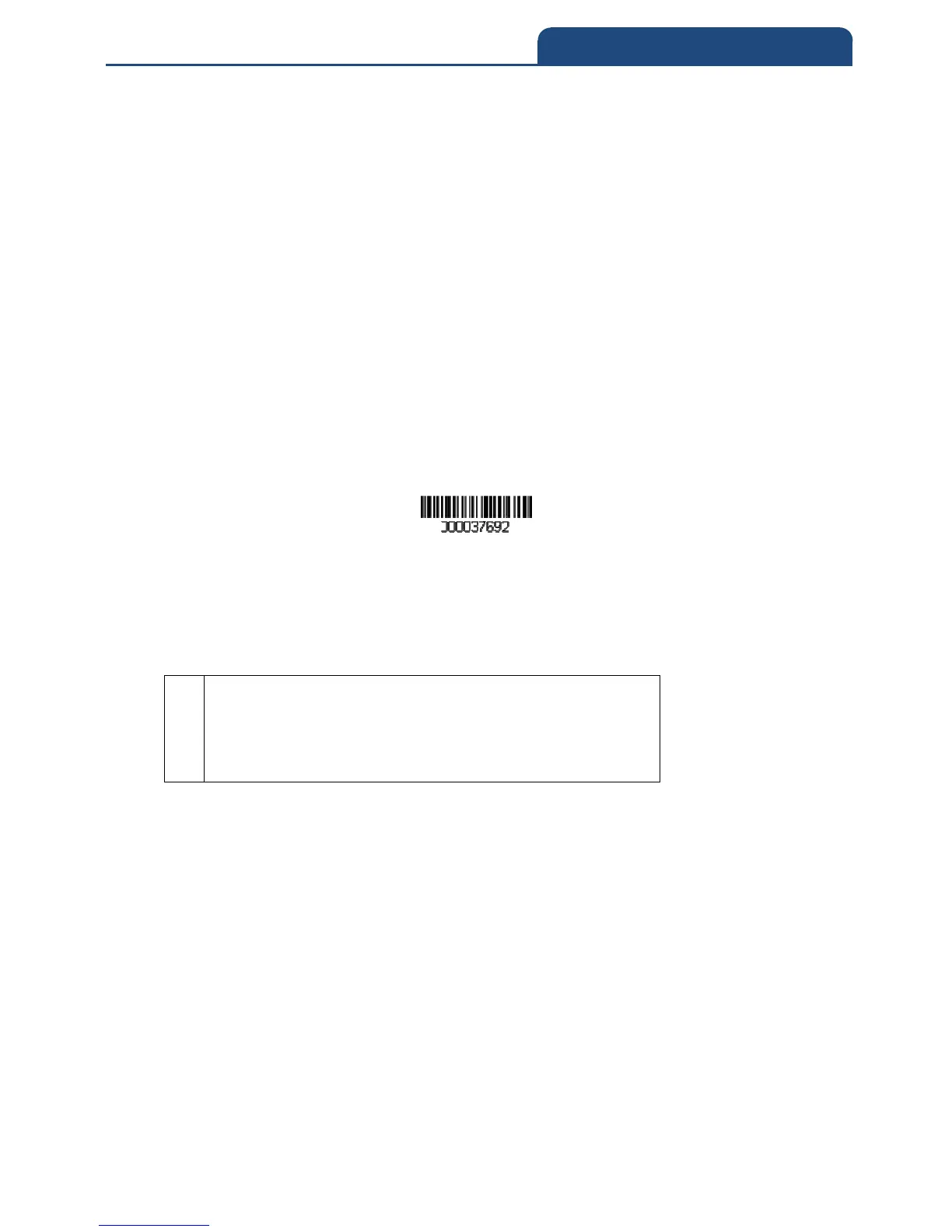
Example: Remove zeroes at the beginning of bar code data
This example shows a bar code that has been zero filled. You may want to
ignore the zeroes and send all the data that follows. E6 searches forward for
the first character that is not zero, then sends all the data after, followed by a
carriage return. Using the bar code above:
Command string: E630F10D
E6
Hex value for 0
“Send all characters” command
Hex value for a CR
The data is output as:
37692
<CR>
E7—Search backward for a non-matching character
Search the input message backward for the first non-“xx” character from the
current cursor position, leaving the cursor pointing to the non-“xx” character.
Syntax = E7xx where xx stands for the search character’s hex value for its
ASCII code. Refer to the ASCII Conversion Chart (Code Page 1252), for
decimal, hex and character codes.



 To Next Page