56
3. INPUT/OUTPUT SETTINGS
3-8 Serial Trigger Mode
You can activate the scan engine either by pressing the trigger, or using a
serial trigger command (see Trigger Commands). When in serial mode, the
scan engine scans until a bar code has been read or until the deactivate
command is sent. The scan engine can also be set to turn itself off after a
specified time has elapsed (see Read Time-Out, which follows).
3-8-1 Read Time-Out
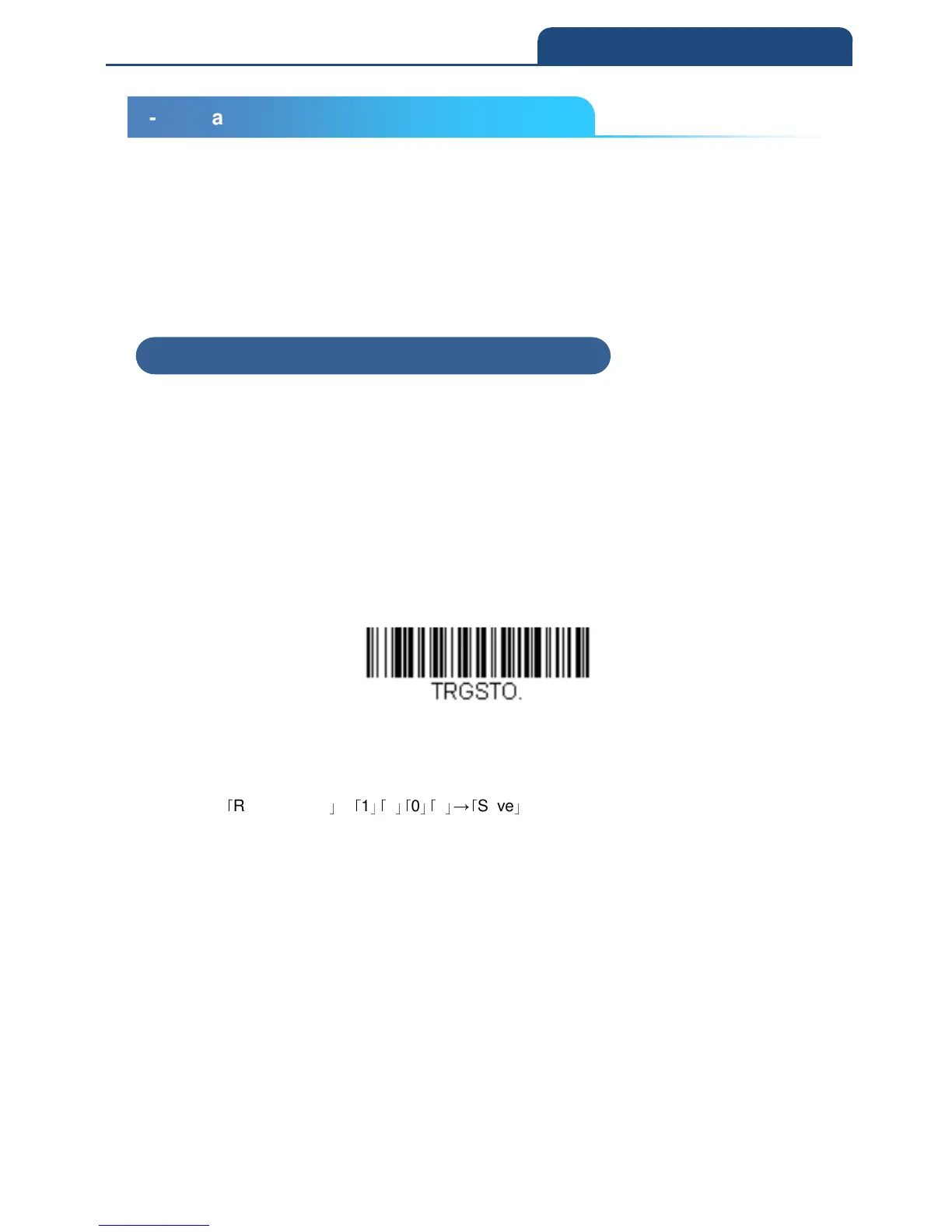
Use this selection to set a time-out (in milliseconds) of the scan engine’s trigger
when using serial commands to trigger the scan engine. Once the scan engine
has timed out, you can activate the scan engine either by pressing the trigger
or using a serial trigger command. After scanning the Read Time-Out bar
code, set the time-out duration (from 0-300,000 millisec- onds) by scanning
digits on the Programming Chart inside the back cover, then scanning Save.
Default = 30,000 ms
Read Time-Out
Example) When setting to 1 second, scan in the following order.
「
Read timeout
」
→
「
1
」「
0
」「
0
」「
0
」
→
「
Save
」
3-8 Serial Trigger Mode
3-8-1 Read Time-Out



 To Next Page