186
7. UTILITIES
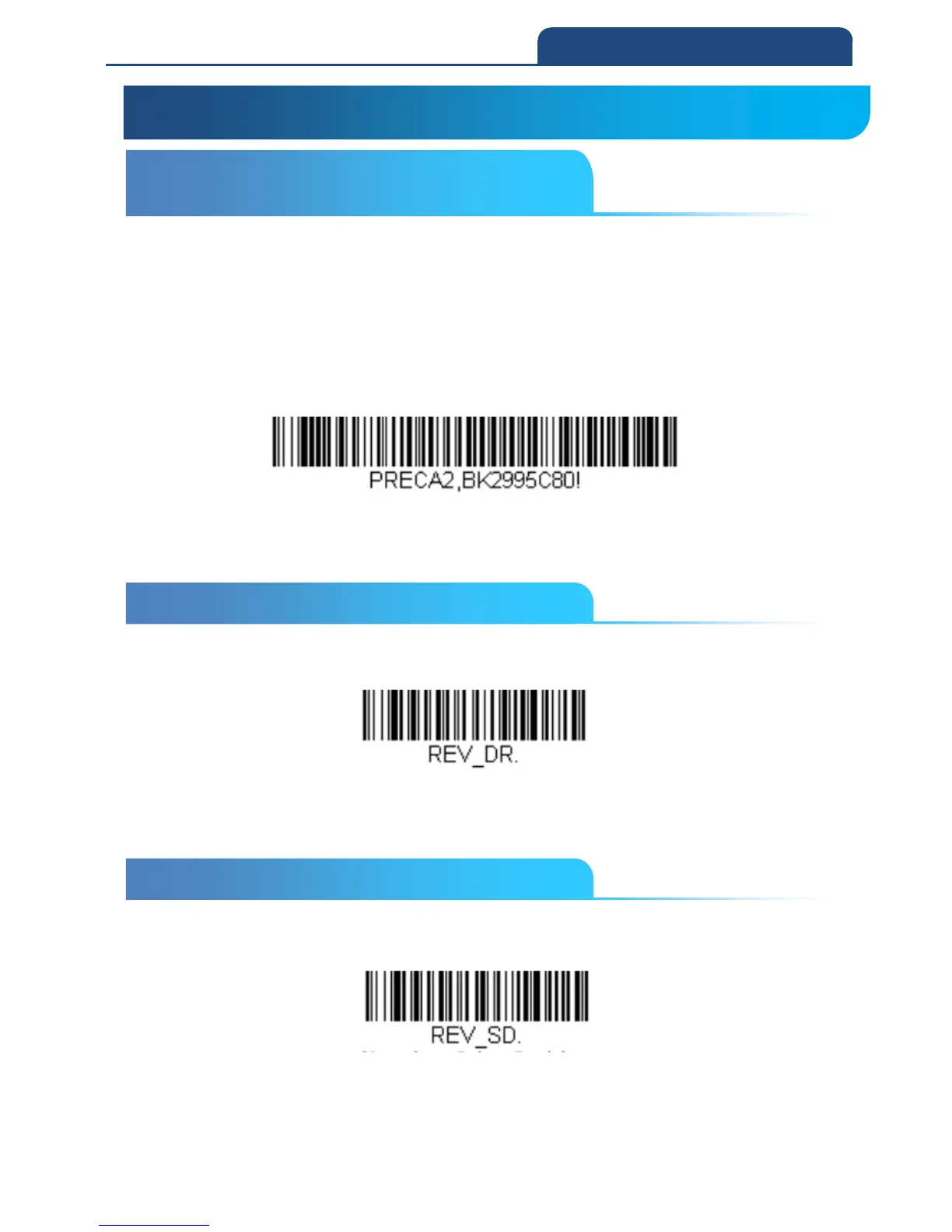
7-1 To Add a Test Code I.D. Prefix to All Symbologies
This selection allows you to turn on transmission of a Code I.D. before the
decoded symbology. (See the Symbology Charts for the single character code
that identifies each symbology.)
This action first clears all current prefixes, then programs a Code I.D. prefix for
all symbologies.
This is a temporary setting that will be removed when the unit is power cycled.
Add Code I.D. Prefix to All Symbologies (Temporary)
7-2 Show Decoder Revision
Scan the bar code below to output the decoder revision.
Show Decoder Revision
7-3 Show Scan Driver Revision
Scan the bar code below to output the scan driver revision. The scan driver
controls image capture.
Show Scan Driver Revision
7-1 To Add a Test Code I.D. Prefix to
All Symbologies
7. UTILITIES
7-2 Show Decoder Revision
7-3 Show Scan Driver Revision



 To Next Page