70
3. INPUT/OUTPUT SETTINGS
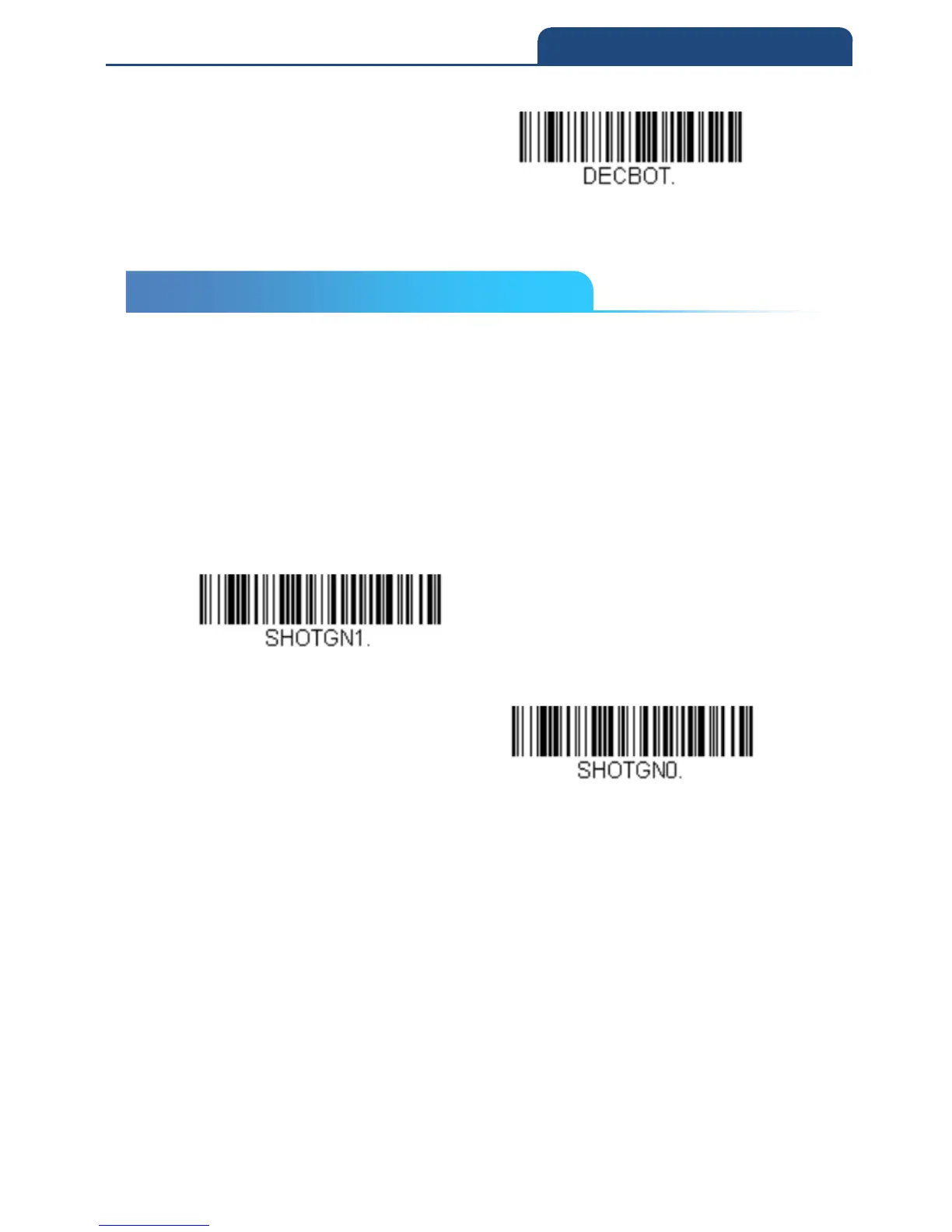
Bottom of Centering Window
3-21 Multiple Symbols
When this programming selection is turned On, it allows you to read multiple
symbols with a single pull of the scanner’s trigger. If you press and hold the
trigger, aiming the scanner at a series of symbols, it reads unique symbols
once, beeping (if turned on) for each read. The scanner attempts to find and
decode new symbols as long as the trigger is pulled. When this programming
selection is turned Off, the scanner will only read the symbol closest to the
aiming beam.
Default = Off
On
Off
3-21 Multiple Symbols



 To Next Page