52
3. INPUT/OUTPUT SETTINGS
3-5 Manual Trigger Mode
When in manual trigger mode, the scanner scans until a bar code is read, or
until the trigger is released.
Manual Trigger - Normal
3-5-1 LED Illumination - Manual Trigger
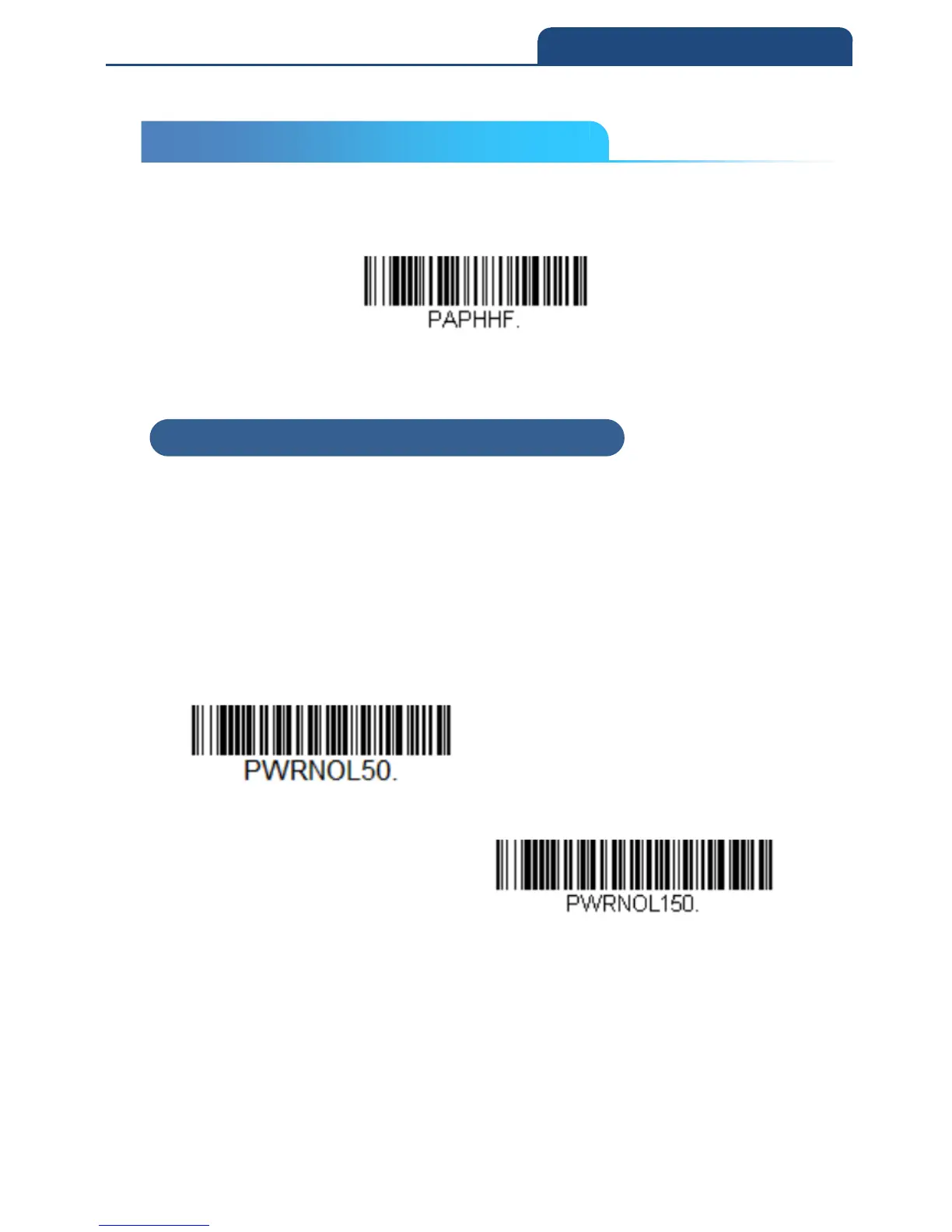
If you wish to set the illumination LED brightness, scan one of the barcodes
below. This sets the LED illumination for the scan engine when the trigger is
pressed.
Default = High
Note: The LEDs are like a flash on a camera. The lower the ambient light in the
room, the brighter the LEDs need to be so the scan engine can “see” the bar
codes.
Low



 To Next Page