97
5. DATA FORMATTING
5-5 Data Formatter
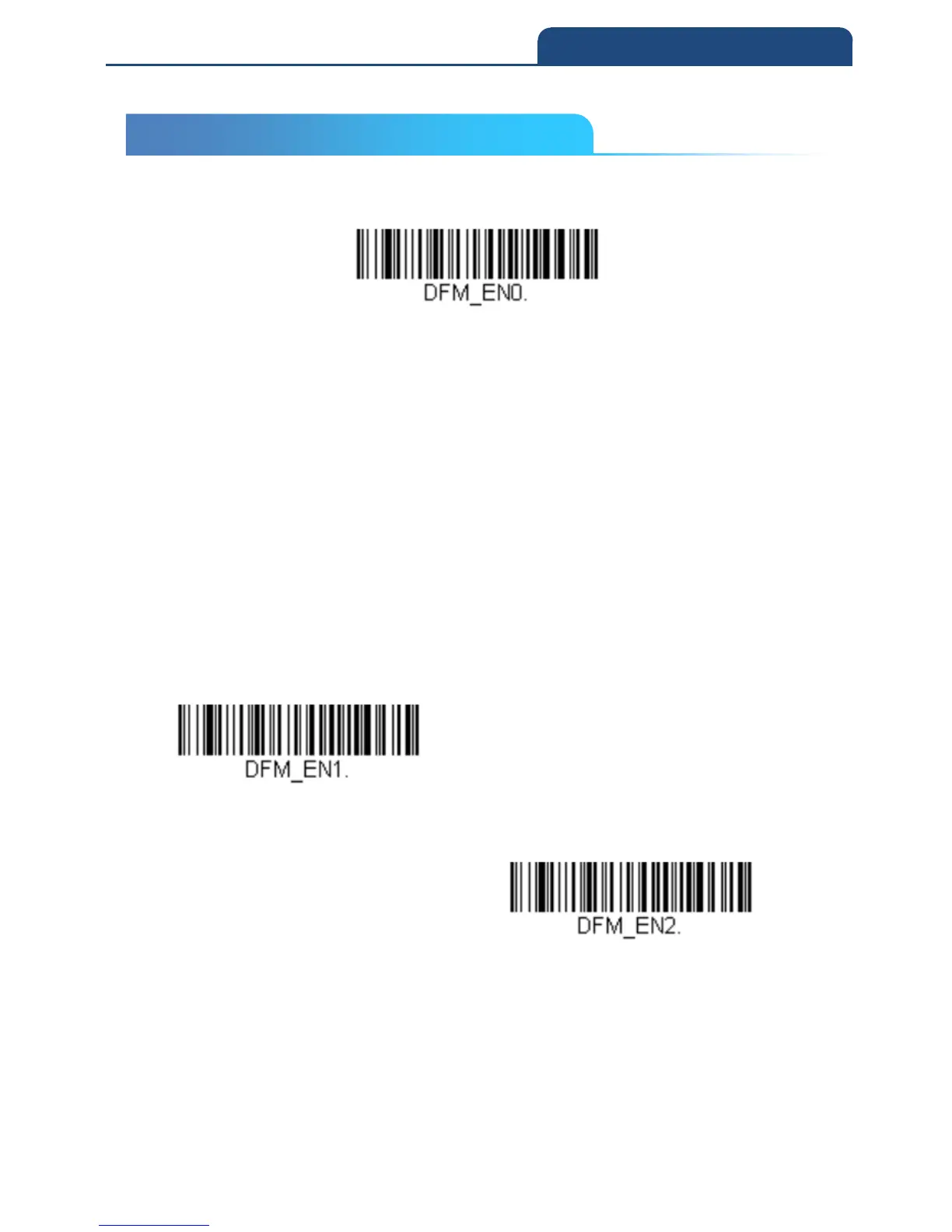
When Data Formatter is turned Off, the bar code data is output to the host as
read, including prefixes and suffixes.
Data Formatter Off
You may wish to require the data to conform to a data format you have created
and saved. The following settings can be applied to your data format:
• Data Formatter On, Not Required, Keep Prefix/Suffix
Scanned data is modified according to your data format, and prefixes and
suffixes are transmitted.
• Data Format Required, Keep Prefix/Suffix
Scanned data is modified according to your data format, and prefixes and
suffixes are transmitted. Any data that does not match your data format
requirements generates an error tone and the data in that bar code is not
transmitted. If you wish to process this type of bar code without generating an
error tone, see Primary/Alternate Data Formats.
Choose one of the following options.
Default = Data Formatter On, Not Required, Keep Prefix/Suffix
Data Formatter On, Not Required,
Keep Prefix/Suffix
Data Format Required, Keep
Prefix/Suffix
5-5 Data Formatter



 To Next Page