96
5. DATA FORMATTING
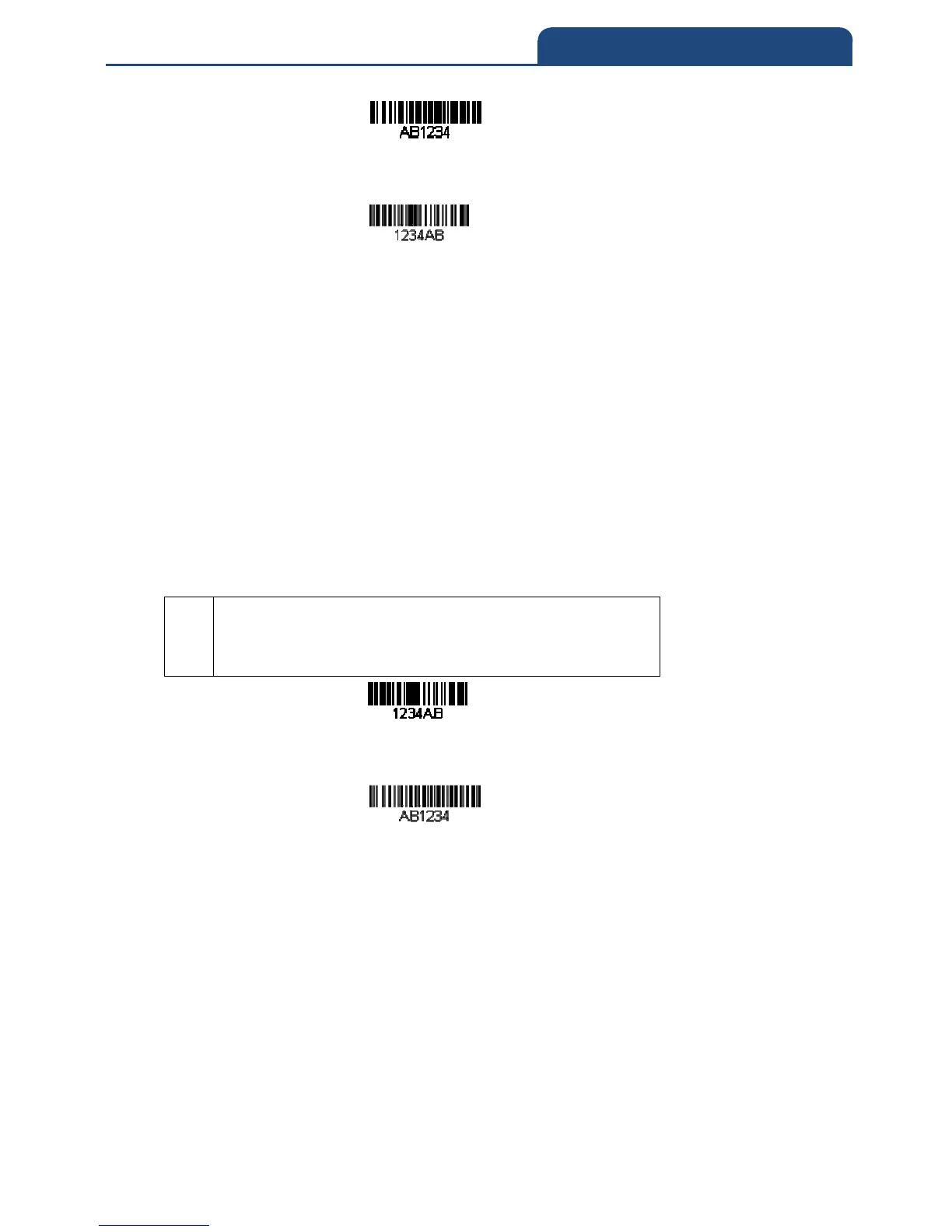
If this bar code is read, the next data format, if there is one,
will be used on the data. If there is no other format, the format fails and the raw
data is output as AB1234.
If this bar code is read: the data is output as:
1234AB
<CR
ED—Check for non-numeric character
Check to make sure there is a non-numeric ASCII character at the current
cursor position.
The format is aborted if the character is numeric.
Example: Only output the data if the bar code begins with a letter
If you want only data from bar codes that begin with a letter, you can use ED to
check for the letter.
Command string: EDF10D
ED
F1
“Check for a non-numeric character” command
“Send all characters” command
Hex value for a CR
If this bar code is read, the next data format, if there is one, will
be used on this data. If there is no other format, the format fails and the raw
data is output as 1234AB.
If this bar code is read: the data is output as:
AB1234
<CR>
EF—Insert a delay
Inserts a delay of up to 49,995 milliseconds (in multiples of 5), starting from the
current cursor position. Syntax = EFnnnn where nnnn stands for the delay in
5ms increments, up to 9999. This command can only be used with keyboard
emulation.



 To Next Page