16
2. PROGRAM THE INTERFACE
2-2-4 USB Serial
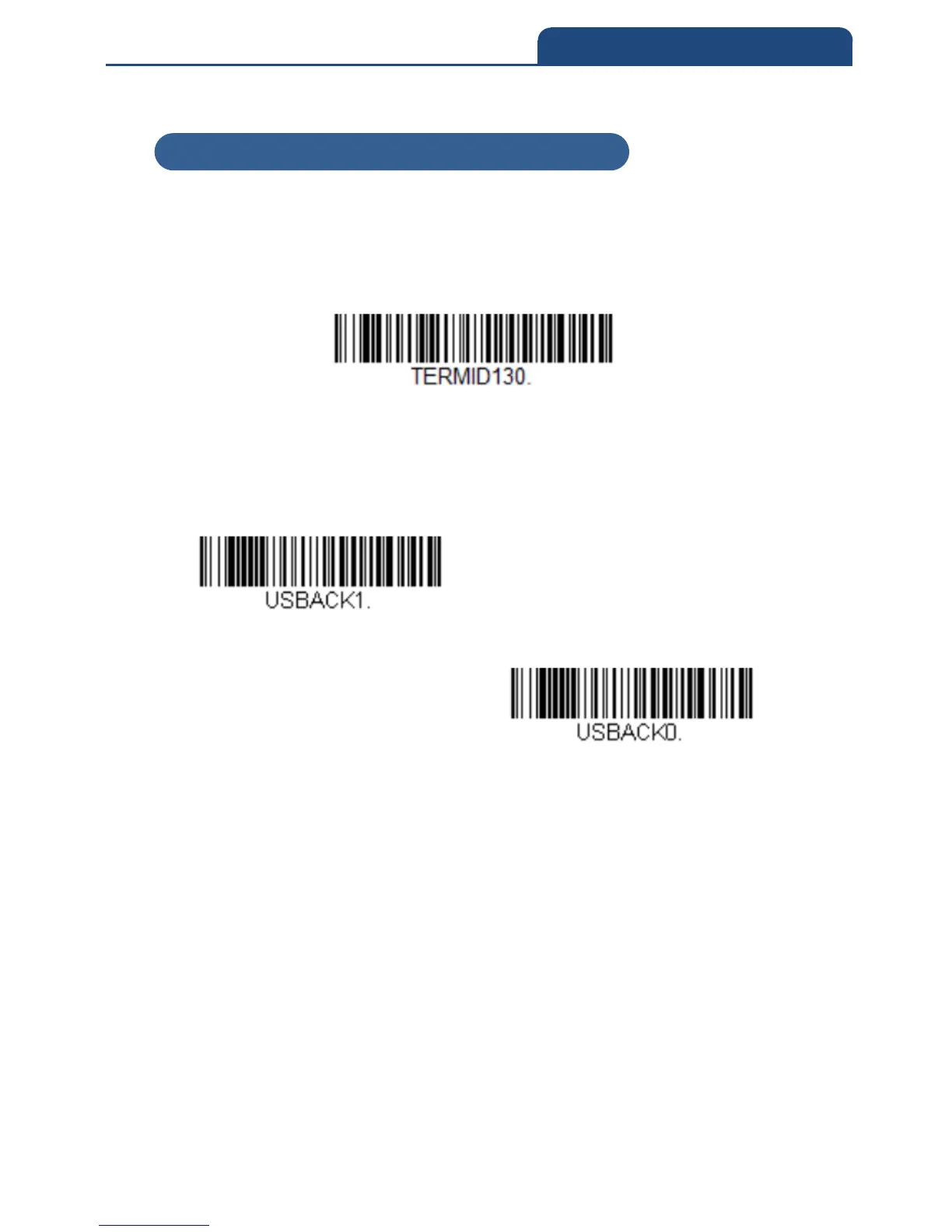
Scan the following barocode to program the scanner to emulate a regular
RS232-based COMport. If your are using a Windows OS, you will need to a
driver. Apple Machintosh computers recognize the scanner as a USB CDC
class device and automatically use a class driver.
USB serial
Note: No extra configuration (e.g., baud rate) is necessary.
Below is optional parameter for ACK/NAK setting
ACK/NAK Mode On
ACK/NAK Mode off
2-2-4 USB Serial



 To Next Page