39
2. PROGRAM THE INTERFACE
2-8-4 RS232 Handshaking
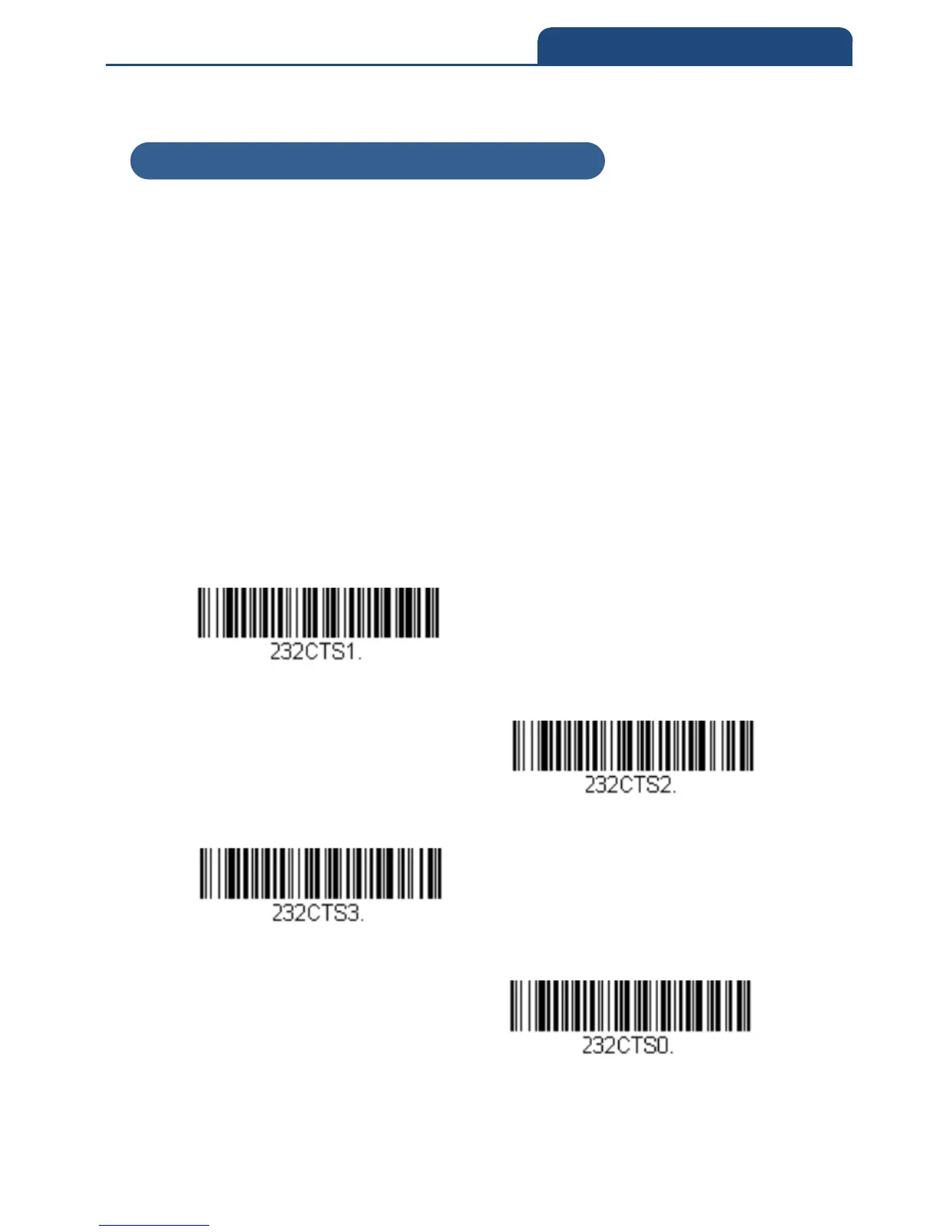
RS232 Handshaking allows control of data transmission from the scan engine
using software commands from the host device. When RTS/CTS is turned Off,
no data flow control is used.
Flow Control, No Timeout: The scan engine asserts RTS when it has data to
send, and will wait indefinitely for CTS to be asserted by the host.
Two-Direction Flow Control: The scan engine asserts RTS when it is OK for
the host to transmit. The host asserts CTS when it is OK for the device to
transmit.
Flow Control with Timeout: The scan engine asserts RTS when it has data to
send and waits for a delay (see RS232 Timeout) for CTS to be asserted by the
host. If the delay time expires and CTS is not asserted, the device transmit
buffer is cleared and scanning may resume.
Default = RTS/CTS Off
Flow Control, No Timeout
Two-Direction Flow Control
Flow Control with Timeout
RTS/CTS Off
2-8-4 RS232 Handshaking



 To Next Page