163
6. SYMBOLOGIES
6-30 GS1 Emulation
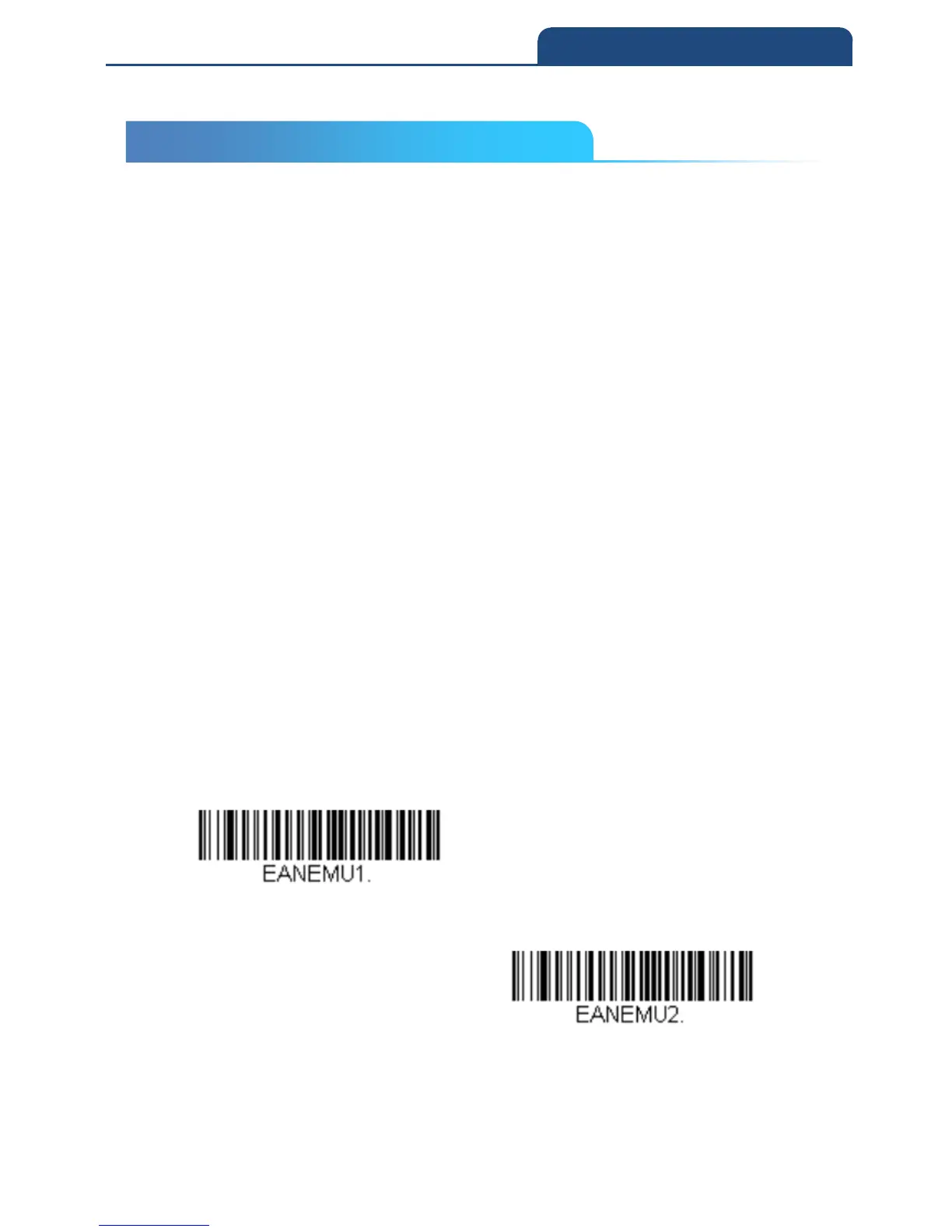
The scanner can automatically format the output from any GS1 data carrier to
emulate what would be encoded in an equivalent GS1-128 or GS1 DataBar
symbol. GS1 data carriers include UPC-A and UPC-E, EAN-13 and EAN-8,
ITF-14, GS1-128, and GS1-128 DataBar and GS1 Composites. (Any
application that accepts GS1 data can be simplified since it only needs to
recognize one data carrier type.)
If GS1-128 Emulation is scanned, all retail codes (U.P.C., UPC-E, EAN8,
EAN13) are expanded out to 16 digits. If the AIM ID is enabled, the value will
be the GS1-128 AIM ID, ]C1 (see Symbology Charts).
If GS1 DataBar Emulation is scanned, all retail codes (U.P.C., UPC-E, EAN8,
EAN13) are expanded out to 16 digits. If the AIM ID is enabled, the value will
be the GS1-DataBar AIM ID, ]e0 (see Symbology Charts).
If GS1 Code Expansion Off is scanned, retail code expansion is disabled, and
UPCE expansion is controlled by the UPC-E0 Expand setting. If the AIM ID is
enabled, the value will be the GS1-128 AIM ID, ]C1.
If EAN8 to EAN13 Conversion is scanned, all EAN8 bar codes are converted
to EAN13 format.
Default = GS1 Emulation Off
GS1-128 Emulation
GS1 DataBar Emulation
6-30 GS1 Emulation



 To Next Page