54
3. INPUT/OUTPUT SETTINGS
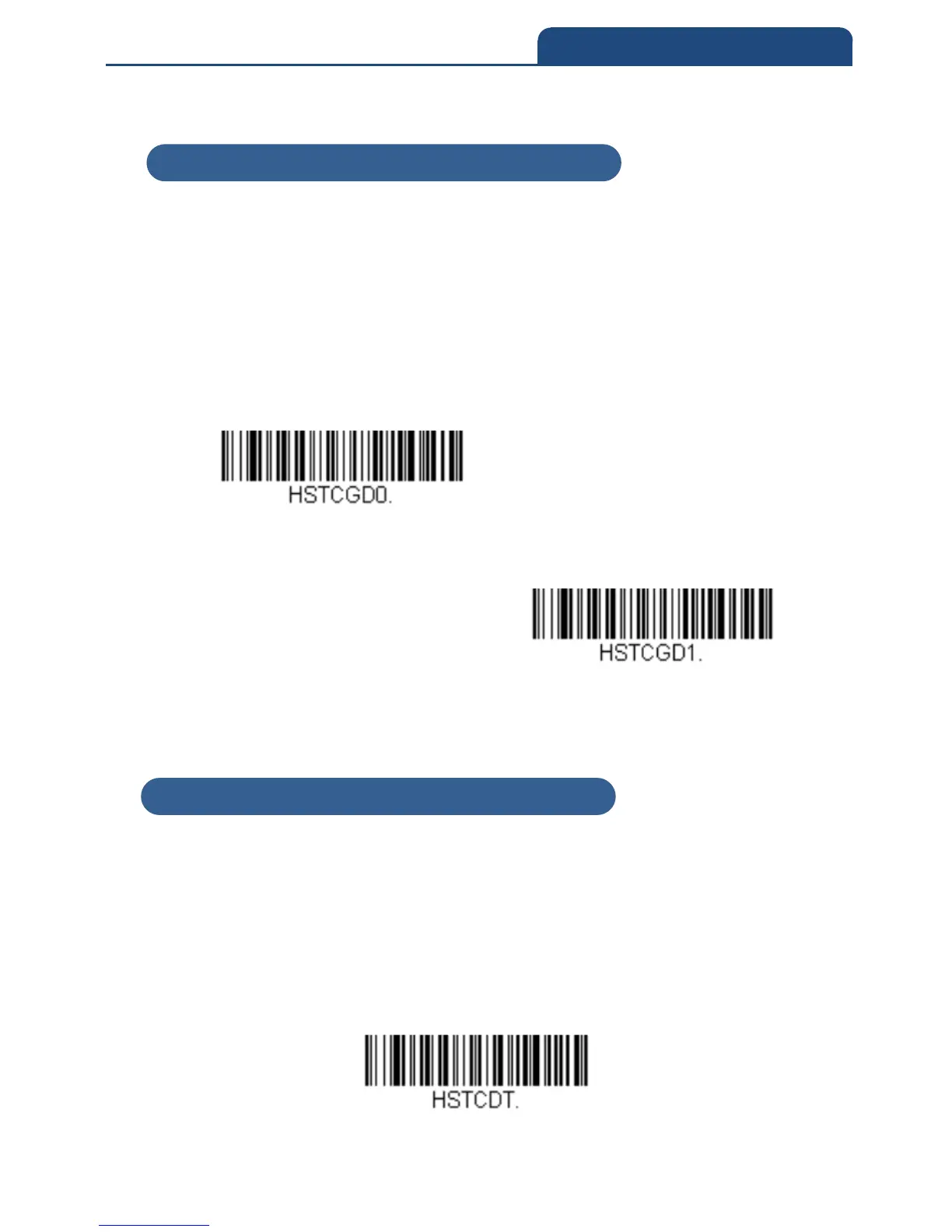
3-6-2 End Character Activation After Good Read
After a bar code is successfully detected and read from the scanner, the
illumination can be programmed either to remain on and scanning, or to turn
off. When End Character Activation After Good Read is enabled, the
illumination turns off and stops scanning after a good read. If you scan Do Not
End Character Activation After Good Read, the illumination remains on after a
good read.
Default = Do Not End Character Activation After Good Read
Do Not End Character
Activation After Good Read
End Character Activation After
Good Read
3-6-3 Character Activation Timeout
You can set a timeout for the length of time the illumination remains on and
attempting to decode bar codes when using Character Activation Mode. Set
the length (in milliseconds) for a timeout by scanning the following bar code,
then setting the timeout (from 1-300,000 milliseconds) by scanning digits from
the Programming Chart inside the back cover of this manual, then scanning
Save.
Default = 30,000 ms
Character Activation Timeout
3-6-2 End Character Activation After Good Read
3-6-3 End Character Activation Timeout



 To Next Page