63
3. INPUT/OUTPUT SETTINGS
Poor Quality PDF Reading Off
3-13 Hands Free Time-Out
The Scan Stand and Presentation Modes are referred to as “hands free”
modes. If the scanner’s trigger is pulled when using a hands free mode, the
scanner changes to manual trigger mode. You can set the time the scanner
should remain in manual trigger mode by setting the Hands Free Time-Out.
Once the time-out value is reached, (if there have been no further trigger pulls)
the scanner reverts to the original hands free mode.
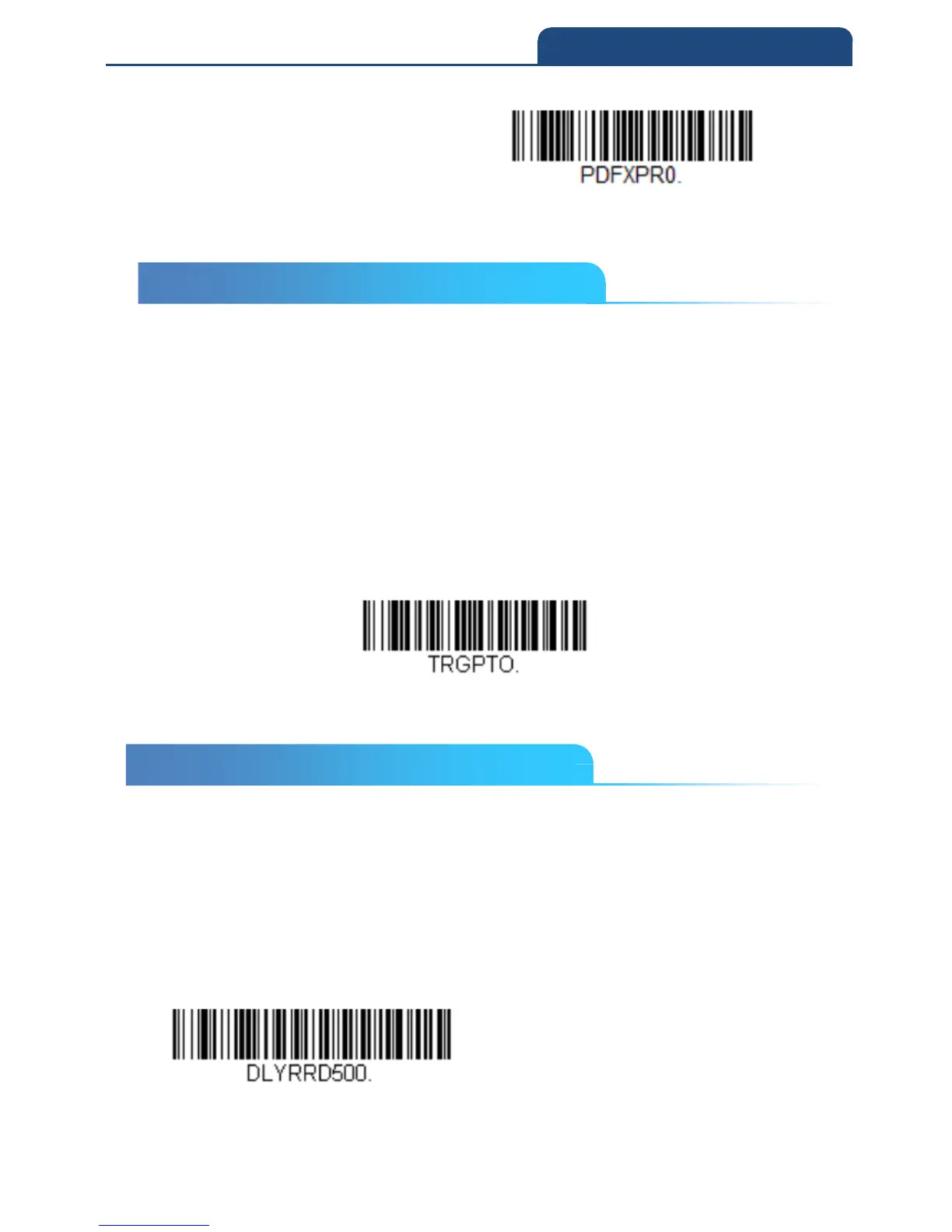
Scan the Hands Free Time-Out bar code, then scan the time-out duration
(from 0-300,000 milliseconds) from the inside back cover, and Save.
Default = 5,000 ms
Hand Free Time Out
3-14 Reread Delay in Presentation Mode
This sets the time period before the scan engine can read the same bar code a
second time. Setting a reread delay protects against accidental rereads of the
same bar code. Longer delays are effective in minimizing accidental rereads.
Use shorter delays in applications where repetitive bar code scanning is
required. Reread Delay only works when in a Presentation Mode.
Default = Medium
Short(500ms)
3-13 Hands Free Time-Out
3-14 Reread Delay in Presentation Mode



 To Next Page