61
3. INPUT/OUTPUT SETTINGS
3-10 CodeGate
When CodeGate is On, the trigger is used to allow decoded data to be
transmitted to the host system. The scanner remains on, scanning and
decoding bar codes, but the bar code data is not transmitted until the trigger is
pressed. When CodeGate is Off, bar code data is transmitted when it is
decoded.
Default = CodeGate Off Out-ofStand
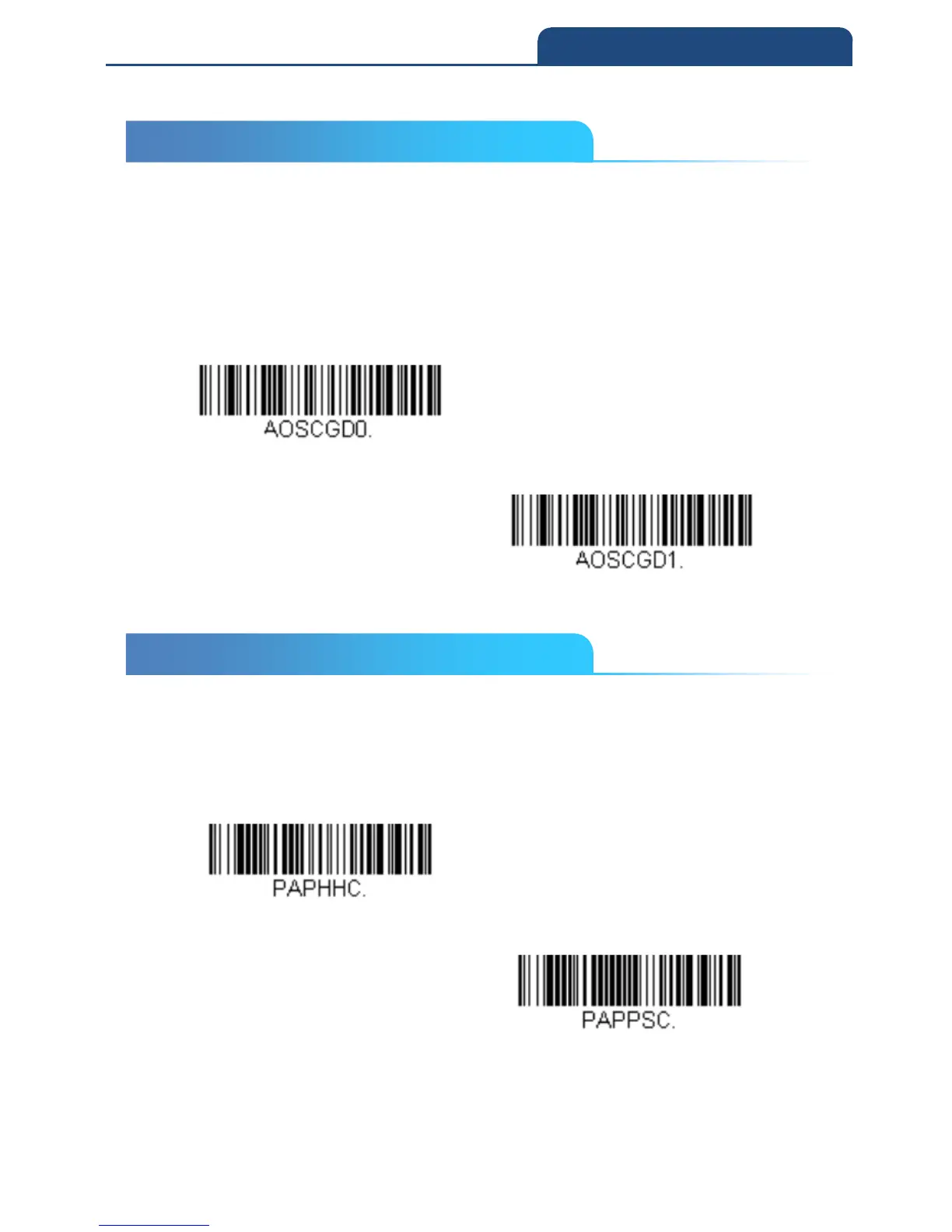
CodeGate Off Out-of-Stand
CodeGate On Out-of-Stand
3-11 Mobile Phone Read Mode
When this mode is selected, your scanner is optimized to read bar codes from
mobile phone or other LED displays. However, the speed of scanning printed
bar codes may be slightly lower when this mode is enabled.
Hand Held Scanning – Mobile Phone
Presentation Scanning - Mobile Phone
Note: To turn off Mobile Phone Read Mode, scan a Manual or Serial Trigger
3-10 CodeGate
3-11 Mobile Phone Read Mode



 To Next Page