31
2. PROGRAM THE INTERFACE
2-6 Control Character Output
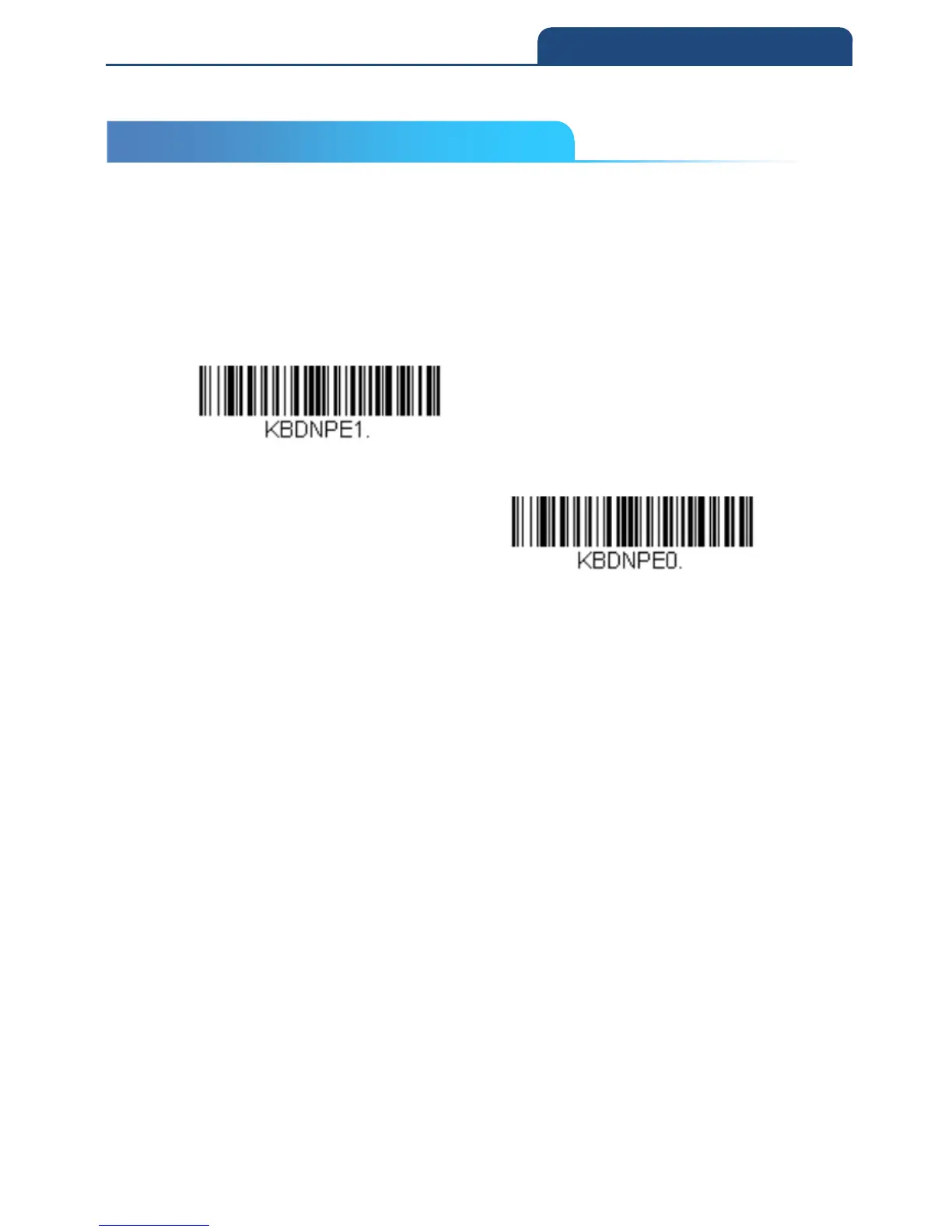
This selection sends a text string instead of a control character. For example,
when the control character for a carriage return is expected, the output would
display [CR] instead of the ASCII code of 0D. Refer to ASCII Conversion Chart
(Code Page 1252). Only codes 00 through 1F are converted (the first column
of the chart).
Note: Control + X (Control + ASCII) Mode overrides this mode.
Control Character Output On
Control Character Output Off
2-6 Control Character Output



 To Next Page