87
5. DATA FORMATTING
Enter Data Format
5-2-1 Other Programming Selections
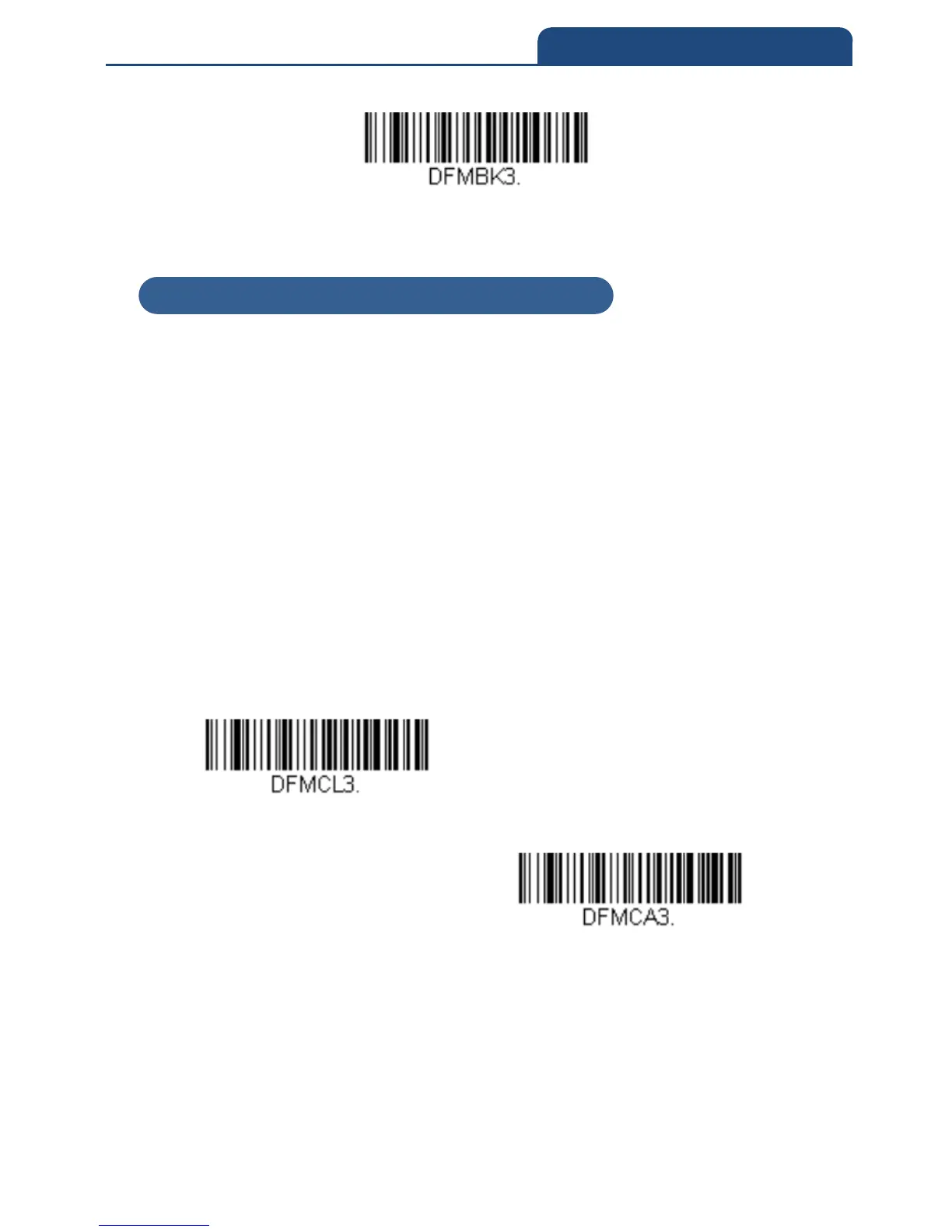
• Clear One Data Format
This deletes one data format for one symbology. If you are clearing the
primary format, scan 0 from the Programming Chart inside the back cover
of this manual. If you are clearing an alternate format, scan 1, 2, or 3,
depending on the format you are clearing. Scan the Terminal Type and
Code I.D. (see Symbology Charts), and the bar code data length for the
specific data format that you want to delete. All other formats remain
unaffected.
• Clear all Data Formats
This clears all data formats.
• Save to exit and save your data format changes.
• Discard to exit without saving any data format changes.
Clear One Data Format
Clear All Data Formats
5-2-1 Other Programming Selections



 To Next Page