150
6. SYMBOLOGIES
6-20-3 MSI Check Character
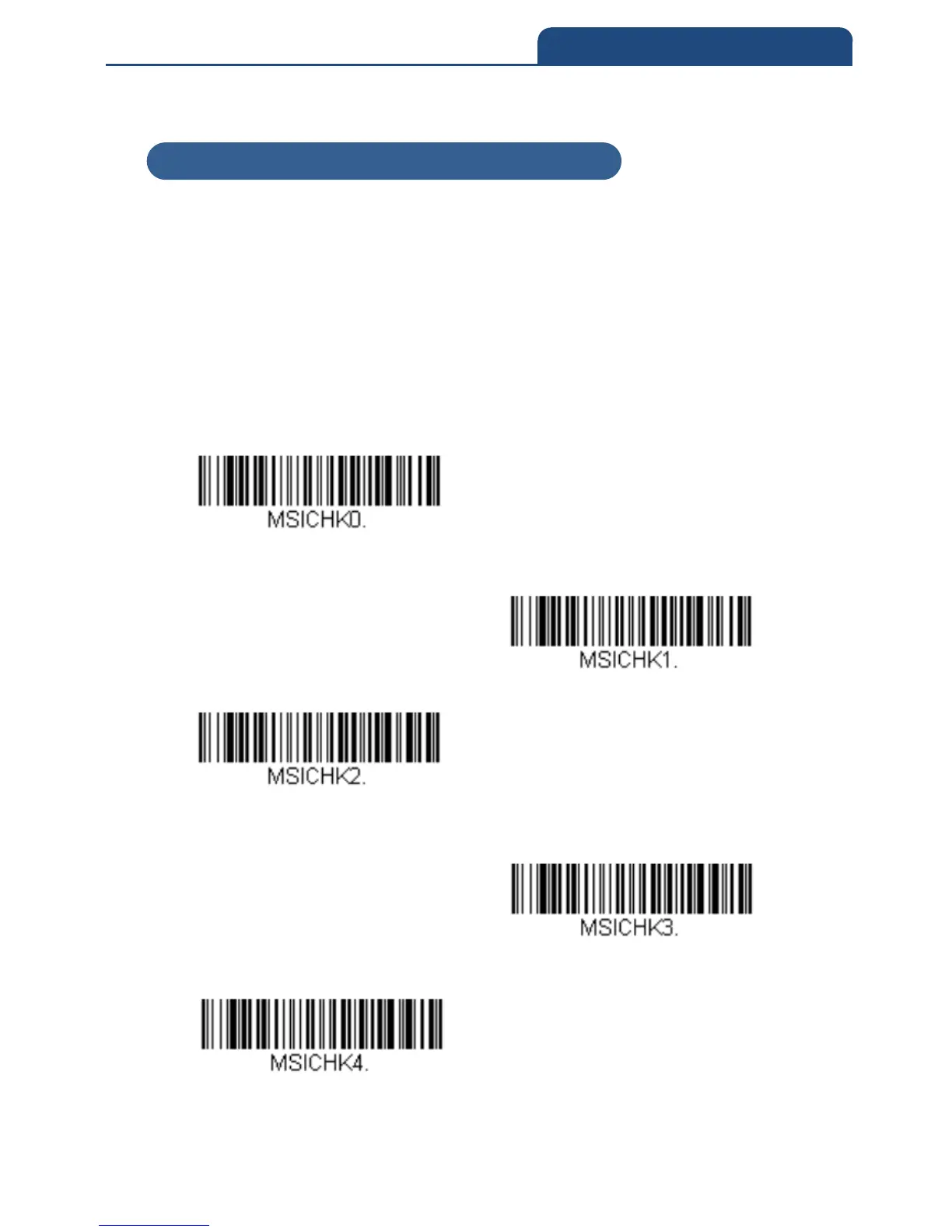
Different types of check characters are used with MSI bar codes. You can
program the scanner to read MSI bar codes with Type 10 check characters.
Default = Validate Type 10, but Not to Transmit
When Check Character is set to Validate Type 10/11 and Transmit, the
scanner will only read MSI bar codes with the specified type check
character(s), and will transmit the character(s) at the end of the scanned data.
When Check Character is set to Validate Type 10/11, but Not to Transmit,
the scanner will only read MSI bar codes with the specified type check
character(s), but will not transmit the check character(s).
Validate Type 10, but Not to Transmit
Validate Type 10 and Transmit
Validate 2 Type 10 Characters, but Not to
Transmit
Validate 2 Type 10 Characters and Transmit
Validate Type 11 then Type 10 Character,
but Not to Transmit
6-20-3 MSI Check Character



 To Next Page