81
4. DATA EDITING
4-5-2 User Specified Intercharacter Delay
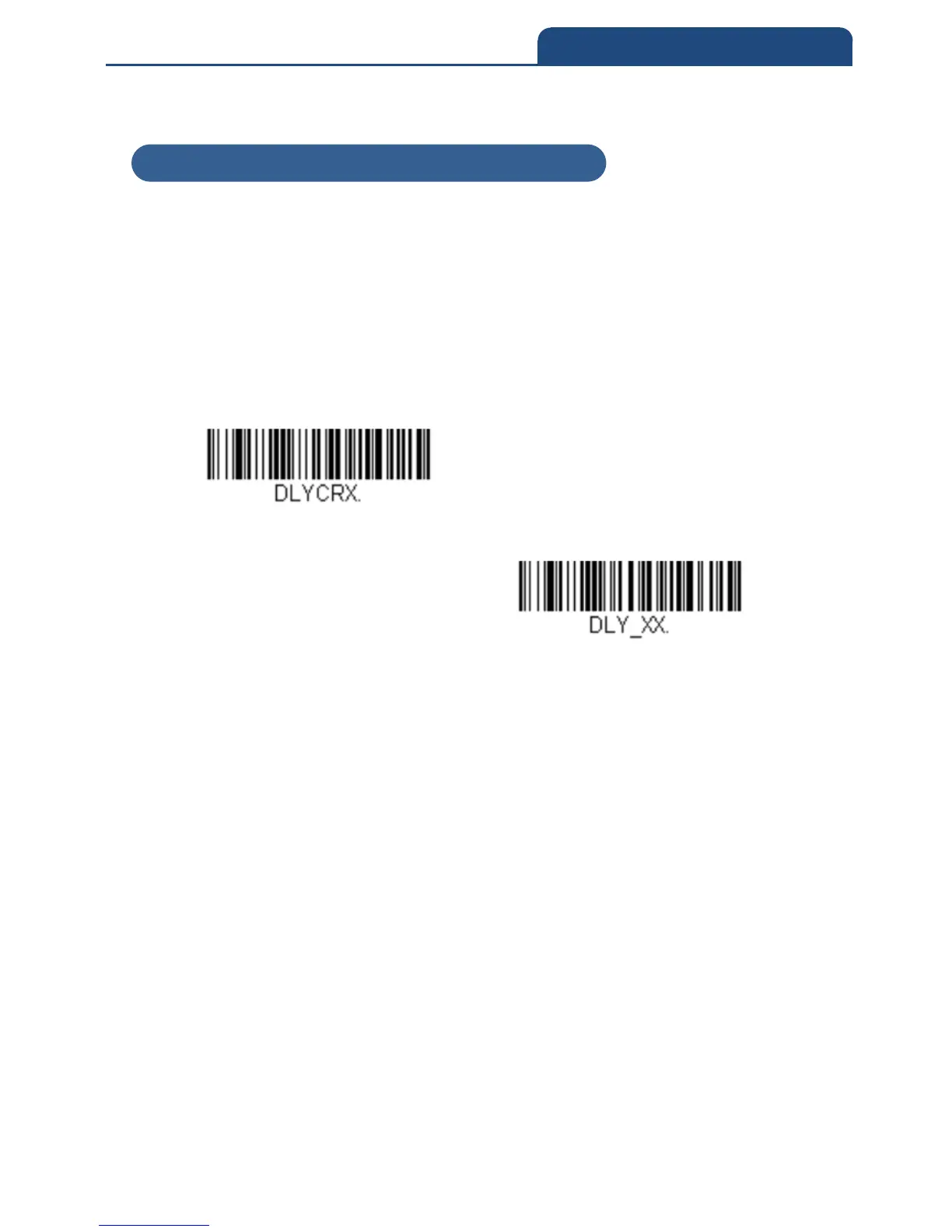
An intercharacter delay of up to 5000 milliseconds (in 5ms increments) may be
placed after the transmission of a particular character of scanned data. Scan
the Delay Length bar code below, then scan the number of 5ms delays, and
the Save barcode using the Programming Chart inside the back cover of this
manual. Next, scan the Character to Trigger Delay bar code, then the 2-digit
hex value for the ASCII character that will trigger the delay ASCII Conversion
Chart (Code Page 1252).
Delay Length
Character to Trigger Delay
To remove this delay, scan the Delay Length bar code, and set the number of
delays to 0. Scan the Save barcode using the Programming Chart inside the
back cover of this manual.
4-5-2 User Specified Intercharacter Delay



 To Next Page