58
3. INPUT/OUTPUT SETTINGS
3-9-2 Presentation Sensitivity
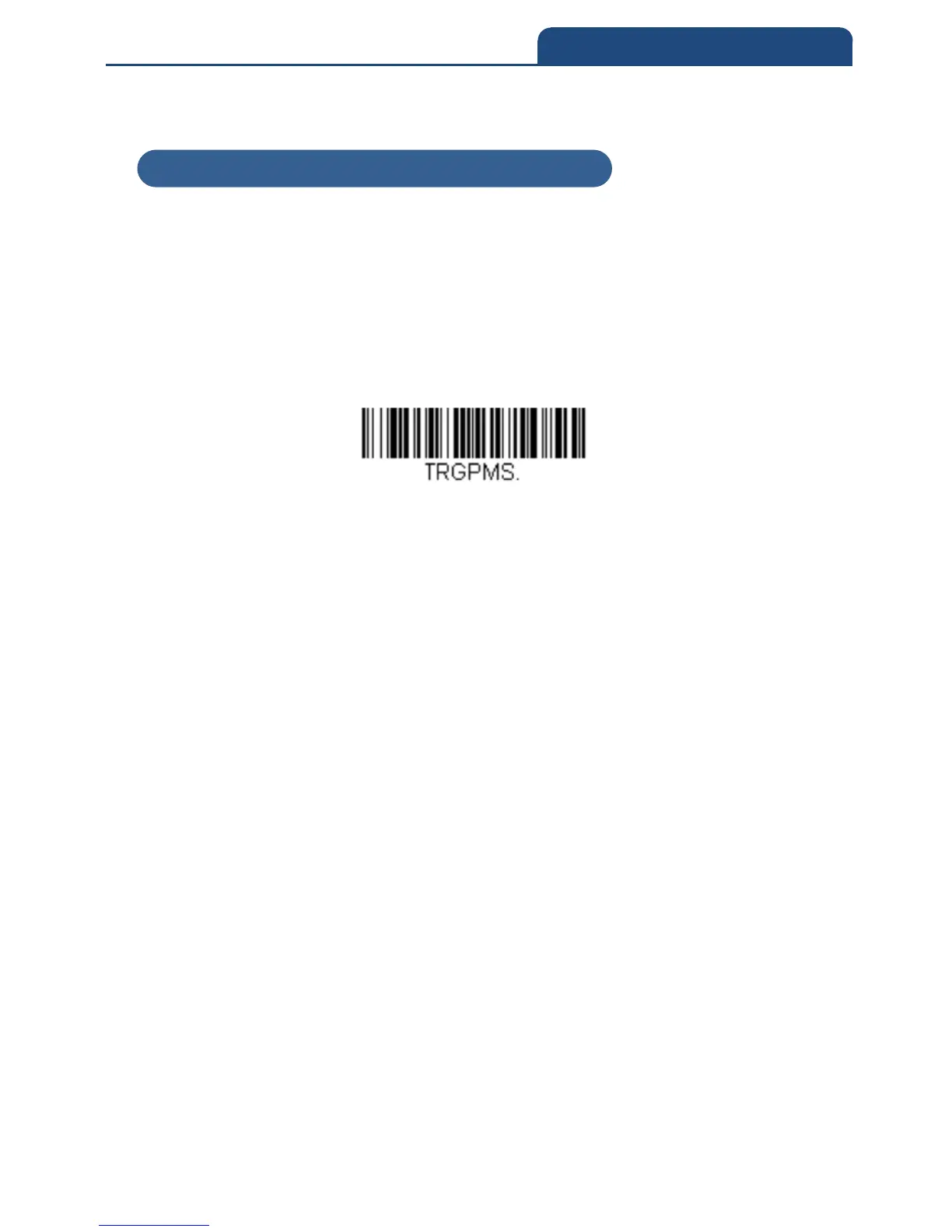
Presentation Sensitivity is a numeric range that increases or decreases the
scan engine's reaction time to bar code presentation. To set the sensitivity,
scan the Sensitivity bar code, then scan the degree of sensitivity (from 0-20)
from the inside back cover, and Save. 0 is the most sensitive setting, and 20 is
the least sensitive.
Default = 1
Sensitivity
Example) When setting the highest sensitivity 0, scan in the following order.
「Code detection Sensitivity」→「0」→「Save」
3-9-2 Presentation Sensitivity



 To Next Page