110
6. SYMBOLOGIES
6-4-3 Code 39 Check Character
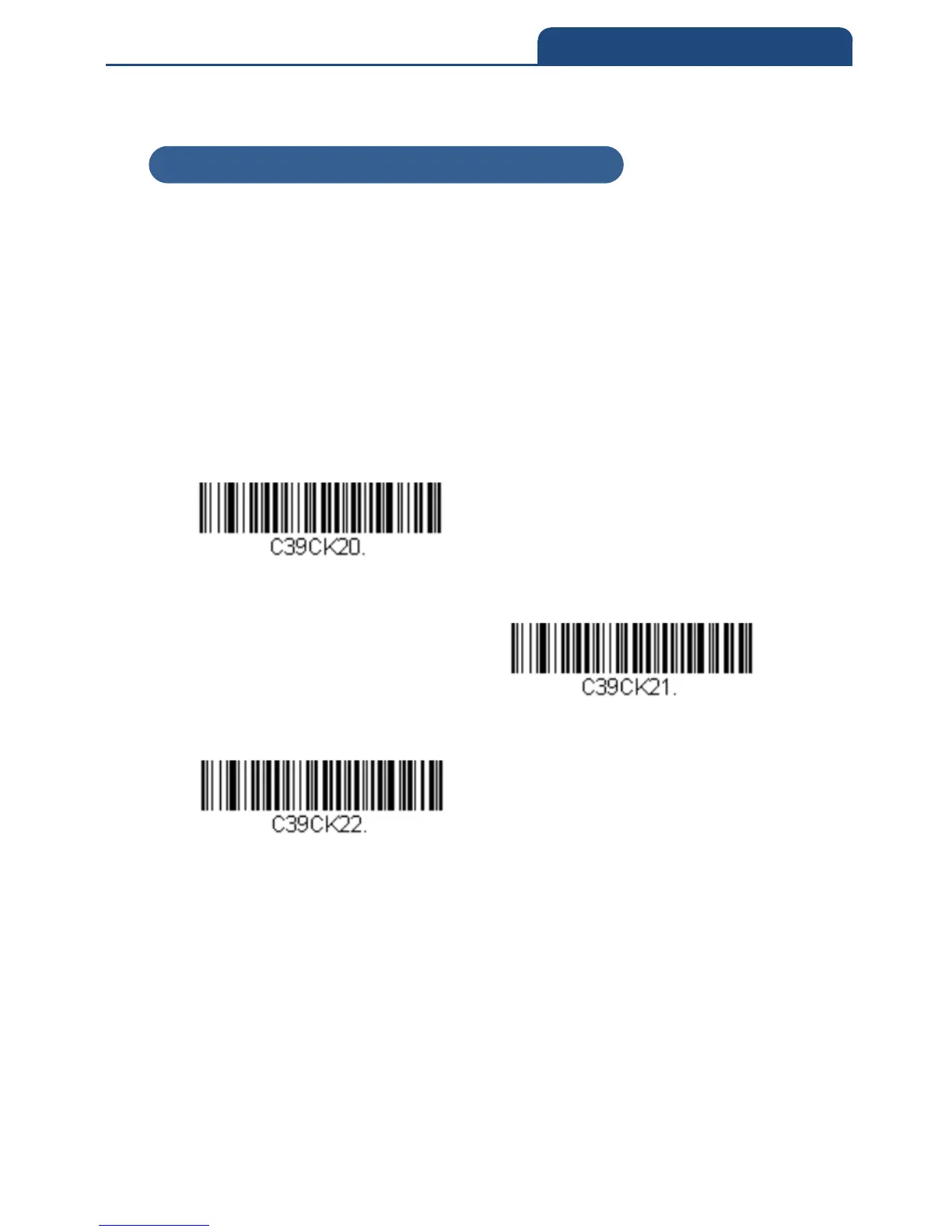
No Check Character indicates that the scanner reads and transmits barcode
data with or without a check character.
When Check Character is set to Validate, but Not to Transmit, the unit only
reads Code 39 barcodes with a check character, but will not transmit the check
character with the scanned data.
When Check Character is set to Validate and Transmit, the scanner only
reads Code 39 barcodes with a check character, and will transmit this
character at the end of the scanned data.
Default = No Check Character
No Check Character
Validate, but Not to Transmit
Validate and Transmit
6-4-3 Code 39 Check Character



 To Next Page