77
4. DATA EDITING
4-1-4 To Clear One or All Prefixes or Suffixes
You can clear a single prefix or suffix, or clear all prefixes/suffixes for a
symbology. If you have been entering prefixes and suffixes for single
symbologies, you can use Clear One Prefix (Suffix) to delete a specific
character from a symbology.
When you Clear All Prefixes (Suffixes), all the prefixes or suffixes for a
symbology are deleted.
Step 1. Scan the Clear One Prefix or Clear One Suffix symbol.
Step 2. Determine the 2 digit Hex value from the Symbology Chart (included in
the Symbology Charts, for the symbology from which you want to clear the
prefix or suffix.
Step 3. Scan the 2 digit hex value from the Programming Chart inside the back
cover of this manual or scan 9, 9 for all symbologies.
Your change is automatically saved.
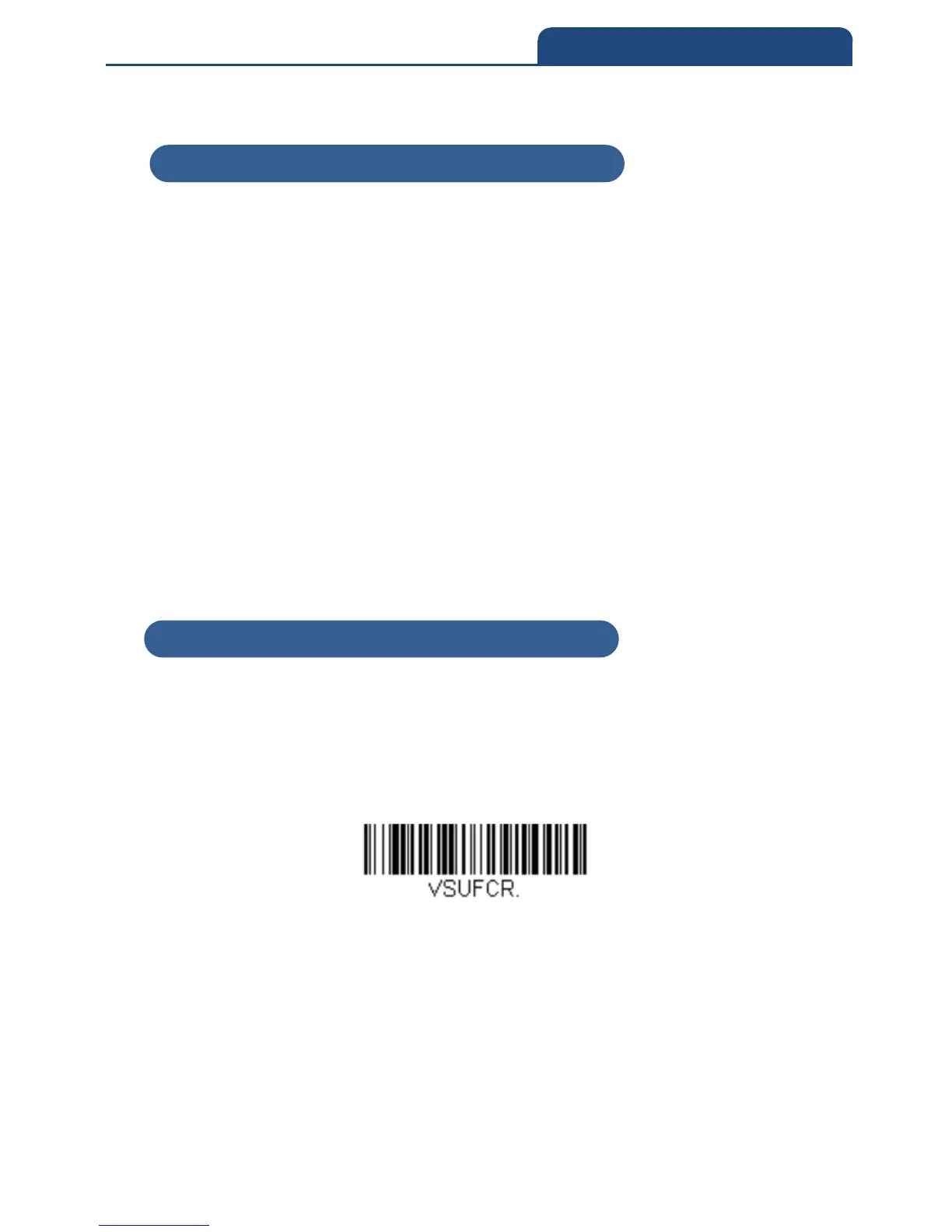
4-1-5 To Add a Carriage Return Suffix to All Symbologies
Scan the following barcode if you wish to add a carriage return suffix to all
symbologies at once. This action first clears all current suffixes, then programs
a carriage return suffix for all symbologies.
Add CR Suffix All Symbologies
4-1-4 To Clear One or All Prefixes or Suffixes
4-1-5 To Add a Carriage Return Suffix to All Symbologies



 To Next Page