41
2. PROGRAM THE INTERFACE
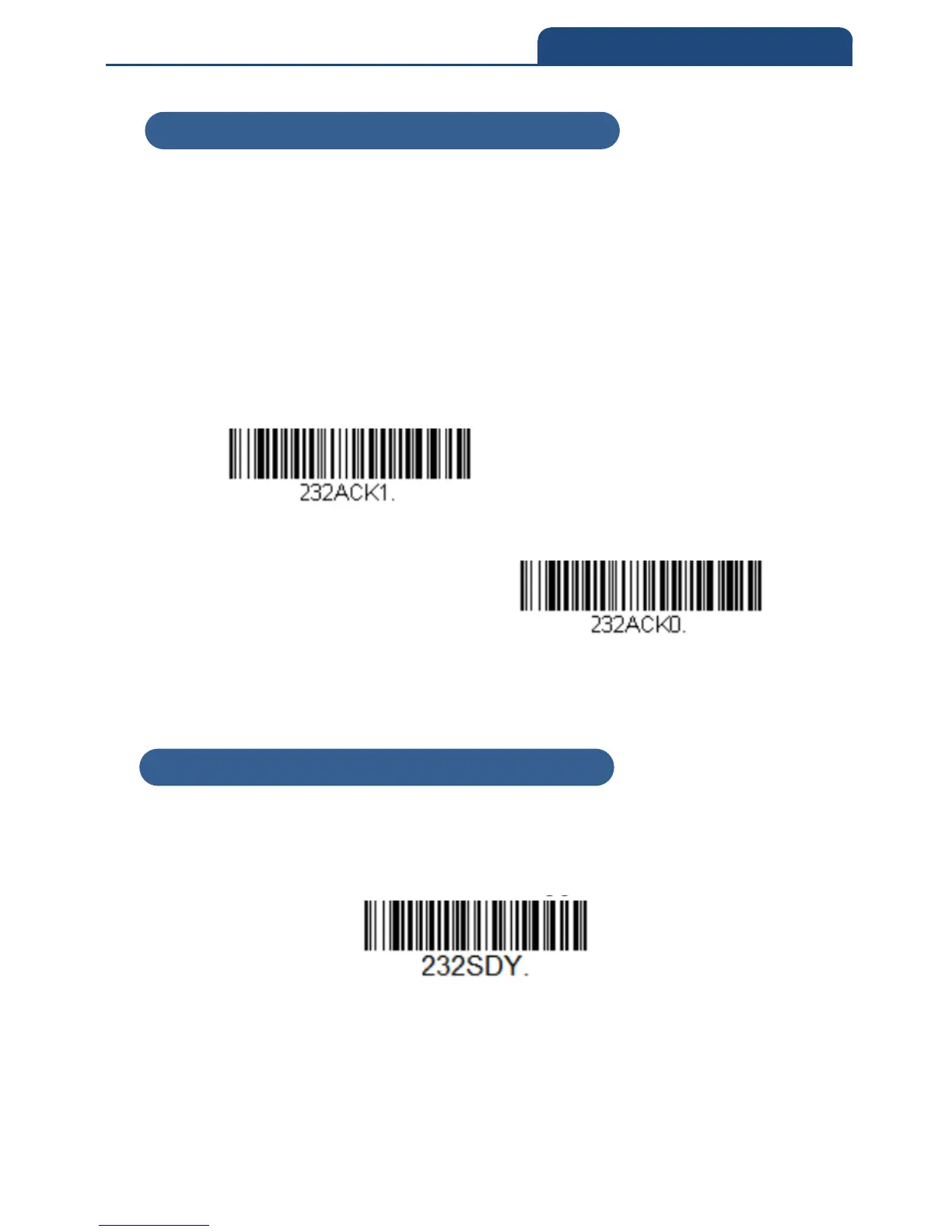
2-8-7 ACK/NAK
After transmitting data, the scan engine waits for an ACK character (hex 06) or
a NAK character (hex 15) response from the host. If ACK is received, the
communications cycle is completed and the scan engine looks for more bar
codes. If NAK is received, the last set of bar code data is retransmitted and the
scan engine waits for ACK/NAK again. Turn on the ACK/NAK protocol by
scanning the ACK/NAK On bar code below. To turn off the protocol, scan
ACK/NAK Off.
Default = ACK/NAK Off
ACK/NAK ON
ACK/NAK OFF
2-8-8 RS232 Stop Mode
Scan the following bar code to force the engine into a stop mode. Restart the
engine by using a trigger pull, nWake, or RxD toggle.
RS232 Stop Mode On
2-8-7 ACK/NAK
2-8-8 RS232 Stop Mode



 To Next Page