30
2. PROGRAM THE INTERFACE
2-5 Keyboard Conversion
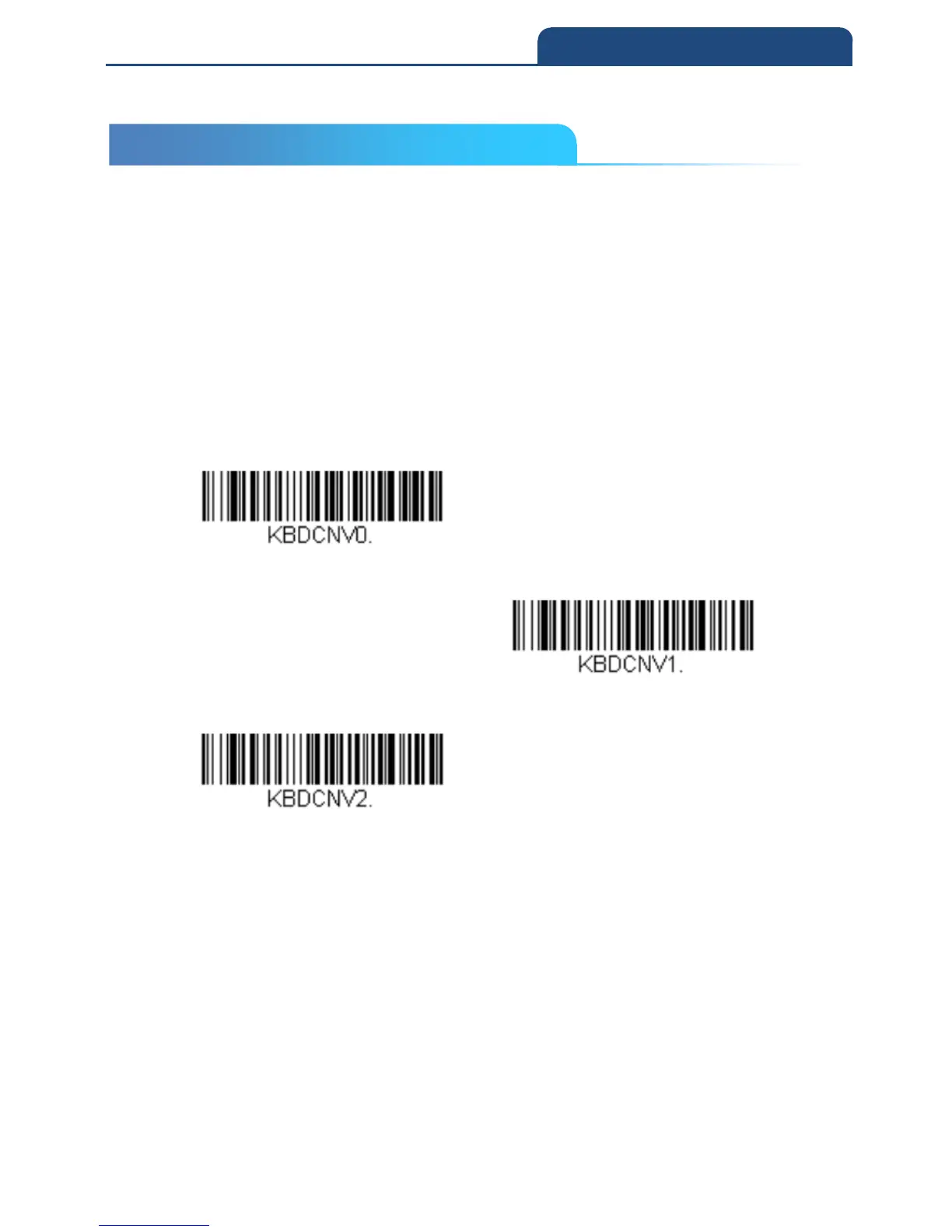
Alphabetic keyboard characters can be forced to be all upper case or all
lowercase.
So if you have the following bar code: “abc569GK,” you can make the output
“ABC569GK” by scanning Convert All Characters to Upper Case, or to
“abc569gk” by scanning Convert All Characters to Lower Case.
These settings override Keyboard Style selections.
Note: If your interface is a keyboard wedge, first scan the menu code for
Automatic Caps Lock. Otherwise, your output may not be as expected.
Default = Keyboard Conversion Off
Keyboard Conversion off
Convert All Characters to Upper Case
Convert All Characters to Lower Case
2-5 Keyboard Conversion



 To Next Page