57
3. INPUT/OUTPUT SETTINGS
3-9 Presentation Mode
Presentation Mode uses ambient light to detect bar codes. The LED dims until
a bar code is presented to the scanner, then the LED brightens to read the
code. If the light level in the room is not high enough, Presentation Mode may
not work properly.
Note: Scan the following bar code to program your scanner for Presentation
Mode.
Presentation Mode
3-9-1 Idle Illumination - Presentation Mode
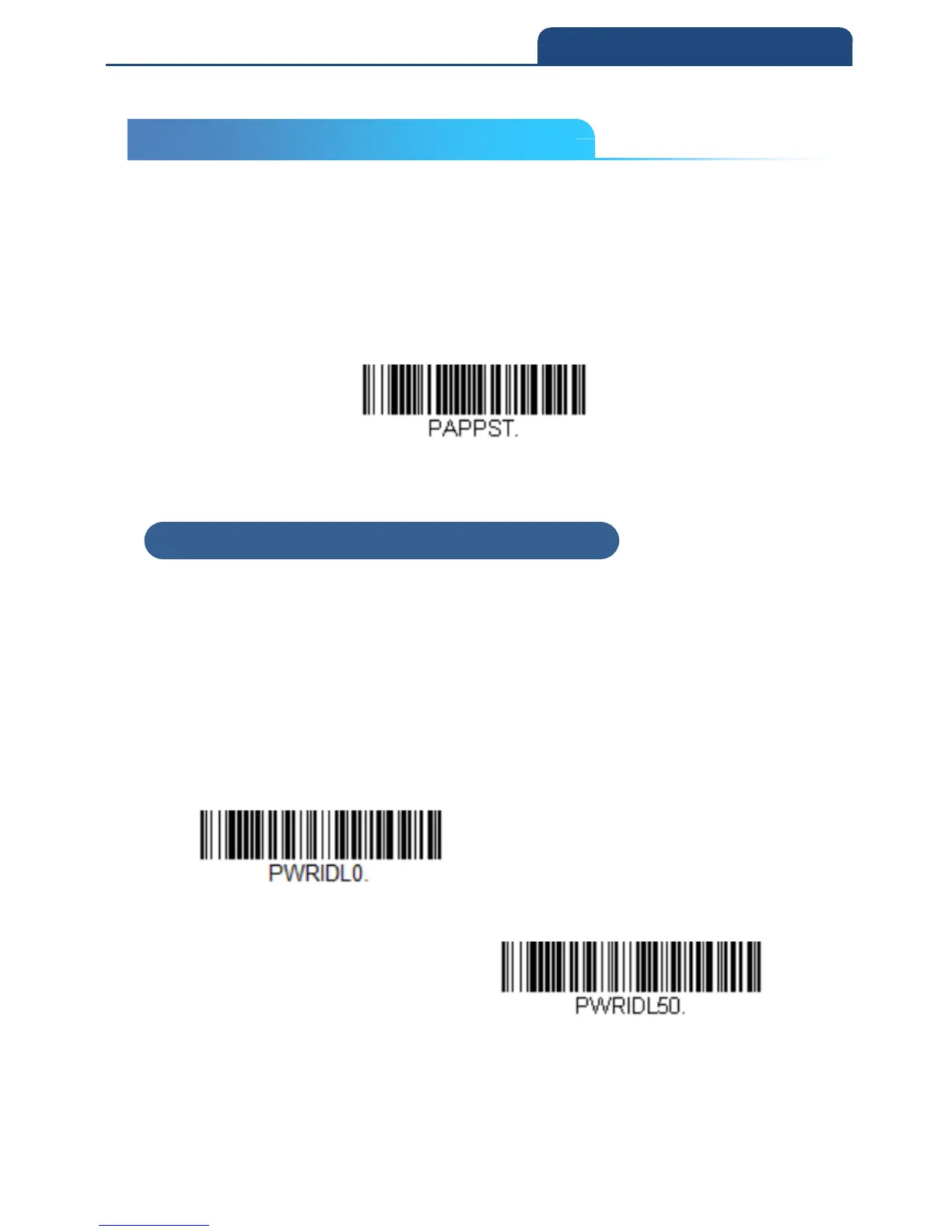
Scan one of the bar codes below to set the LED illumination for the scanner
when it is in an idle state in Presentation Mode.
Default = On
Note: If you use one of the lower Idle Illumination settings, and there is not
enough ambient light, the scanner may have difficulty detecting when a bar
code is presented to it. If the scanner has difficulty “waking up” to read bar
codes, you may need to set the Idle Illumination to a brighter setting.
Off
On
Note: LED Illumination - Presentation Mode does not apply to Poor Quality
PDF Codes
or Mobile Phone Read Mode.
3-9 Presentation Mode
3-9-1 Idle Illumination – Presentation Mode



 To Next Page