75
4. DATA EDITING
4-1 Prefix/Suffix Overview
When a barcode is scanned, additional information is sent to the host computer
along with the barcode data. This group of barcode data and additional,
user-defined data is called a “message string.” The selections in this section
are used to build the user-defined data into the message string.
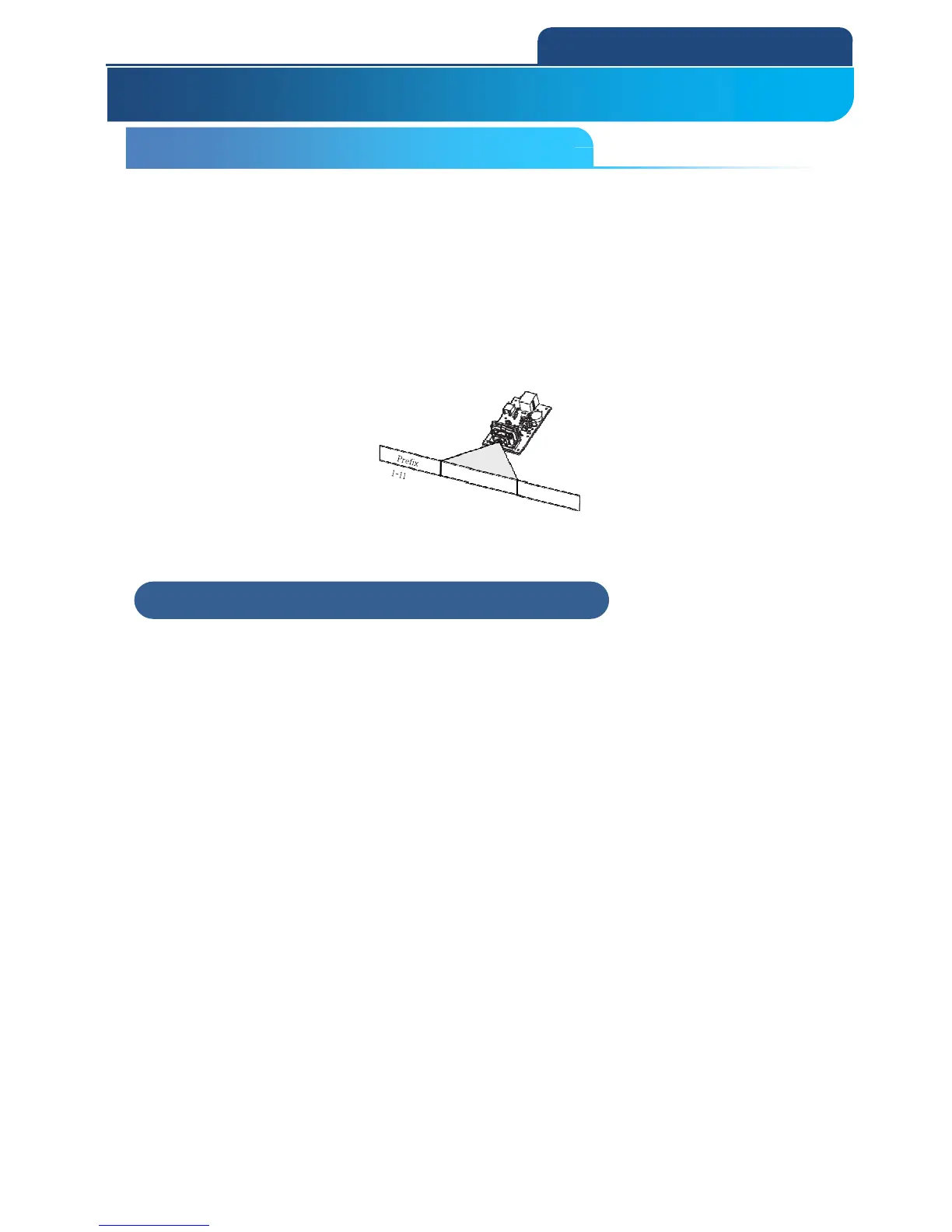
Prefix and Suffix characters are data characters that can be sent before and
after scanned data. You can specify if they should be sent with all symbologies,
or only with specific symbologies. The following illustration shows the
breakdown of a message string:
4-1-1 Points to Keep In Mind
It is not necessary to build a message string. The selections in this chapter are
only used if you wish to alter the default settings.
Default prefix = None Default suffix = None.
A prefix or suffix may be added or cleared from one symbology or all
symbologies.
You can add any prefix or suffix from the ASCII Conversion Chart (Code Page
1252), plus Code I.D. and AIM I.D.
You can string together several entries for several symbologies at one time.
Enter prefixes and suffixes in the order in which you want them to appear on
the output.
When setting up for specific symbologies (as opposed to all symbologies), the
specific symbology ID value counts as an added prefix or suffix character.
The maximum size of a prefix or suffix configuration is 200 characters, which
includes header information.
4. DATA EDITING
4-1 Prefix/Suffix Overview
4-1-1 Points to Keep In Mind



 To Next Page